==>
Transparent Border Color
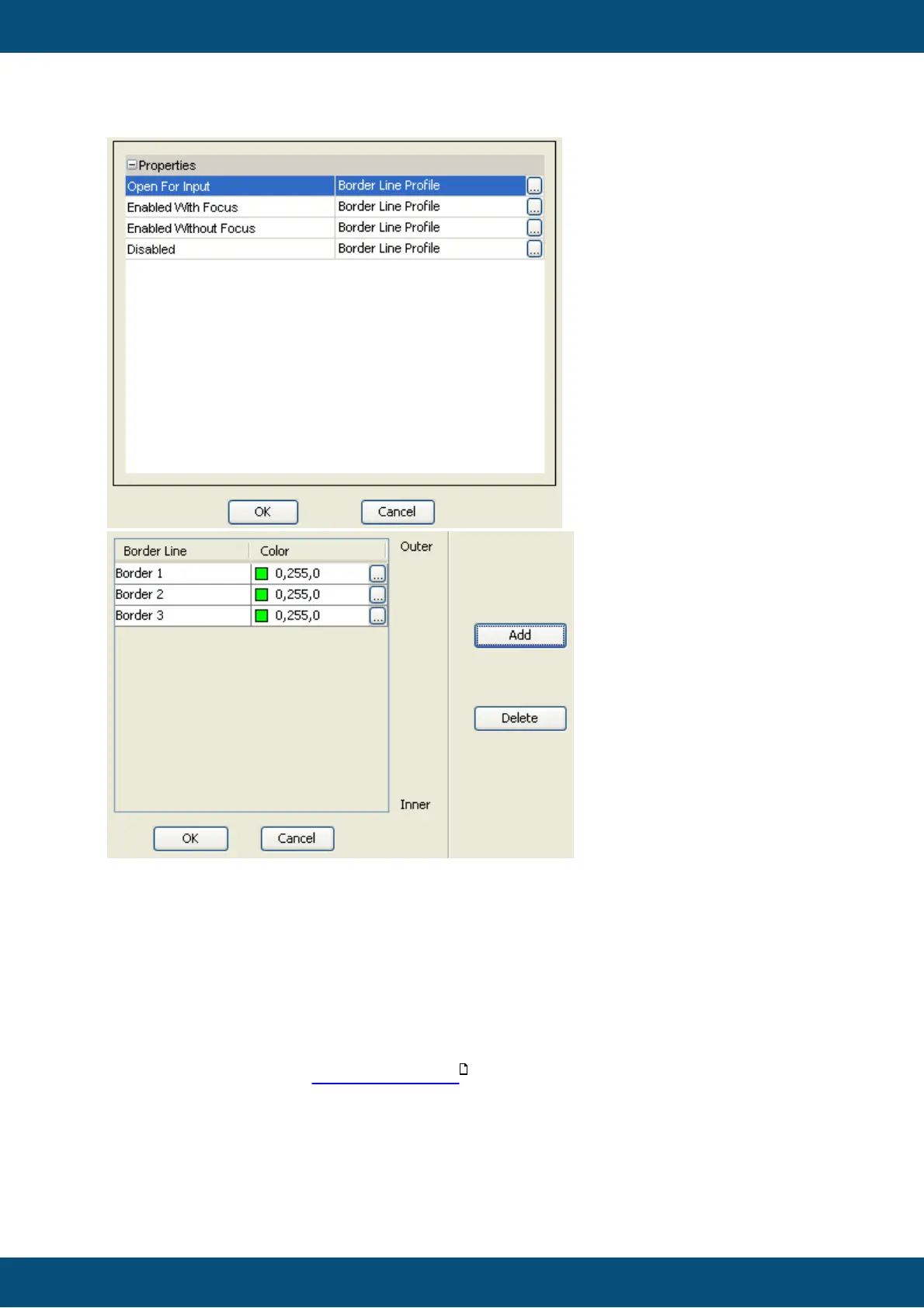
With the Transparent Border Color it is possible to make a border profile of a certain state
or single lines of a border profile invisible.
A relatively common use case is: Make the color that is used in the state Enabled Without
Focus the same as the transparent border color. Like this the object will only have a visible
border if it has focus or is open for input.
Default value: Depending on the selected theme when creating a project. It's blue for the
modern themes, black for classic theme. Change the default transparent border color for all
objects of a project in the Project Properties .
Possible values: any 24Bit RGB color
Transparent (Theme dependent)



 To Next Page