An object can directly connected to the encoder. This means that the user does not need to
select the object and make it open for input.
The consequence of enabling this property is, that this object is the only input object on the
current page.
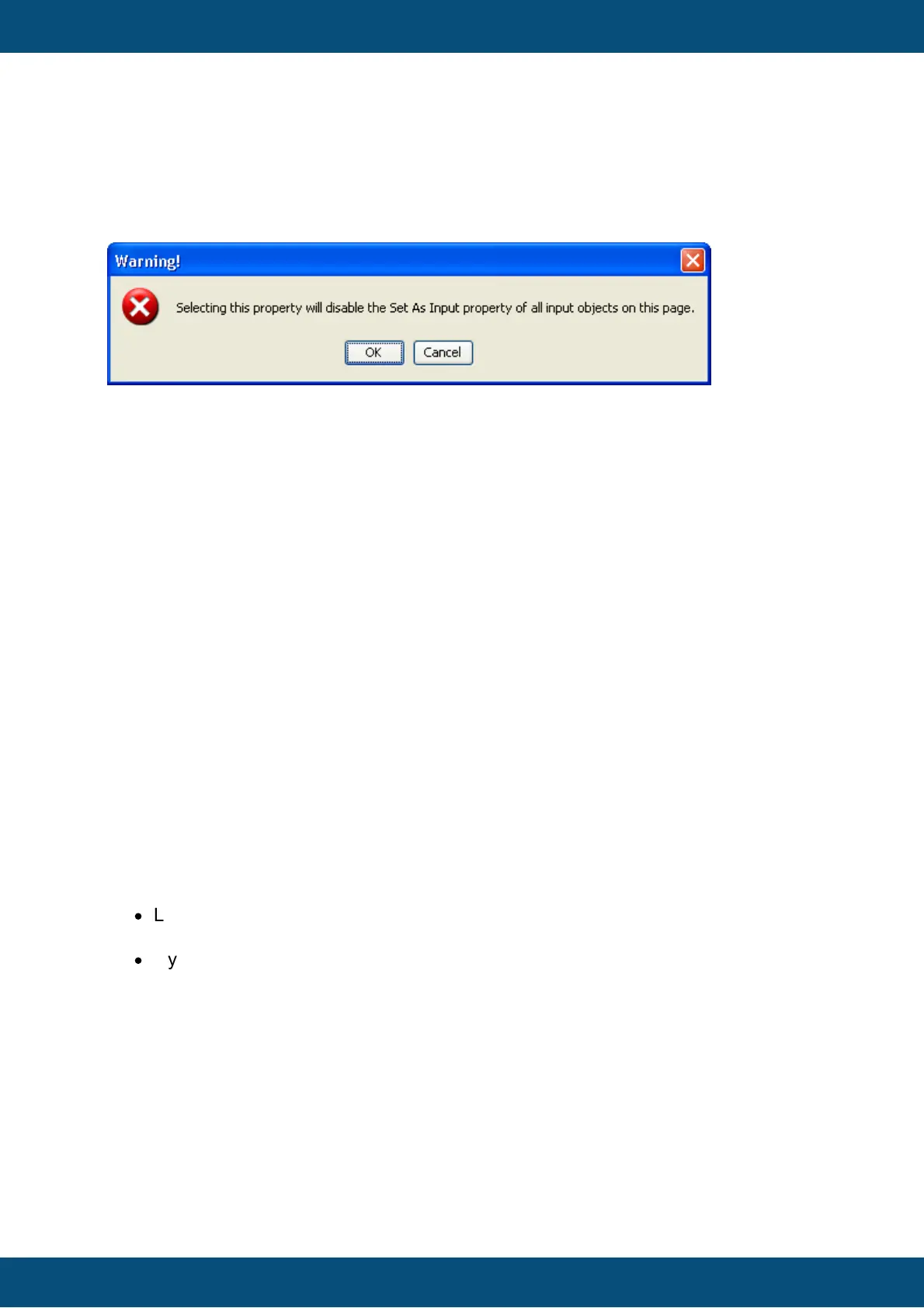
The following dialog will pop up when enabling this property:
When clicking OK, the Set As Input property of all other objects on the current page will be
disabled. Clicking cancel will keep the Connect To Encoder Property disabled.
Default value: Disabled
Possible values: Enabled or disabled
Note that the Send Value Directly property (see below) should also be enabled when
enabling the Connect To Encoder property.
The property is only available if Set As Input for this object is enabled.
Send Value Directly
If Send Value Directly is enabled, the value that the user enters via encoder is transmitted
to the variable (and possibly CAN bus) with every value change the user does.
If this property is disabled, the value will be set only after the user has finished editing (e.g.
pressing encoder).
Send Value Directly could also be called Live Editing. Enable this if you want to have every
value change by the user be reflected in an action (e.g. setting a value that's result can
directly be seen, e.g. moving something physically at the vehicle, changing display
backlight intensity, etc.). Disable the property if you are only interested in the final value that
the user sets.
Default value: Disabled
Possible values: Enabled or disabled.
This property is only available for objects that work with integer values.
The property is only available if Set As Input for this object is enabled.
Encoder Movement
There are two options available:
·
Linear:
Every encoder click results in a value change of 1 (or -1 depending on direction)
·
Dynamic
Based on the speed of the encoder turns, the value increment or decrement is
dynamically accelerated.
Use dynamic encoder movement if a very high value range is set for the object.
The amount of dynamic encoder acceleration can be configured with the Value Change
Factor property (see below).
Default value: Linear
Possible values: Linear or Dynamic
The property is only available if Set As Input for this object is enabled.
Value Change Factor



 To Next Page