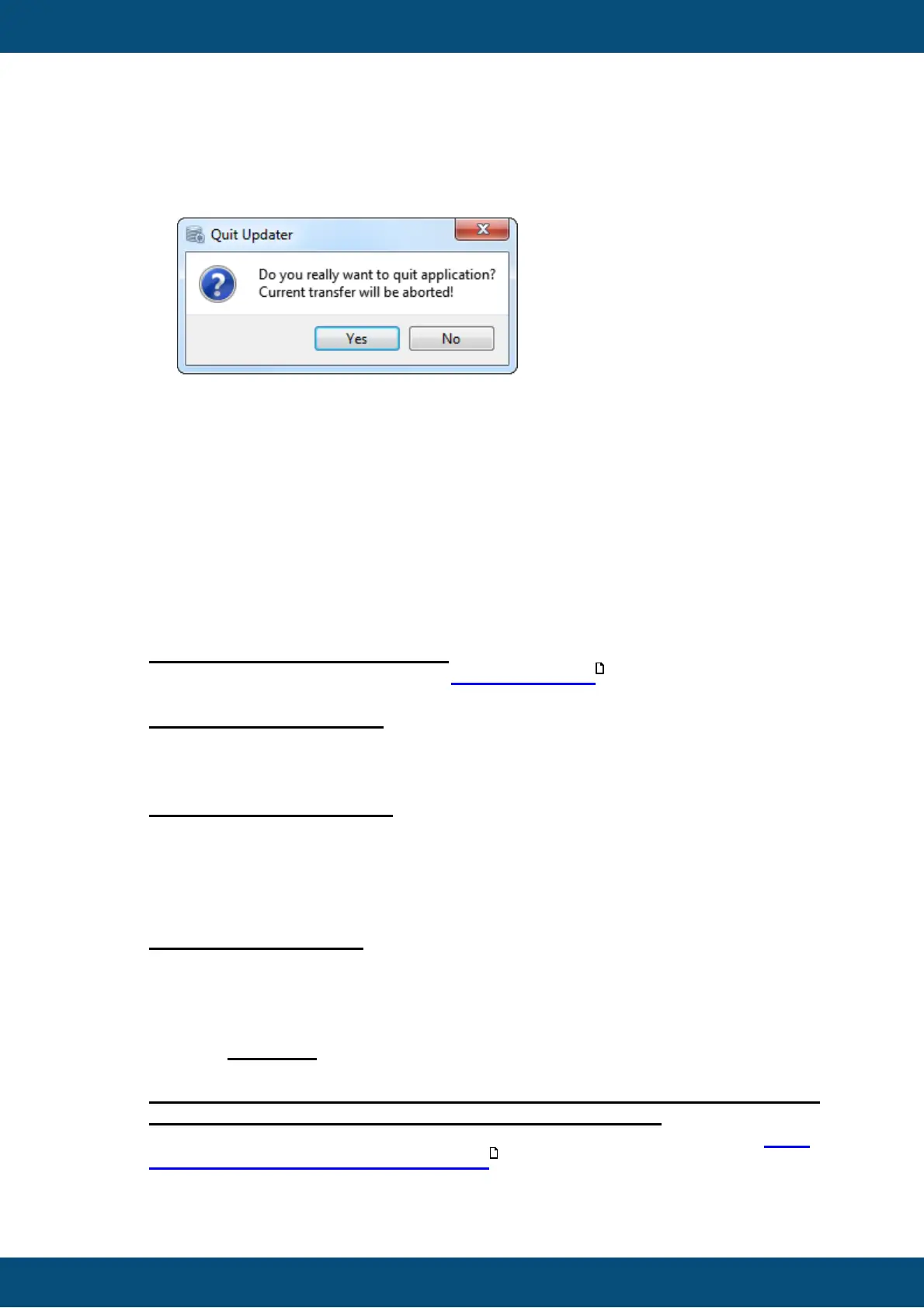
If the application is closed via the "X" button during active transfer, a dialog is
shown with a warning that the current transfer will be aborted.
The Transfer is devided in 5 Steps:
1. Creating Project Package => Creates the Project Package which is
transmitted.
2. Connecting => Tries to connect the device via CAN bus.
3. Transferring => Transfers the Project Package
4. Installing => Installs the Project Package on the device
5. Disconnecting => Disconnects device.
If a step has finished successfully, a green check mark is shown and the next step is
starting.
If as step fails, a red x is shown and the the update progress stops. In this case an
error code with error text is shown.
The current step is always shown in bold font (highlighted).
Step 1: Creating Project Package:
It can take several seconds until the Project Package is created.
If this step fails, an error code with error text is shown in the GUI.
Step 2: Connecting device
In this step the HostUpdater tries to establish a connection to the ClientUpdater.
The HostUpdater awaits a reply within 10 seconds.
This step can be aborted by pressing the Cancel button.
Step 3: Transferring project
In this step the HostUpdater sends the Project Package to the ClientUpdater. If the
connection is interrupted for more than 10 seconds, the transfer is aborted.
This step can be aborted by pressing the Cancel button.
If the CAN transfer does not work properly, please have a look at the chapter FAQ:
Why do the CAN Transfers not work?
Step 4: Installing project
The transferred Project Package will be installed in this step. This step will
automatically start on the device when Step 3 has successfully finished.
Step 4 continues on the device, even if the CAN connection is interrupted after Step
3 or during Step 4.
This step CAN NOT be aborted by pressing the Cancel button. Once the install step
has started on the device, it will keep running until it is finished.
Don't disconnect the device from power supply during Step 4, otherwise the
project is not installed properly and will probably not start.
If the CAN Transfer does not work properly please have a look at the chapter FAQ:
Why does the CAN Transfer not work?



 To Next Page