712
OPUS Projektor Manual
Miscellaneous
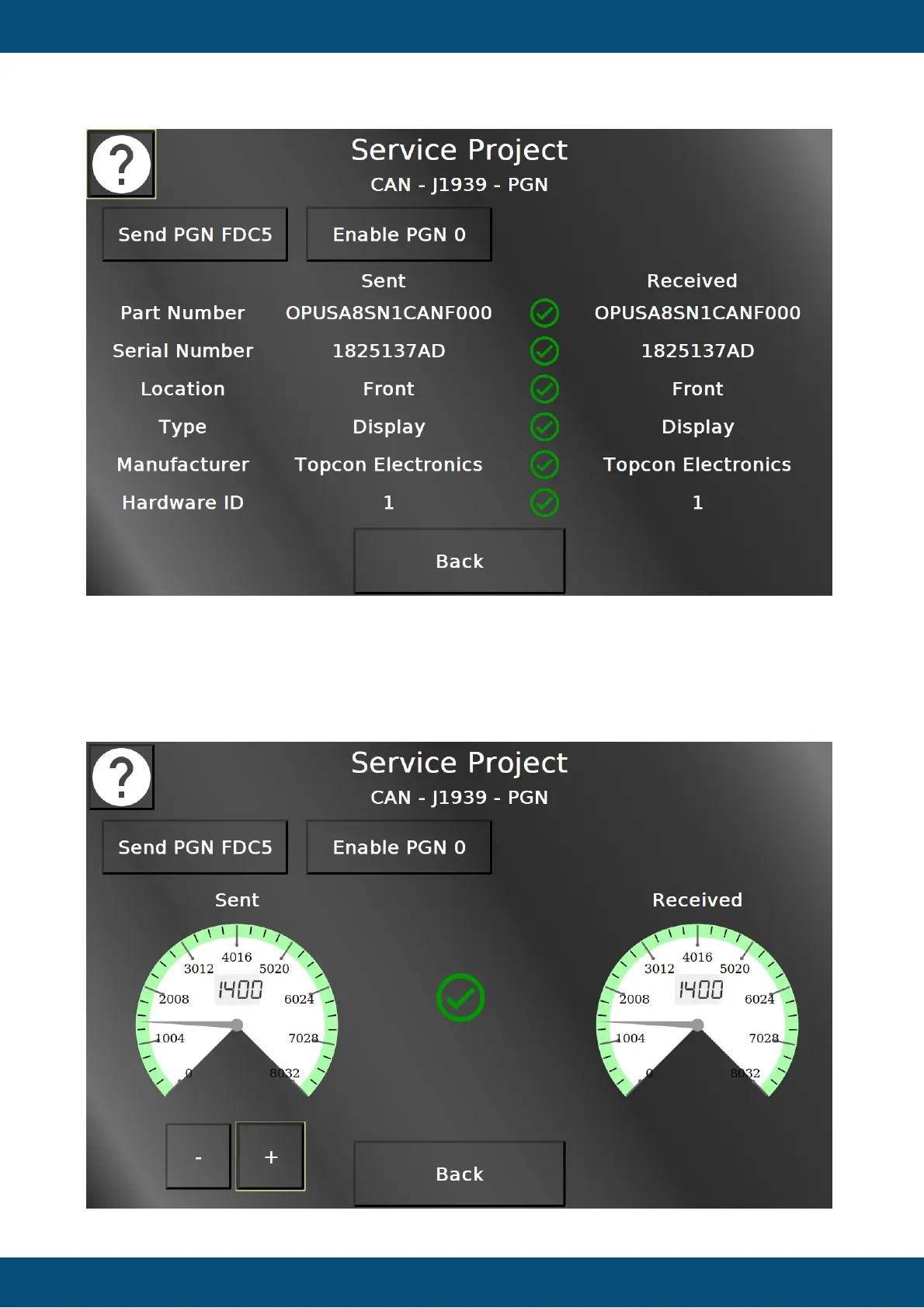
On this screen, two PGNs can be tested. PGN FDC5 contains some device information. With
Send PGN FDC5 the PGN is sent from CAN bus 1 to 2 and the received values are
compared to the actual values on the left. If they are correct, green check marks will be
displayed. If they are not, a red cross will be displayed instead. The values for Location, Type,
Manufacturer and Hardware ID can be edited.


 To Next Page
 Loading...