713
OPUS Projektor Manual
Miscellaneous
Pressing Enable PGN 0 starts the periodic transfer of PGN 0, usually used to transfer the
target RPM. The gauge on the left side shows the value that is transferred, the gauge on the
right shows the received value. With the plus / minus buttons the value can be changed.
If the values are identical, a green check mark will be displayed. If they are not, a red cross will
be displayed instead.
Back returns to the J1939 menu.
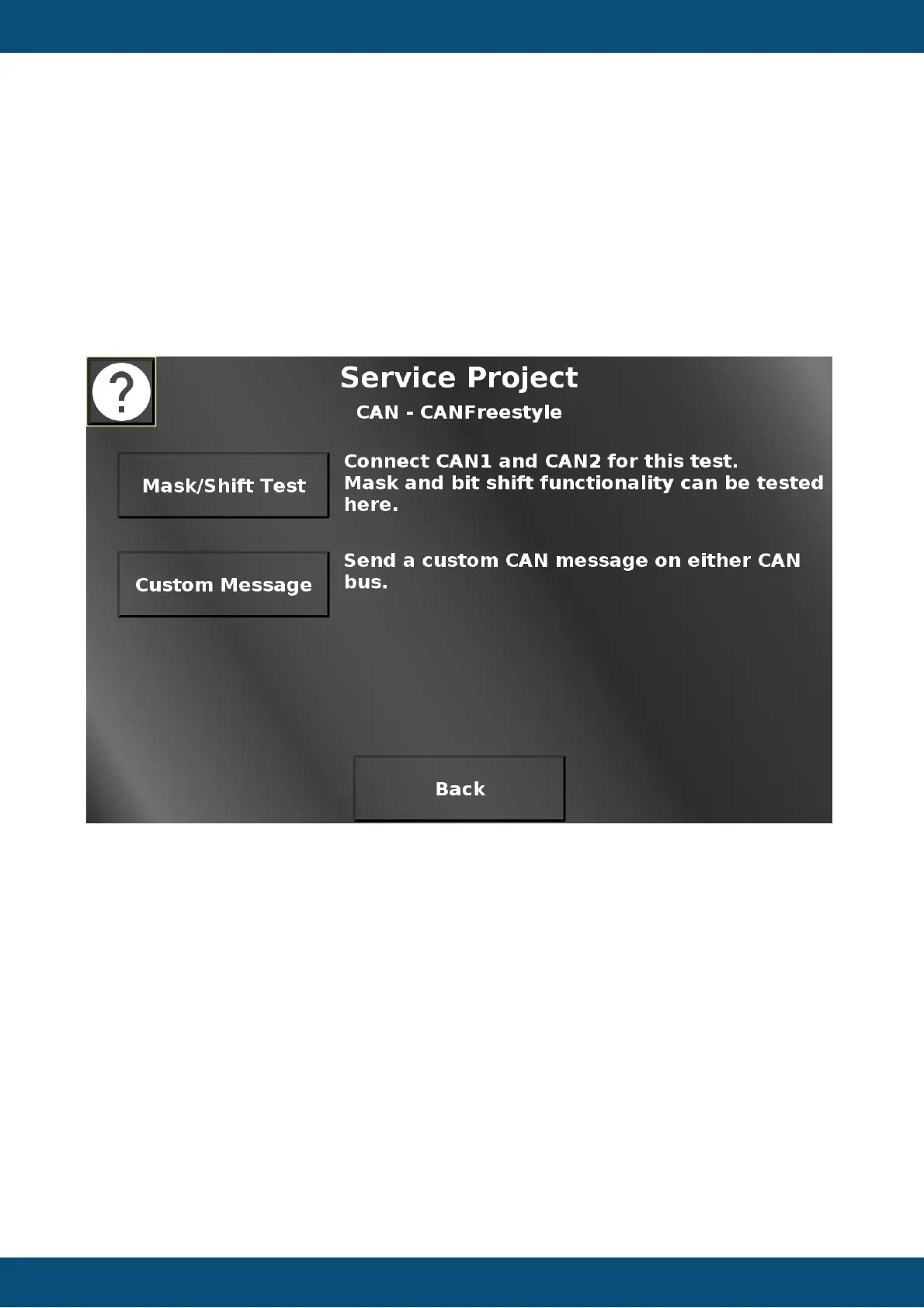
Service Project -> CAN -> CANFreestyle
In this screen the mask, bit shift, scaling and offset test page and a page to send a custom
CAN message can be opened. Back returns to the CAN menu.
Service Project -> CAN -> CANFreestyle -> Mask / Shift Test


 To Next Page
 Loading...