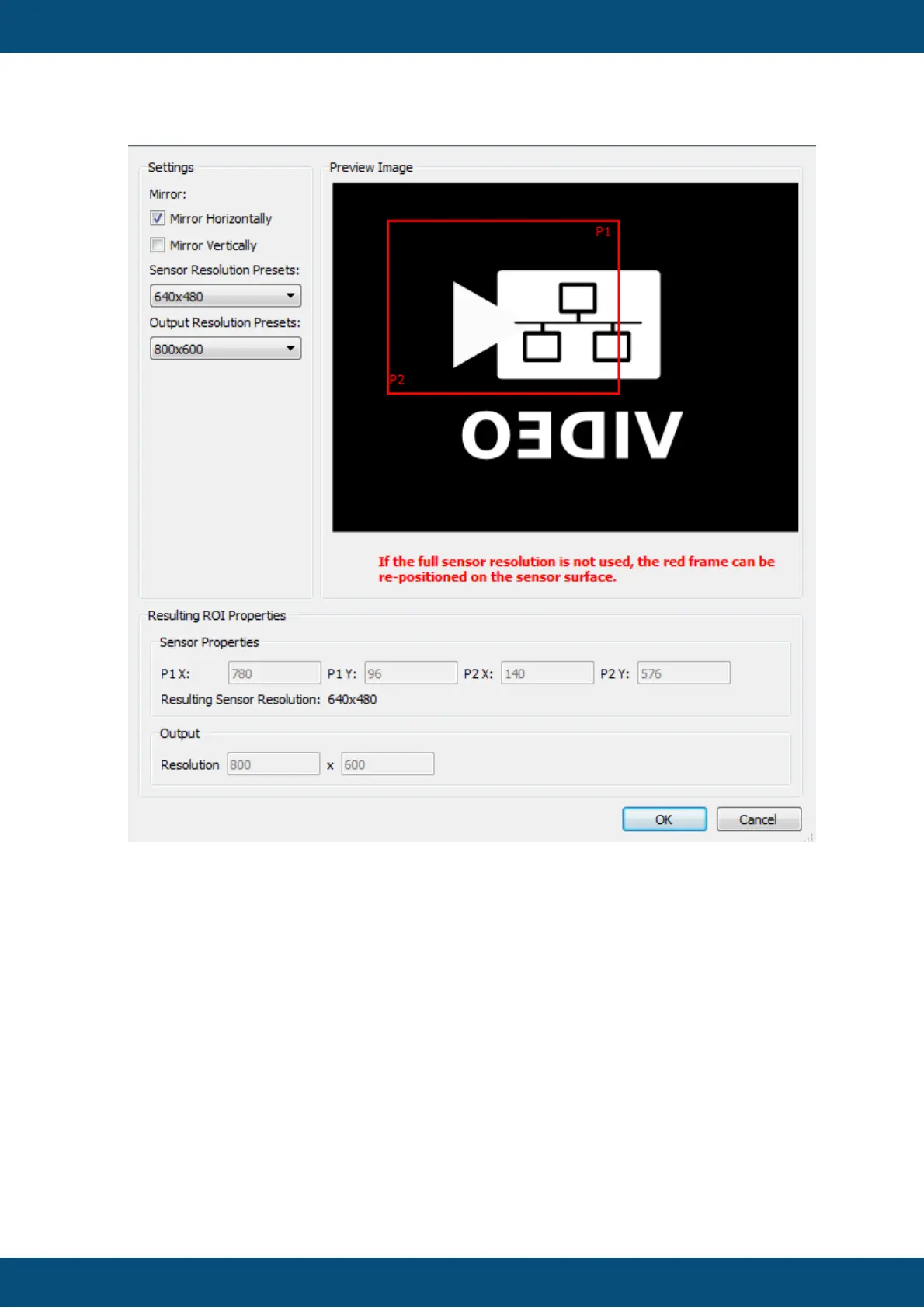
Use the Mirror Horizontally (left will be right, right will be left) and Mirror Vertically (up
will be down, down will be up) check boxes to configure mirroring of the camera. The
preview image will change according to the mirror settings.
Use the Sensor Resolution Presets drop down box to select a region of the camera
sensor.
Use the Output Resolution Presets drop down box to select the resolution of the video
stream.
If the resolution selected in Sensor Resolution Presets does not cover the full sensor
area, the red rectangle in the Image Preview can be positioned with the mouse to
select the desired region of the camera sensor that shall be used.
The resulting ROI properties (P1/P2 and output resolution) are displayed at the bottom.



 To Next Page