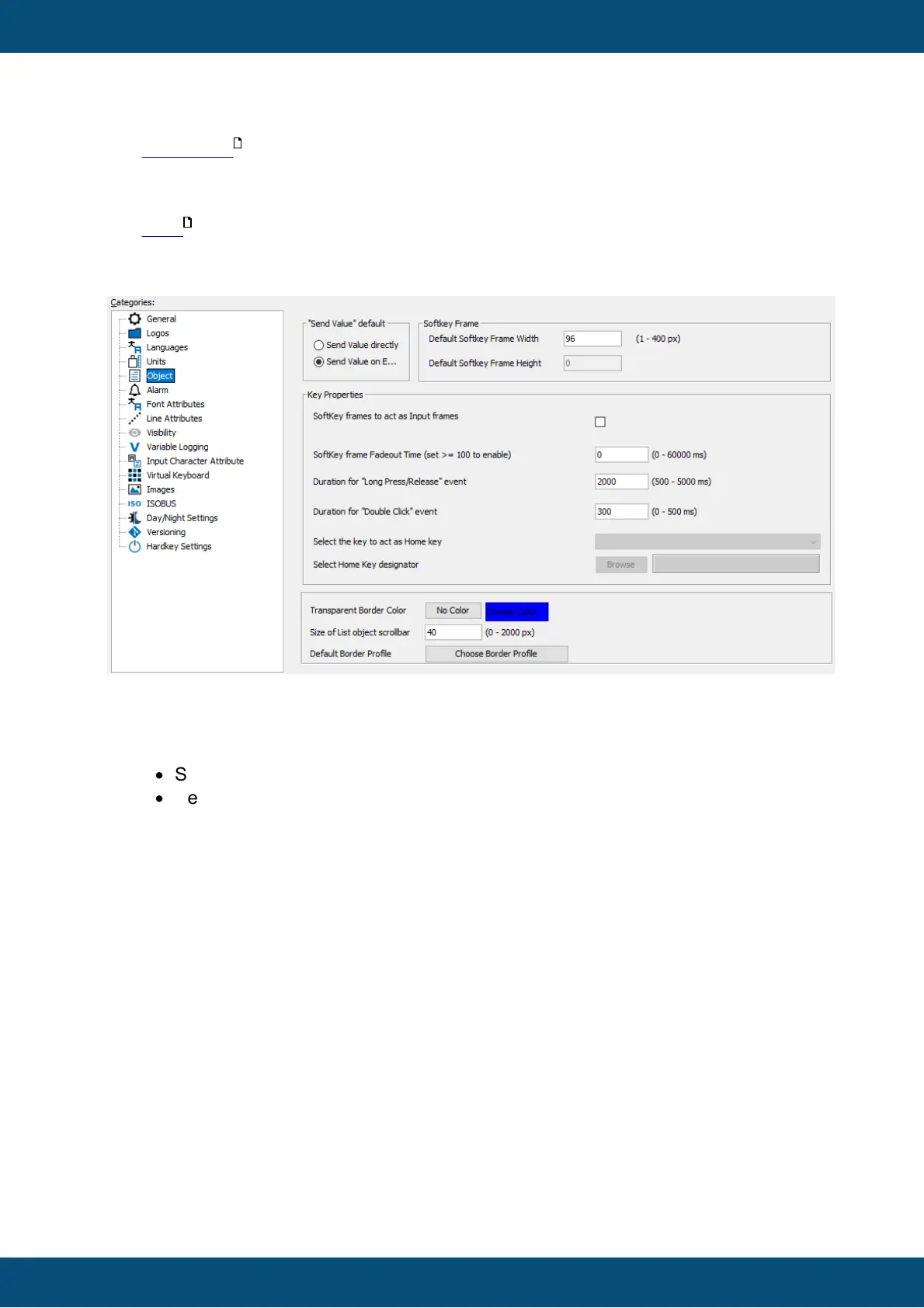
This property changes the default setting for accepting variable changes. There are two
possibilities available:
·
Send Value Directly
·
Send Value on Enter
Here is an example that describes the difference between them:
Lets assume your project uses an numeric field. The value of this numeric field is 1. The
variable attached to the numeric field is called FanSpeed. The user uses the encoder to
navigate to the numeric filed. Then he presses the encoder to open the numeric filed for
editing. Now he rotates the encoder. The value shown in the numeric changes
..2..3..4..5..6..7..8..9..10. When reaching value 10, the user ends editing of the value by
pressing encoder again.
Now the difference between the two possibilities is:
Send Value Directly: The variable value of variable FanSpeed changes nine times: 2,
3, 4, 5, 6, 7, 8, 9, 10. If the variable was mapped to a transmit CAN message which is
sent on any value change, this message would be sent nine times, too. Another example:
If the variable @DispBacklightIntensity would have been connected to the numeric
field, the user could see the brightness changes while finding the proper value.
Send Value on Enter: the variable value of variable FanSpeed changes only one time
(when the user accepts the value by pressing encoder): 10. If the variable is mapped to a
transmit CAN message which is send on any value change, this message would be
send only one time. Another example: If variable @DispBacklightIntensity would have



 To Next Page