Log List 273
Log List
You can confirm the history of each copy, print, scan, and, sending and receiving of Fax, Internet
Fax and E-mail job on the log list.
You can also register unregistered Fax numbers or E-mail addresses into the address book from
the log list of the Fax and Internet Fax, or the log list of scan jobs.
The FAX Unit (optional) is necessary for the Fax function.
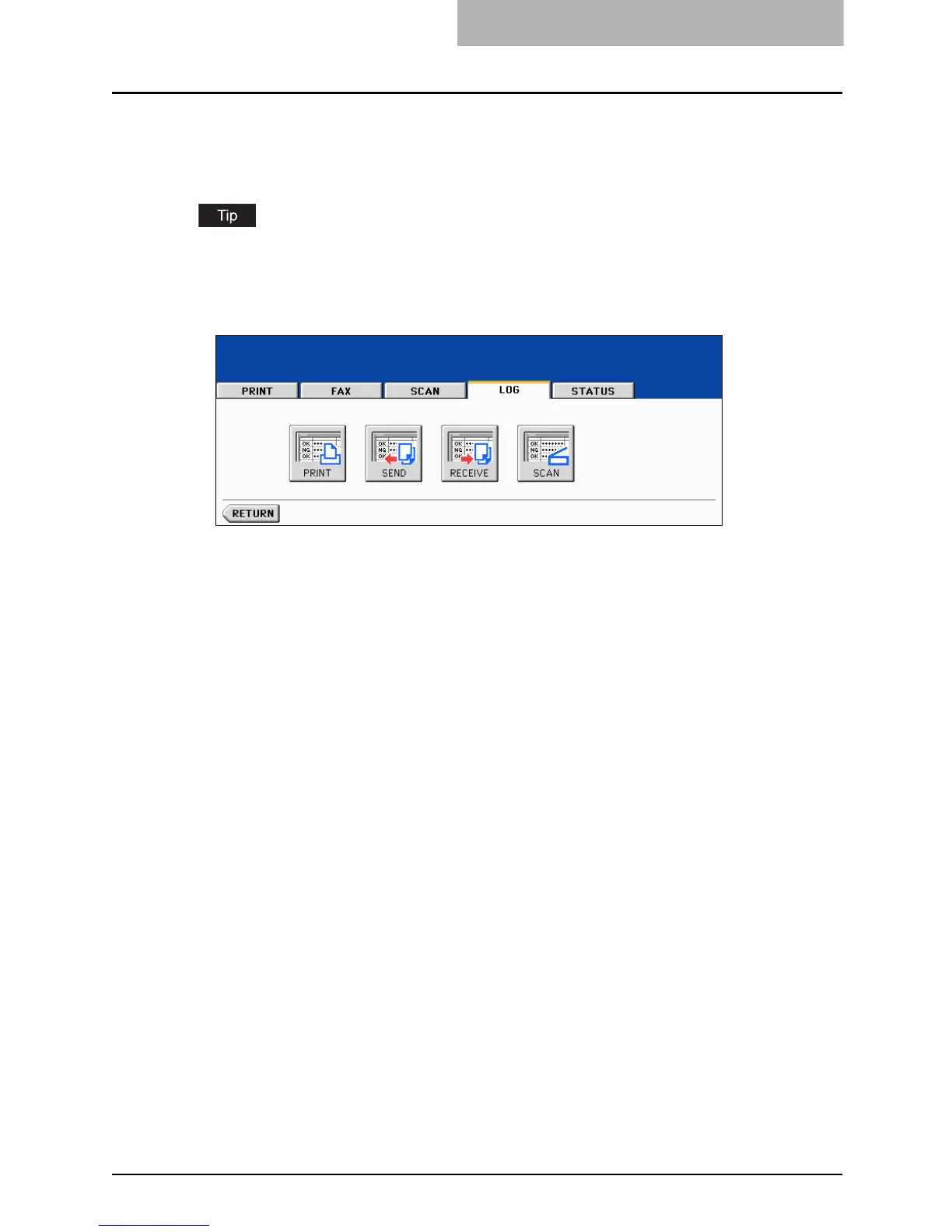
When you press the [JOB STATUS] button on the control panel and the [LOG] button on the
touch panel, the log menu is displayed.



 To Next Page
 Loading...



