Bypass Copying 91
Registering non-standard size in the memory
1
Follow steps 1 to 3 on “Bypass copying on non-standard size
paper” ( P. 8 8 ) .
2
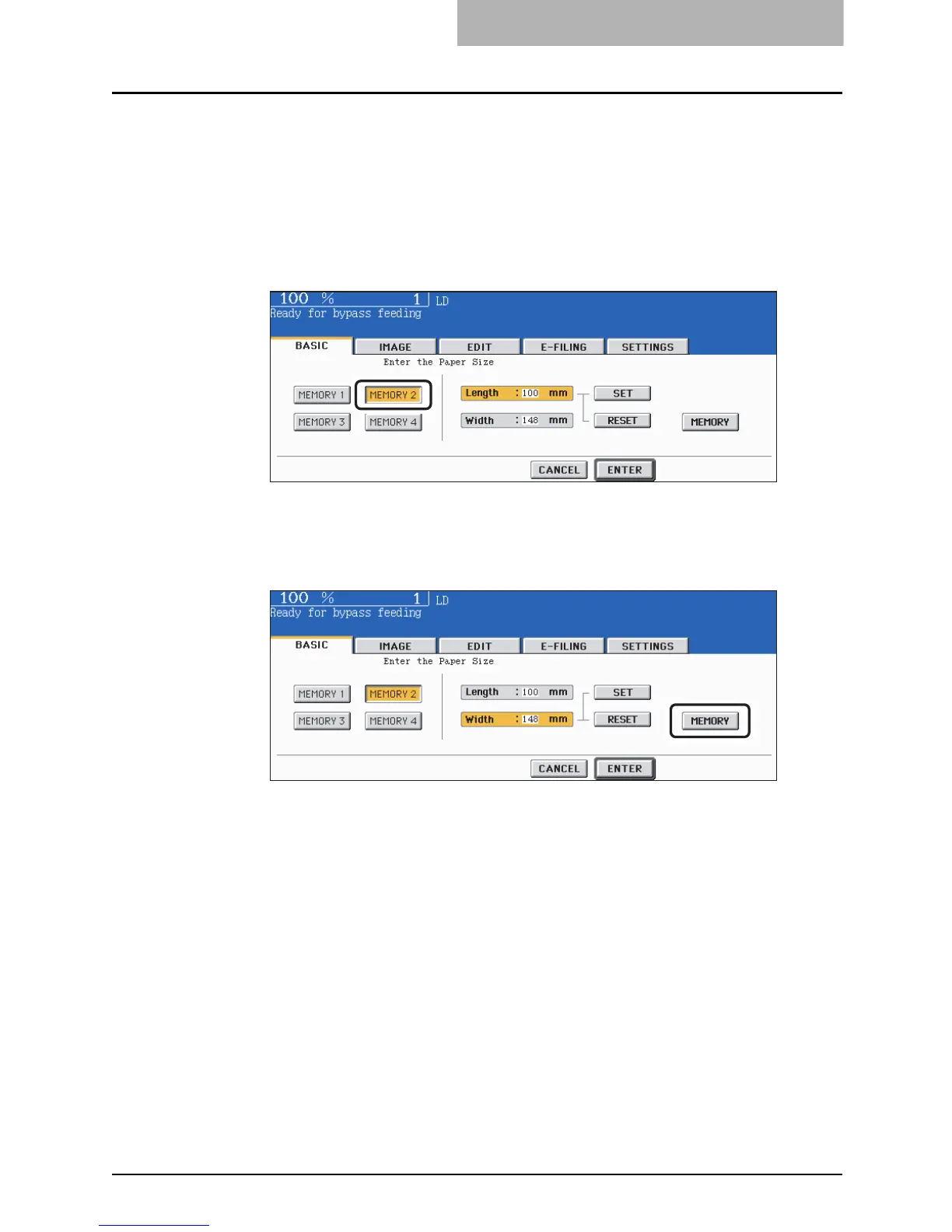
Press the memory number button (from [MEMORY 1] to [MEMORY
4]) you want to register the dimension.
3
Key in each dimension, and press the [MEMORY] button on the
touch panel.
y Key in its length in [Length] and press the [SET] button on the touch panel. Set its
width in the same manner.
y Paper size that can be set is as follows:
Length: 100 mm (3.94") to 297 mm (11.69")
Width: 148 mm (5.83") to 432 mm (17.01")



 To Next Page
 Loading...



