“Check paper size setting on control panel for drawer N” 359
During printing from the FAX or Printer (using a drawer)
2
Remove the jammed paper.
P.305 “Jam Symbols”
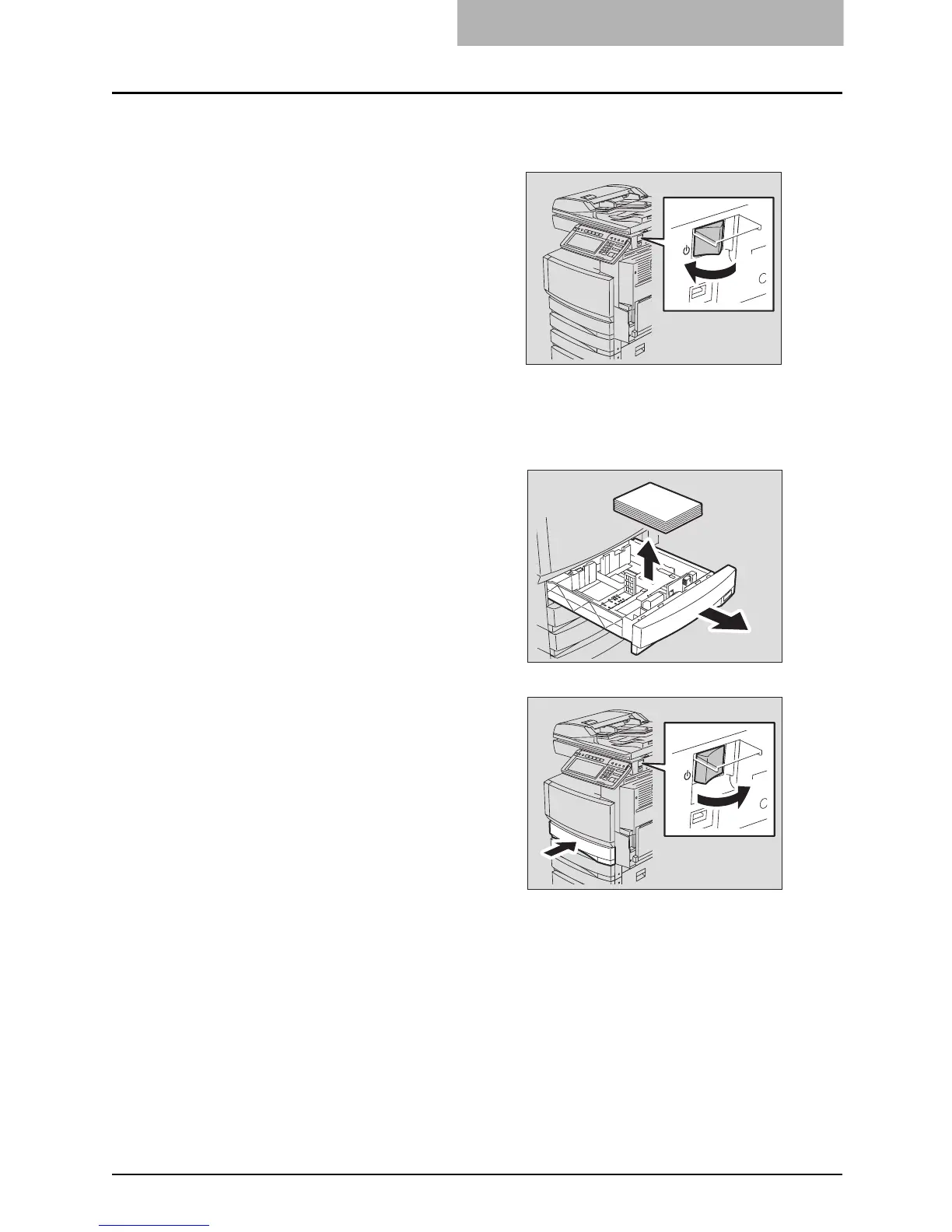
1
Turn the power of the equip-
ment OFF.
You cannot shut down the equipment.
3
Pull out the drawer mentioned
in the message. Then remove
all the paper in it.
4
Close the drawer and then turn
the power ON.



 To Next Page
 Loading...



