EVM Reports and Printing
EVM and Logging Settings
EVM Series User Manual
EVM Logging Parameters Table
Name Field
*Note: refer to Glossary for more detailed information
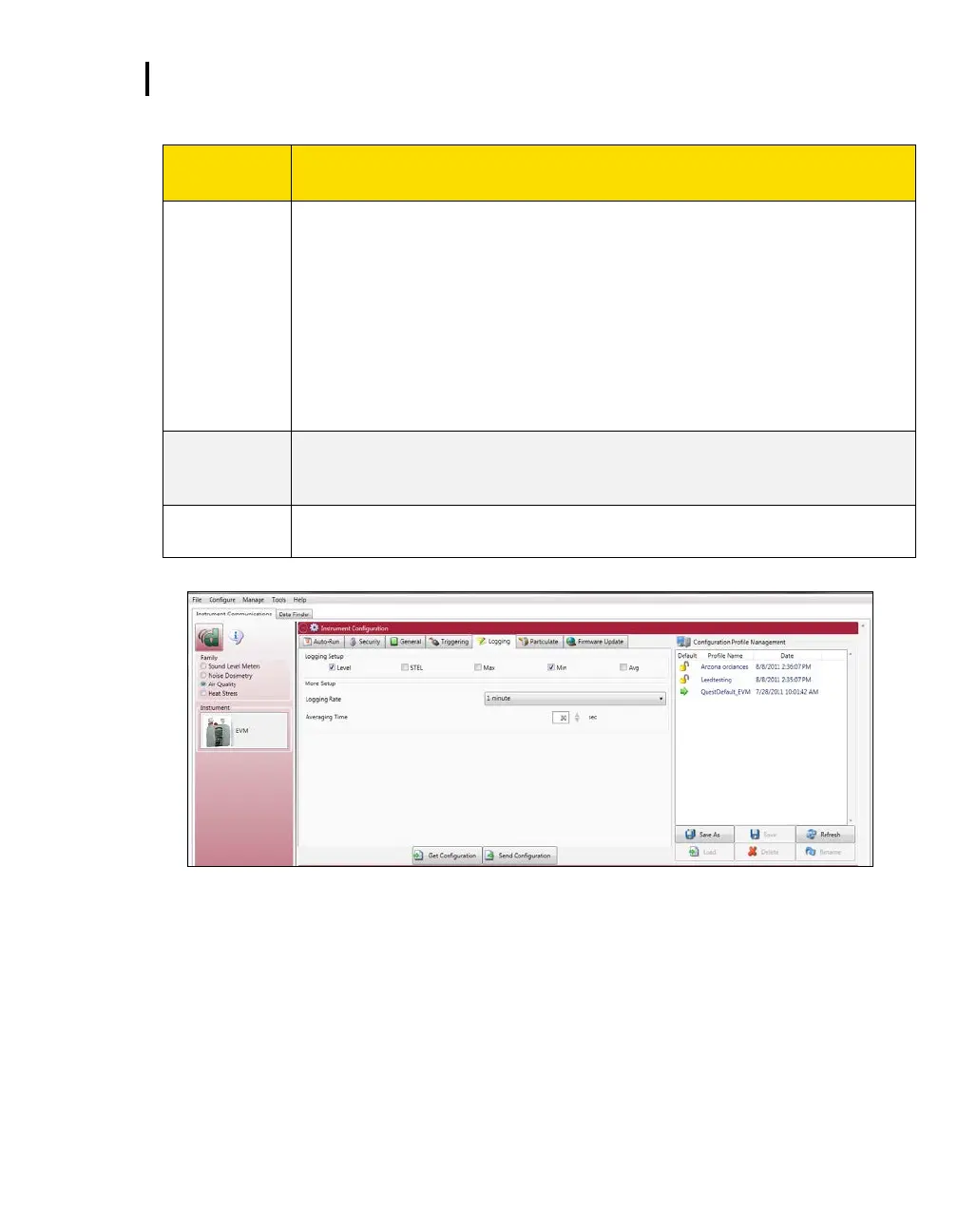
To enable logging, click in the specific checkbox to enable one or all of the following
measurements:
Level: The instantaneous measurement at a specific point in time.
STEL: The maximum concentration above the time-weighted average that
employees can be exposed to over a specific time period (usually 15 minutes) no
more than four (4) times per day. (See PEL for more information.)
Max: The maximum measurement over the time interval (or logging interval).
Min: The minimum measurement over the time interval (or logging interval).
Avg: The measurement value over the time interval (or logging interval).
Logging rate/interval (also called time history data) sets the frequency at which data
will be logged during a session. The settings include: 1, 5, 15, 30 seconds and 1, 5,
10, 15, 30, and 60 minutes.
A type of data filtering which is applied to the Level measurement. The selectable
parameters are 1-30 seconds.
Figure 6-9: Logging EVM setups
EVM and Auto-Run Setting
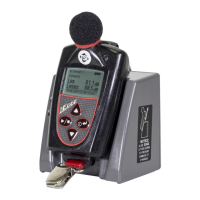
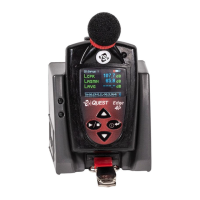
The EVM has four programmable auto-run settings including a timed run, a date, a day of week (DOW),
and a disabled mode.
The following Auto-Run settings are briefly explained below:
Timed-Run mode: With Timed Run, the EVM is powered on and run is enabled. The EVM will
automatically stop based on the programmed duration.


 To Next Page