Setting up the instrument automatically 3-11
10. From the Reference list, click the reference compound file for the sample
that has been injected into the instrument.
Note: Click the User specified value check box to tune using a specific
mass value.
11. Click Next.
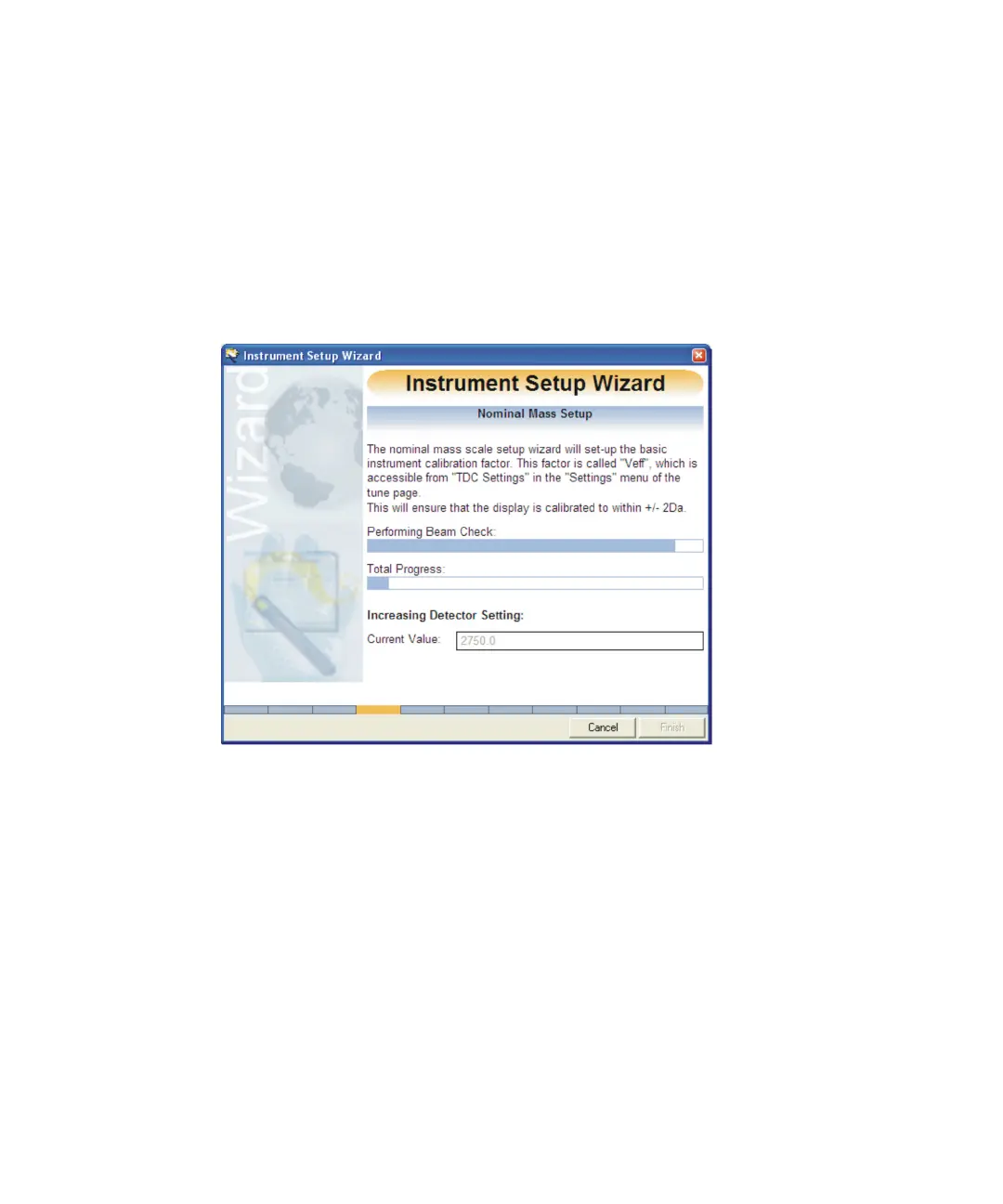
The Instrument Setup Wizard Nominal Mass window appears.
Instrument Setup Wizard Nominal Mass:
The wizard automatically calculates the Veff setting required to adjust
the peak position so that the correct nominal mass is assigned. The Veff
value is calculated so that the nominal mass range is set up. For
example, the masses are correct to within +/- 0.5 Da.
The Veff factor can also be set-up in the TDC Settings dialog box.
See also: Configuring the TDC settings on page B-11 and Manually
setting the Veff correctly on page B-47.
Once assigned the Instrument Setup Wizard Detector Setup window
appears.











 To Next Page