Starting data acquisition 4-3
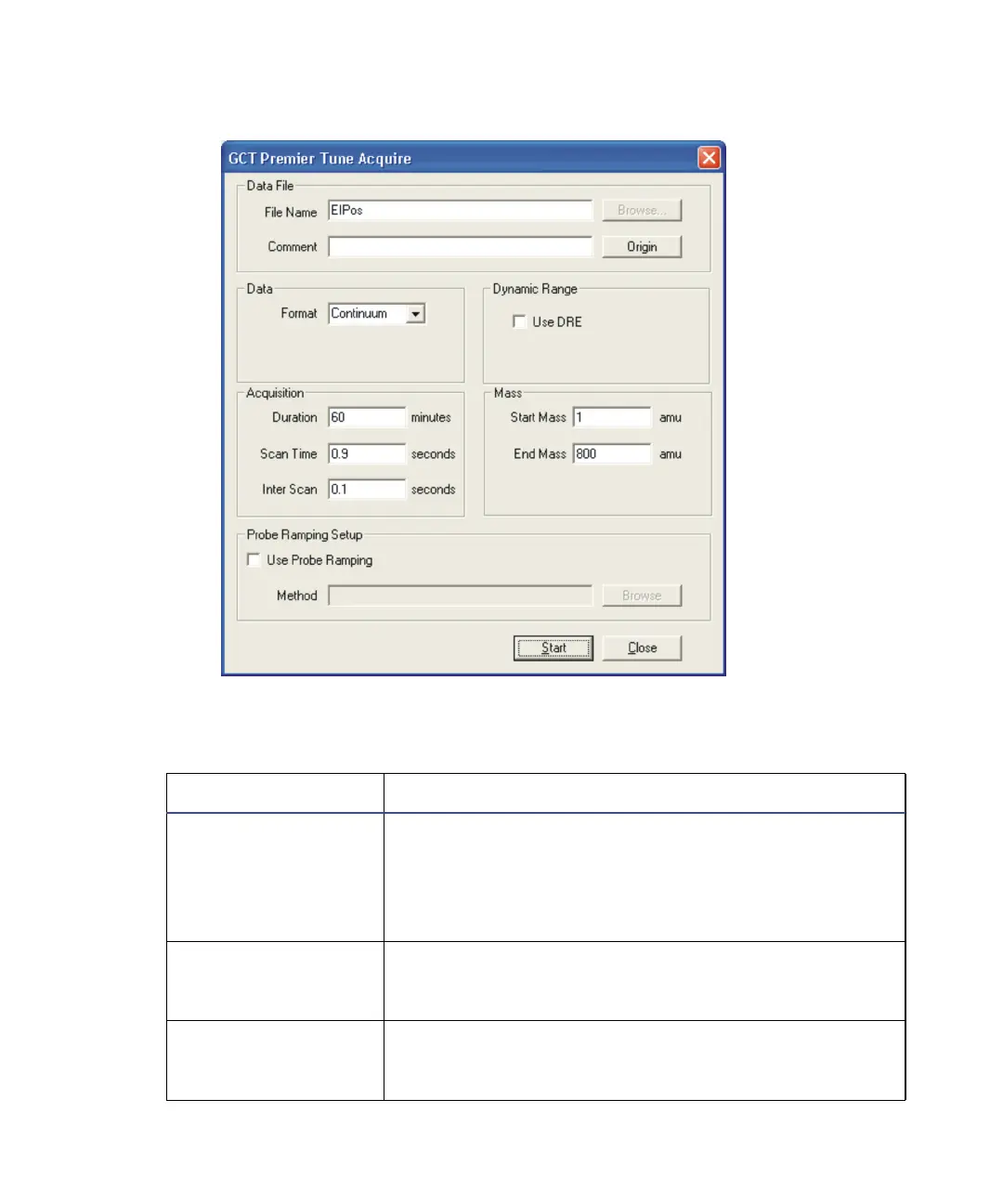
GCT Premier Tune Acquire dialog box:
GCT Premier Tune Acquire dialog box parameters:
Parameter Description
File Name Type the name of the data file to be created in this
text box. If the file already exists on the disk, then
MassLynx prompts you to rename the file or over-
write the existing one. MassLynx writes the file to the
data directory of the current project.
Comment Type a brief description of the sample in this text box.
This description can appear on any output of the
acquired data.
Origin Opens the Sample Origin dialog box, where you add
additional information about the sample. For
example the submitter, job, task, and conditions.











 To Next Page