430 Ink Jet Printer Service and Maintenance Manual
100
Issue 2
Part No. 306-0430-102
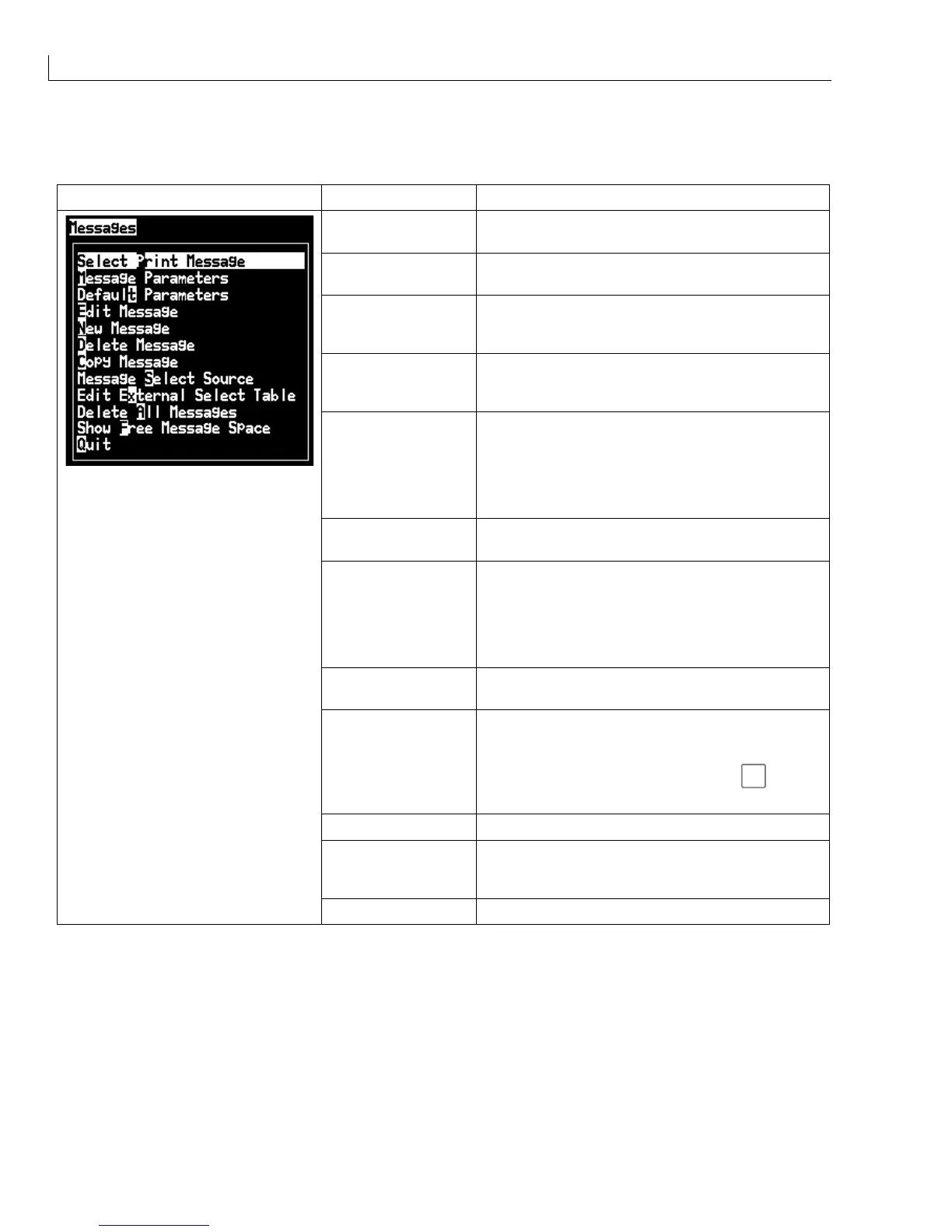
Messages Menu
Messages Menu Menu Option Function
Select Print Message
Opens the
Select Message
menu. Select a message
to be printed or edited.
Message Parameters
Opens the
Parameters For:
menu for the selected
message. All parameters can be changed.
Default parameters
Opens the
Default Parameters
menu. The default
parameters, used for new messages, can all be
changed.
Edit Message
Opens the
Select Message to Edit
menu. The
selected message is opened in an edit screen. To
save the edited message, go to the
Editor
menu
New Message
Opens the
New Message
dialogue. The user is
prompted to enter the new message name. The new
message can then be typed in the edit screen. To
save the new message, go to the
Editor
menu. The
parameters for a new message are set to the default
values.
Delete Message
Opens the
Select Message to Delete
menu. The
selected message is deleted.
Copy Message
Opens the
Copy Message
dialogue. Enter a
message name to copy
From:
and a message name
to copy
To:
. If the message name to copy to is an
existing message, an
Already exists. Overwrite it?
dialogue is opened (answer with
Y
or
N
). Otherwise a
new message is created.
Message Select
Source *
Opens the
Message Select Source
dialogue, with
options
Internal
or
External
.
Edit External Select
Table *
Opens the
External Message Select
menu. Enter the
names of the messages you want to be available to
the external source. The external message names
can be added, edited and deleted. Press
f2
to
select message names from a list of those available.
Delete All Messages Deletes all internal messages.
Show Free Message
Space
Displays the
Memory Space
screen, showing
message space free, work space free and the largest
block of message RAM.
Quit Returns to the quick screen.
* This function is disabled on the 430 printer.



 To Next Page