430 Ink Jet Printer Service and Maintenance Manual
30
Issue 2
Part No. 306-0430-102
Filling the Ink System
WARNING - INK/SOLVENT SPILLAGE HAZARD
Ensure that the top cover of the machine is lowered fully into the correct working position
and the filler tubes are correctly located in the ink/top up reservoir before continuing,
otherwise there is a risk of ink spillage.
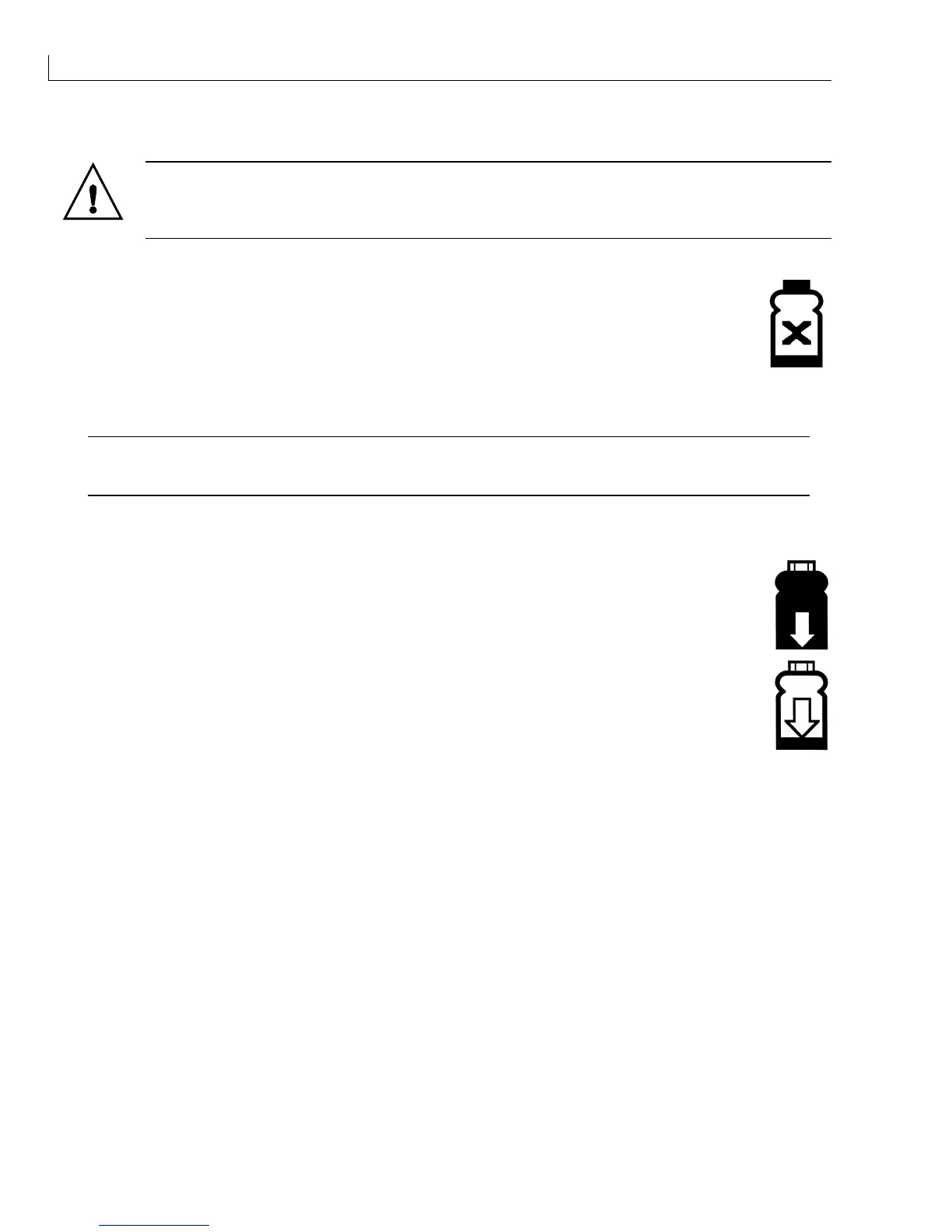
If the Ink Out icon is displayed, remove the filler plug from the top of the FMS and prime the
mixer bowl with 250 ml of ink using a syringe and a length of 40 mm x 6 mm diameter plastic
tube.
Note: The Ink Out icon will clear from the display before all the ink is added to the mixer tank but
ensure that the entire 250 ml of ink is added.
Caution - Equipment Damage
Ensure that the ink comes from a sealed bottle and that at least one of the bottles from the same batch
has been tested to ensure that the viscosity is correct.
Note: A list of part numbers (for ink and top up) and FINs appears in Table 2, 430 Range of Inks,
page 15.
If the Ink Level Low icon is displayed, pour the remaining ink into the ink reservoir with the black
filler cap (4-slot spider).
If the Top Up Level Low icon is displayed, pour the top up into the reservoir with the white filler
cap (3-slot spider) with one litre of the appropriate top up solvent.



 To Next Page