EasyManua.ls Logo

WILLETT 430 - Service Manual

WILLETT 430
207 pages
Print Icon
To Next Page IconTo Next Page
Loading...
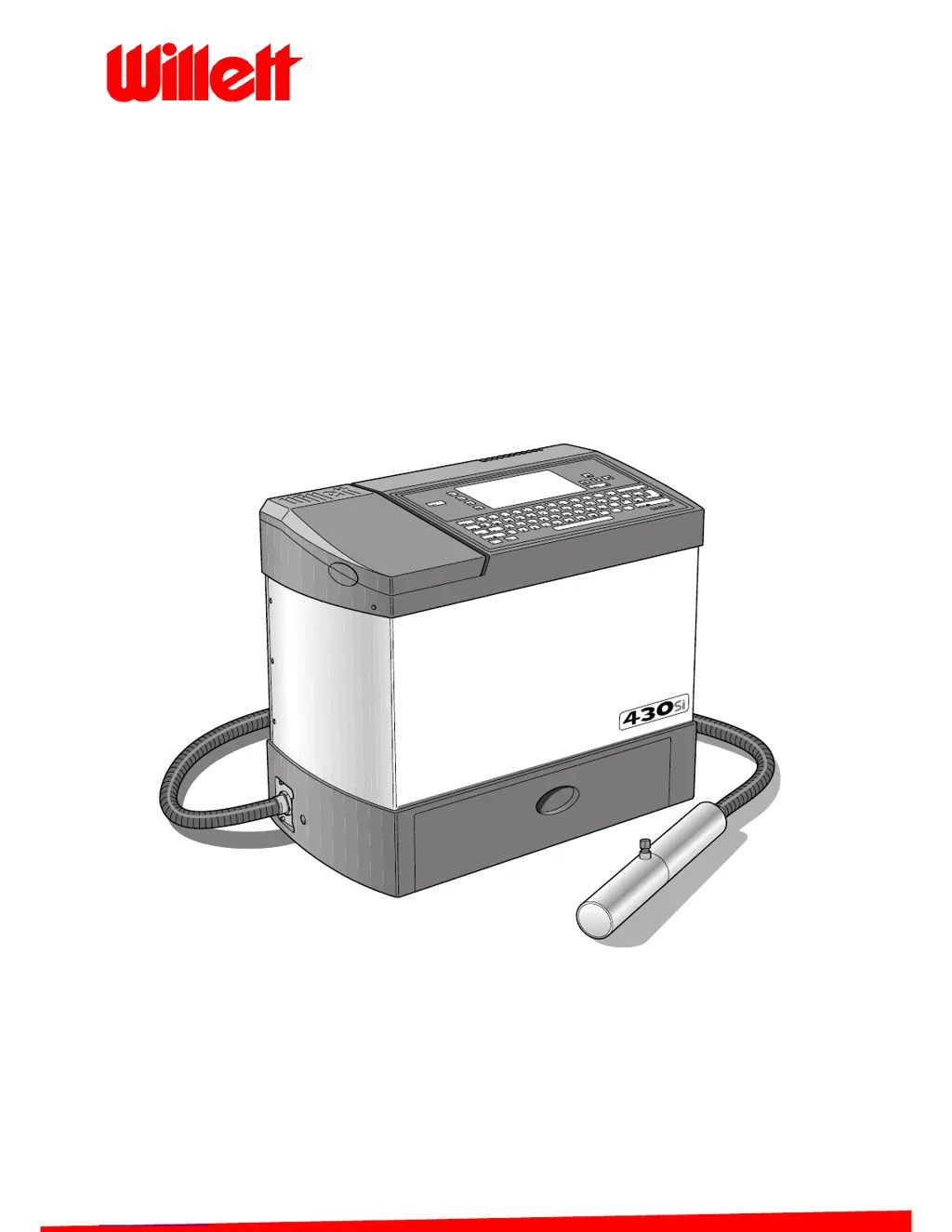
430 Ink Jet Printer
Service Manual
THE WORLD'S CODING AND LABELLING COMPANY

Table of Contents

Questions and Answers

  • W
    William JonesAug 1, 2025
    What to do if the Willett Printer cabinet is too hot?
    • G
      gibsonjeffreyAug 1, 2025
      If the Willett Printer cabinet is too hot, first, ensure the environment isn't exceeding 45°C; if it is, relocate the printer or improve ventilation to lower the ambient temperature. Next, verify that the printer is on a level surface and the air inlet and outlet are unobstructed. If the issue persists, check for 24 V DC across pins 4 and 5 on the EHT/FAN connector on the I/O board; if voltage is present, replace the fan. If the issue still persists, replace the fan failure card. As a last resort, replace the I/O board or CPU board.
  • J
    John JacksonAug 12, 2025
    What to do if the Willett Printer display fails?
    • D
      Donald SantanaAug 12, 2025
      If the display on your Willett Printer fails, first, try adjusting the LCD contrast by pressing ctrl + L, and then press any key to set the contrast when the LCD is readable. If that doesn't work, check the ribbon cable between the CPU board and the LCD for continuity and replace it if it's faulty. If the issue continues, the I/O board, CPU board or LCD may be faulty.
  • B
    Brent MooreAug 16, 2025
    What causes Keypad Failure in Willett Printer and how to resolve it?
    • B
      Brian LeonAug 16, 2025
      If the keypad on your Willett Printer is not working, begin by checking the ribbon cable between the CPU board and the keypad to ensure it is properly connected and not faulty; replace if necessary. If the problem persists, the CPU board or the keypad itself may be faulty.
  • T
    Tiffany DanielsAug 27, 2025
    What to do if the Willett Printer shows 'Ink Level Low'?
    • J
      Jason KochAug 27, 2025
      If the Willett Printer indicates a low ink level, first, top up the empty reservoir with ink or solvent as needed and check if the icon disappears. If it remains, check that the cable is connected to CONN LEVELS on the I/O board. If the issue persists, the sensor may be faulty, and the FMS should be replaced. As a last resort, consider replacing the I/O board or CPU board.
  • A
    Alan HernandezNov 6, 2025
    How to troubleshoot a Willett Printer that fails to initialize?
    • T
      Tyler JenkinsNov 6, 2025
      If the Willett Printer fails to initialize, start by checking that the mains supply is available and switched on. Then, ensure the mains input cable is properly connected and not faulty; repair or replace it if needed. Next, inspect the printer's mains fuses and replace them if necessary. After that, check the mains inlet connector for continuity and replace it if faulty. Also, verify the cable between the inlet connector and mains switch for disconnections or faults; reconnect or replace as needed. Check the mains switch for continuity, and replace it if faulty. Ensure the cable between the mains switch and PSU is properly connected and not faulty; reconnect or replace if necessary. Check LEDs 1, 2, 3, 4, and 5 on the I/O board. If any LED is off, proceed through steps 9 to 11. Verify the...
  • A
    Amy MorrisNov 21, 2025
    Why is the display backlight failing on my Willett Printer?
    • T
      Tara CastilloNov 21, 2025
      If the display backlight on your Willett Printer fails, first, press any key to restart the backlight in case it was shut down by the screensaver. If that doesn't work, check for 24 V DC at the 3-way input connector on the backlight converter (Pins 1 and 2 on I/O board B/LIGHT connector) and check for 1000 V AC at the output leads from the backlight inverter (Pins 3 and 5). If 24 V DC is present but 1000 V AC is missing, consider replacing the LCD/backlight assembly. If 24 V DC is not present at the backlight inverter but is present at Pins 1 and 3 of the B/LIGHT connector on the I/O board, check the cable connection between the two and check the cable for continuity, replacing it if faulty. If 1000 V AC is present at the output of the backlight inverter but the backlight is not illuminate...

Summary

Installation and Setup

Firmware Download and Recovery

Procedures for downloading new software and recovering from lock-ups.

System Calibration and Testing

Essential Calibration Procedures

Covers power-up, earth continuity, LED checks, voltages, ink filling, and basic tests.

Technical Description

Disassembly and Assembly

Component Removal and Installation Guides

Guides for disassembling and reassembling major printer parts and sub-assemblies.

Preventative Maintenance Schedule

Troubleshooting

Fault Diagnosis and Resolution Introduction

How to diagnose faults by checking display icons, LEDs, and using fault tables.

Specific Fault Finding Guides

Detailed troubleshooting for initialization, display, keypad, icons, and specific faults.

Cleaning and Adjustment

Printhead Alignment Procedures

Steps for aligning the ink jet to the gutter and charge electrode.

WILLETT 430 Specifications

General IconGeneral
BrandWILLETT
Model430
CategoryPrinter
LanguageEnglish

Related product manuals