Troubleshooting: Display Icons
Issue 2
155
Part No. 306-0430-102
Mixer Tank Level High
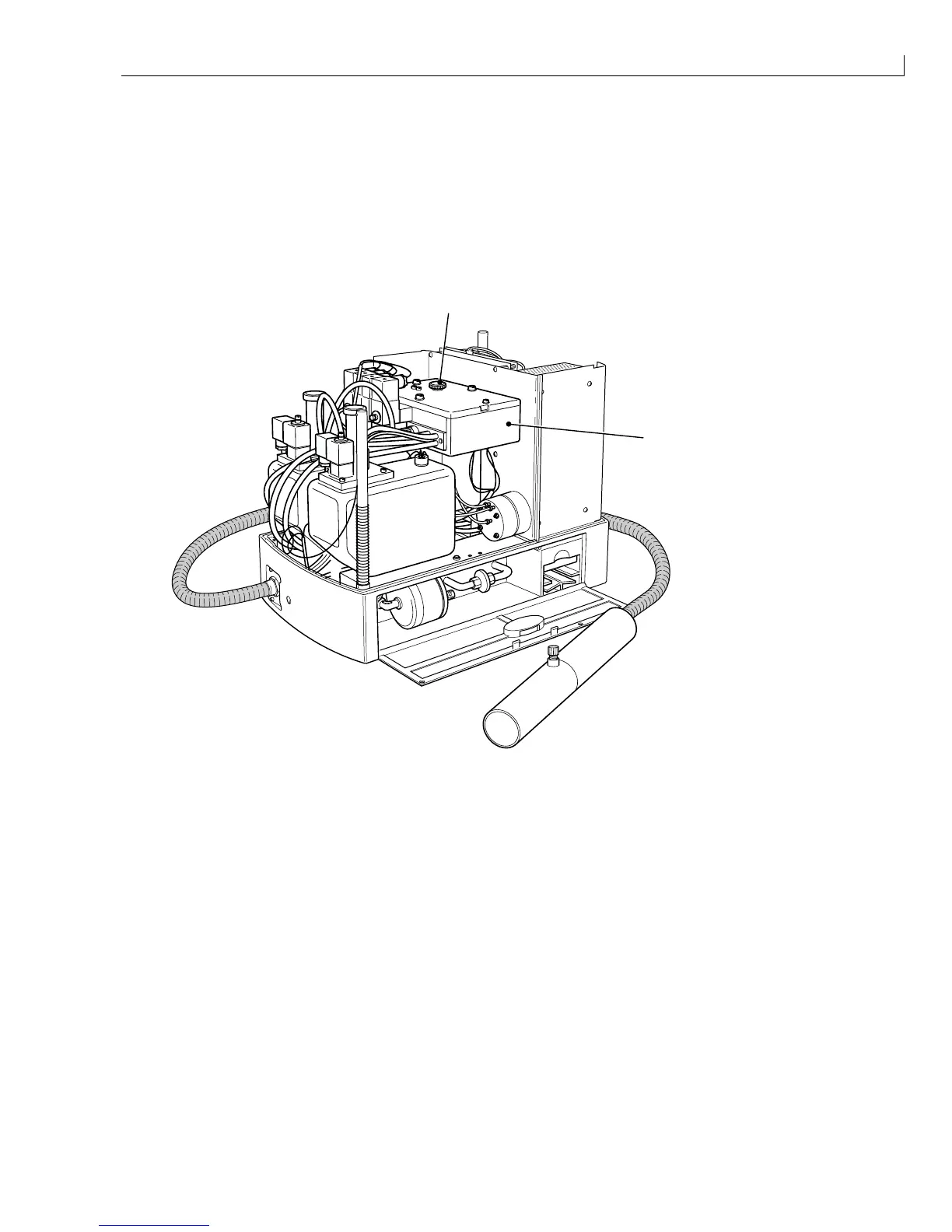
To determine why the Mixer Tank Level High icon is displayed, proceed as follows:
1
Remove the filler plug (Figure 74 (
1
)) from the FMS (
2
).
2
Use a syringe and plastic tube, remove 100 ml of ink from the FMS to uncover the level high sensor.
3
If the icon is no longer displayed, the level high sensor is working
4
If the icon remains on the display, the level high sensor circuit is faulty.
(
1
) Filler plug
2
1
(
2
) FMS
Figure 74 Location of FMS Filler Plug
Note: Before carrying out the checks listed in Table 44, page 156, add 100 ml of ink to the FMS to
ensure that the mixer tank level OK sensor is covered.



 To Next Page