System Calibration and Test: Gutter Fault and Charge Error Disable
Issue 2
29
Part No. 306-0430-102
Gutter Fault and Charge Error Disable
1
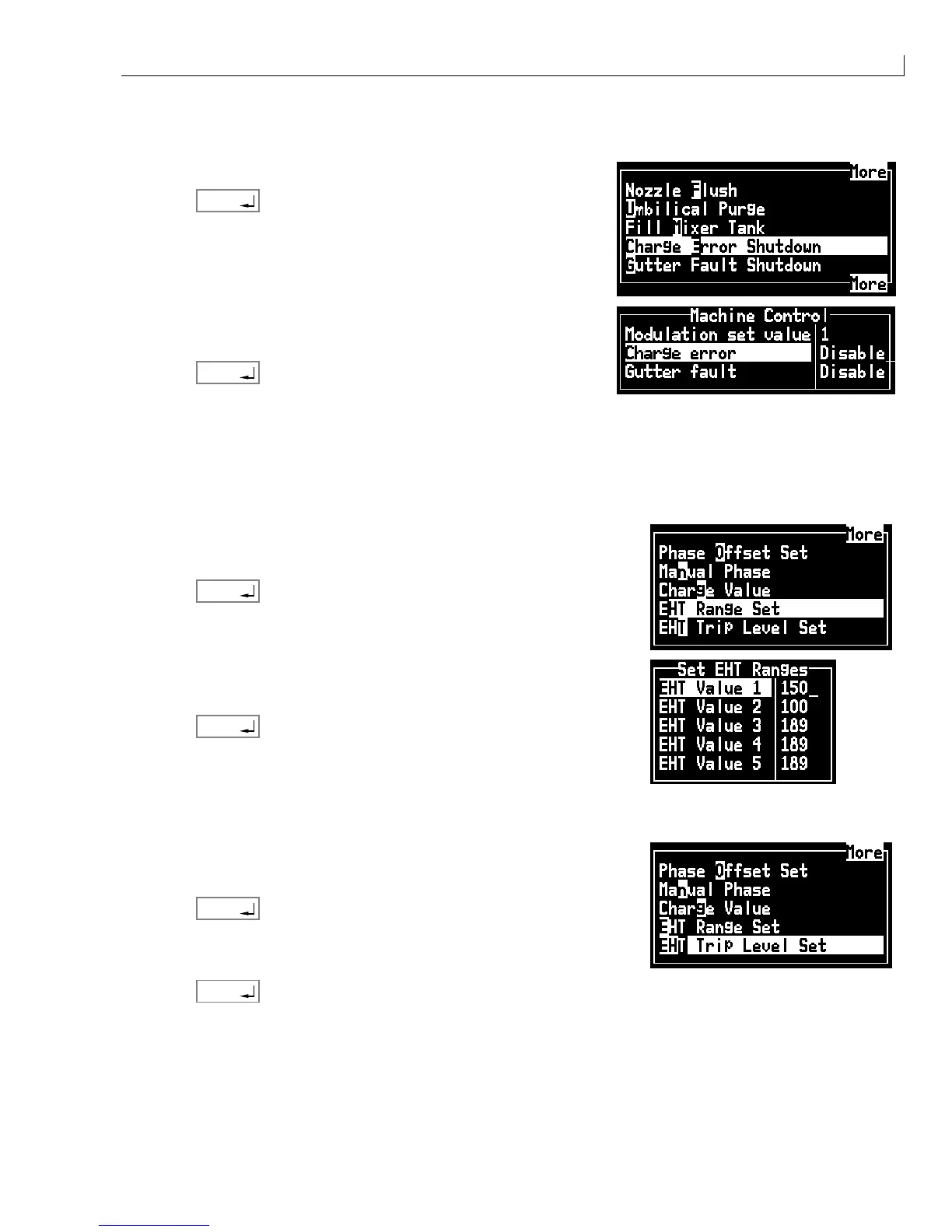
From the System menu select Charge Error Shutdown.
2
Press
enter
.
3
Select
Charge error
and toggle to
Disable
.
4
Select
Gutter fault
and toggle to
Disable
.
5
Press
enter
to disable both functions.
Set EHT Range (preliminary settings for printhead and EHT table setup)
Ensure that the printhead is clean and dry before setting the EHT range and trip level. The preliminary settings
ensure that EHT trip is prevented when setting up the printhead and calibrating the EHT table.
1
Fit the printhead cover.
2
From the
Calibrate
menu select
EHT Range Set
.
3
Press
enter
.
4
Select
EHT Value 1
and set the value to 255.
5
Select
EHT Value 10
and set the value to 255.
6
Press
enter
to save the settings.
Set EHT Trip Level (for printhead setup only)
1
Fit the printhead cover.
2
From the
Calibrate
menu select
EHT Trip Level
Set
.
3
Press
enter
. The display shows
Setting EHT trip level
.
4
After approximately one minute the display changes to
EHT trip set
successful
.
5
Press
enter
.



 To Next Page