430 Ink Jet Printer Service and Maintenance Manual
32
Issue 2
Part No. 306-0430-102
Calibrate 285 V Rail
To calibrate the 285 V supply, proceed as follows:
1
Remove the electrical connectors to the Feed Valve (V6) on the FMS and the Top-up Addition Valve (V1) on
the top-up reservoir.
2
Ensure the printhead cover is fitted and press
f1
to start the Jet.
Notes: An inkjet will not be produced at the printhead as Valve V6 has been disabled.
The machine will shut down if disable charge and gutter detect errors are not disabled.
3
On the I/O card connect a DVM, set to measure 285 V, between TP2 (+ve) and TP1 (0 V).
4
Set the 285 V rail to 285 V ±1 by adjusting VR1 on the I/O board. Disconnect the multimeter.
5
Seal VR1 adjustment screw using a suitable sealing compound. Refit the electrical connectors to valves V6
and V1.
VMS Calibration
Caution - Equipment Damage
Ensure that the ink comes from a sealed bottle and that at least one of the bottles from the same batch
has been tested to ensure that the viscosity is correct.
1
Remove the solvent addition actuator coil.
2
Start the jet by pressing
f1
.
3
Ensure that the viscosity is correct and that the system is at normal operating temperature before
proceeding.
Note: Refer to Ink Viscosity Measurement procedure, page 41.
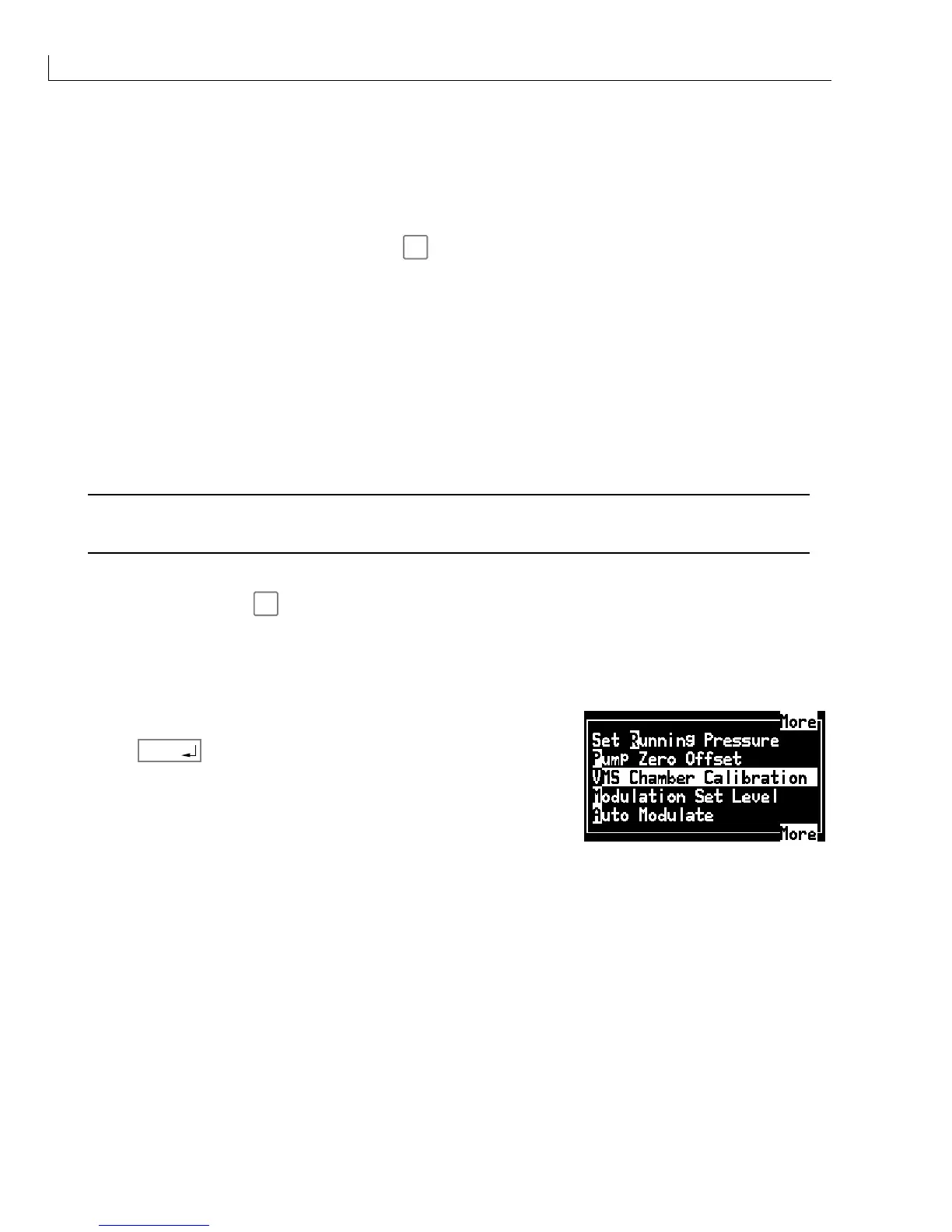
4
From the
Calibrate
menu select
VMS Chamber Calibration
.
5
Press
enter
. The display shows
Calibrating VMS Chamber
.
After approximately 3 minutes this changes to
VMS Chamber
Calibrated
.
6
Refit the solvent addition valve actuator.



 To Next Page