430 Ink Jet Printer Service and Maintenance Manual
126
Issue 2
Part No. 306-0430-102
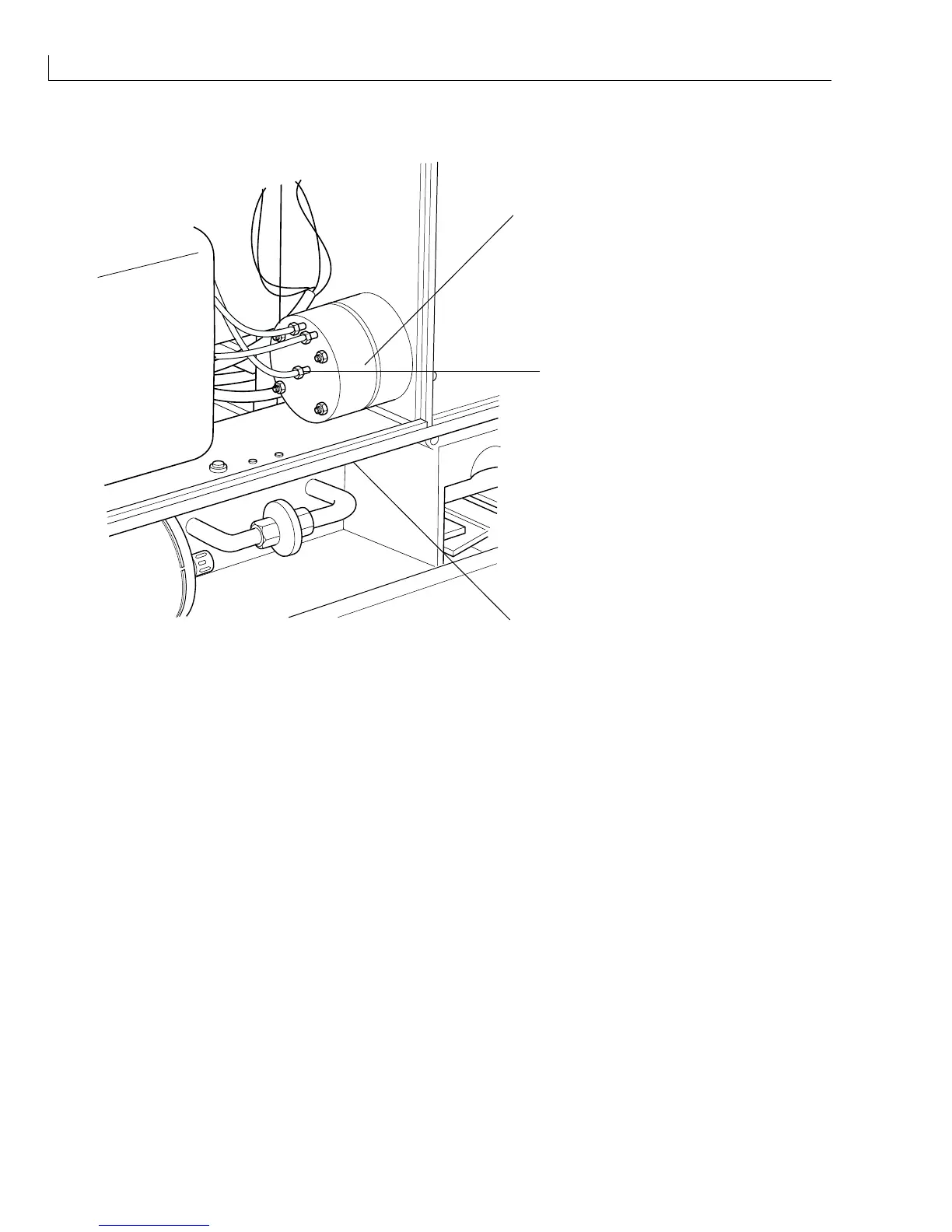
Flush Pump
(
1
)Flush Pump
(
2
) Cross-head screws (2 OFF)
1
2
3
(
3
) Plastic fixing nut (3 OFF)
Figure 61 Flush Pump Removal
Removal
1
The flush pump (
1
) is secured by two cross-head screws (
2
) accessed from underneath the plate. Remove
and retain the two screws.
2
Remove and retain the plastic fixing nut (
8
) on each of the three hose connectors and withdraw the hoses
and the remaining two pipes.
Installation
Installation is the reverse of removal.



 To Next Page