430 Ink Jet Printer Service and Maintenance Manual
34
Issue 2
Part No. 306-0430-102
Head Heater Temperature and Ink Pressure
1
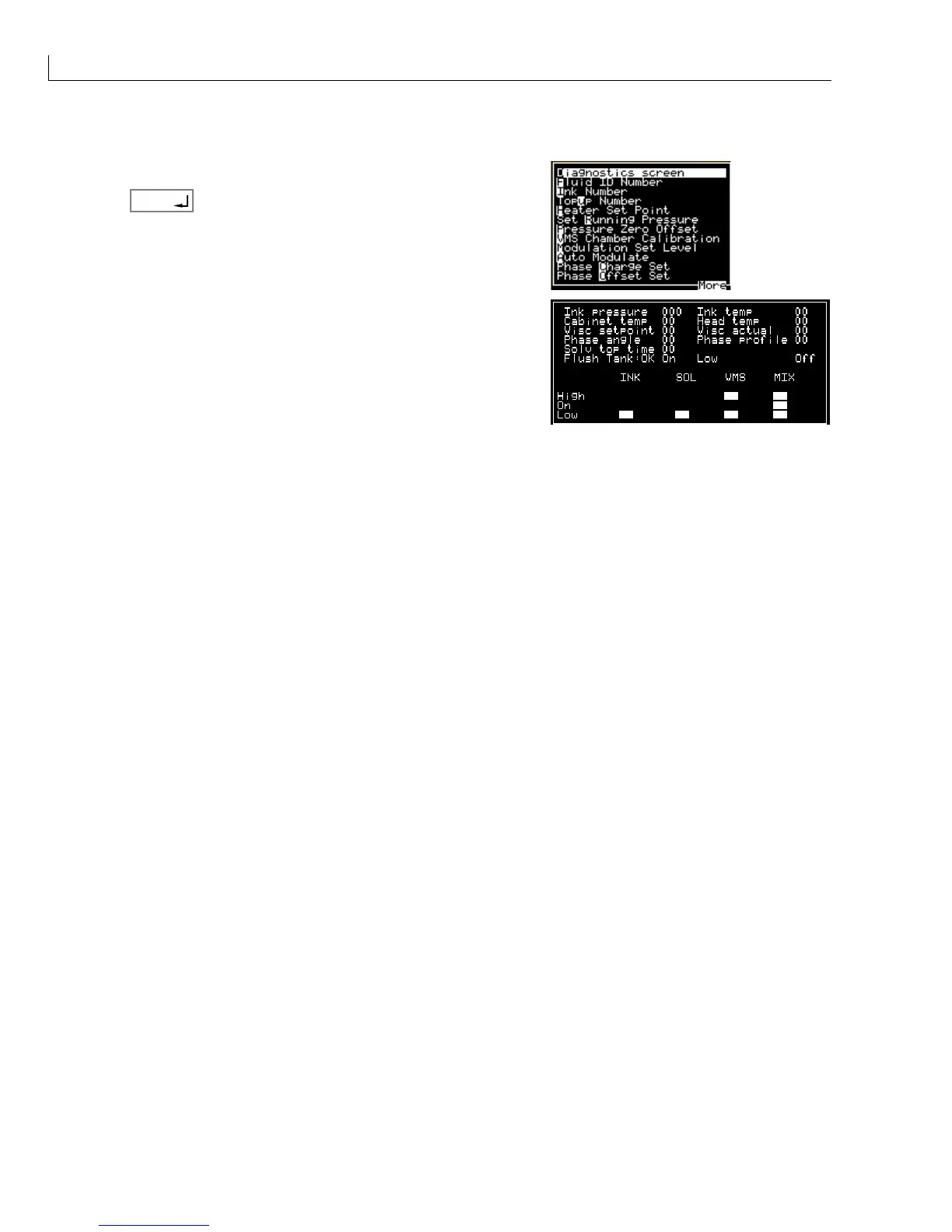
From the Calibrate menu select Diagnostics screen.
2
Press
enter
.
3
Check that Ink pressure and Head temperature are set to the
correct values.
Notes: The correct values are part of the FIN and should have been set automatically when the FIN
was entered in the Fluid Identification Number (FIN), page 31.
The Head temperature is typically 35 but can vary for some inks. Ensure that the temperature
set point is correct for the ink being used (refer to the last 2 digits of the FIN).
Ink pressure is typically 32 but can vary for some inks. Ensure that the pressure set point is
correct for the ink being used (refer to the 9th and 10th digits of the FIN).
The head heater will not turn on if a gutter fault is present.



 To Next Page