430 Ink Jet Printer Service and Maintenance Manual
20
Issue 2
Part No. 306-0430-102
13
To confirm that the communications link is effective press
enter
on the PC. The prompt
MON>
should
appear a second time, e.g.:
MON>
MON>
14
Press
X
and then
enter
on the PC to return the printer to normal control.
15
From the
Data Logging
menu, select the
Serial Port Functionality
option and reset
Status
to
Enable
.
Using Microsoft Windows 3.xx to Download Firmware
1
Connect the serial communications cable between the serial port of the PC and printer connector COMM1.
2
From the
System
menu select
Debug Monitor
.
3
Select
LCD
and press
enter
. The printer screen displays
MON>
.
4
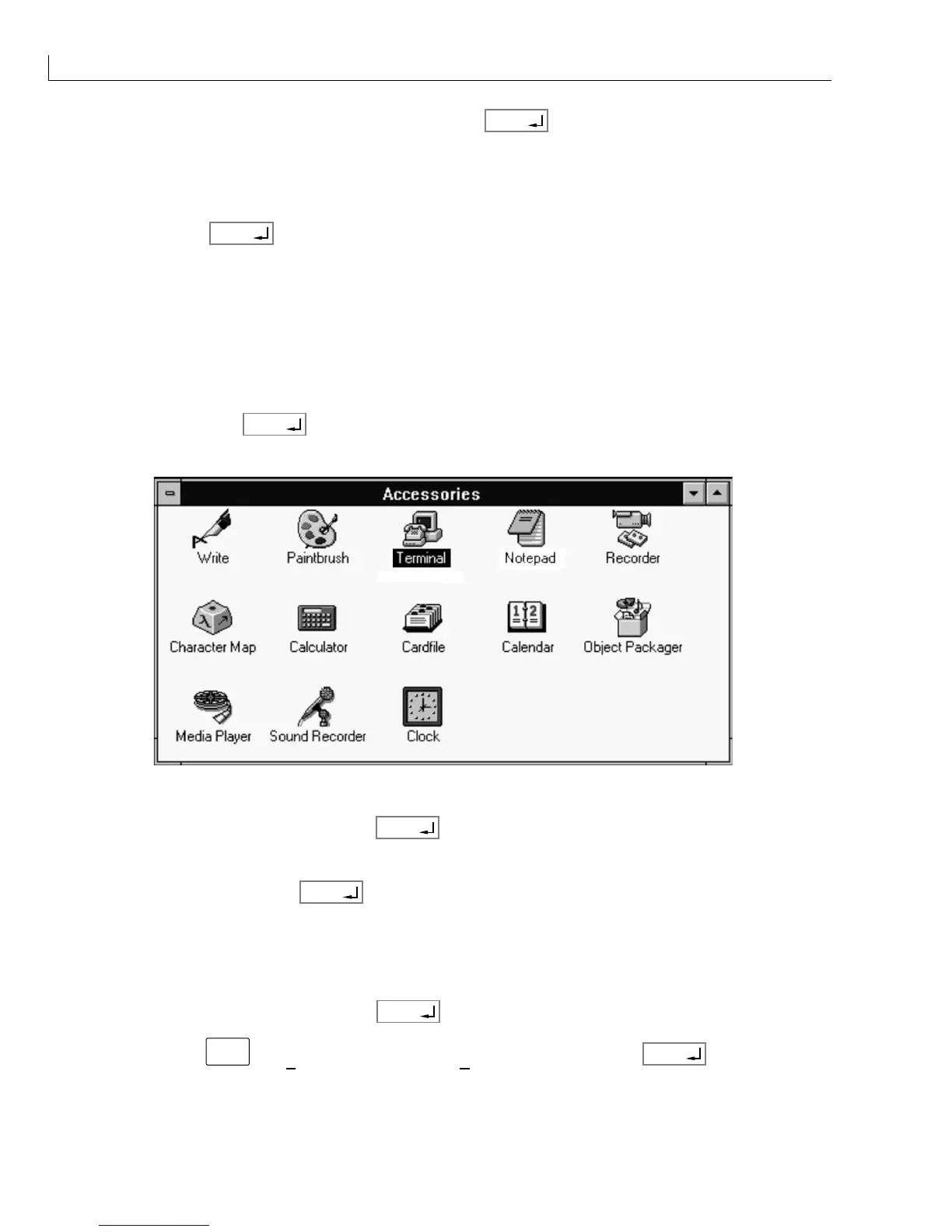
On the PC, double-click on
Terminal
(normally located in
Accessories
group).
Figure 10 Windows 3.xx Accessories Group
5
Type
BO
on the printer keypad and press
enter
.
6
Press the
Y
key to confirm. The screen display becomes blank and the Terminal Window displays
MON>
.
7
On the PC, type
ER
and press
enter
to erase the printer flash EEPROM.
8
The PC Terminal Window displays the message;
Blank check failed, Erasing Flash
.
9
After approximately 10 seconds the Terminal Window displays the message,
Blank check passed
.
10
The PC Terminal Window then displays
MON>
.
11
On the PC type
DU<SPACE>1
and press
enter
.
0
(zero) is displayed in the Terminal Window.
12
On the PC press
alt
+
T
(
Transfers
menu), select
S
end Text File
and press
enter
.



 To Next Page