430 Ink Jet Printer Service and Maintenance Manual
108
Issue 2
Part No. 306-0430-102
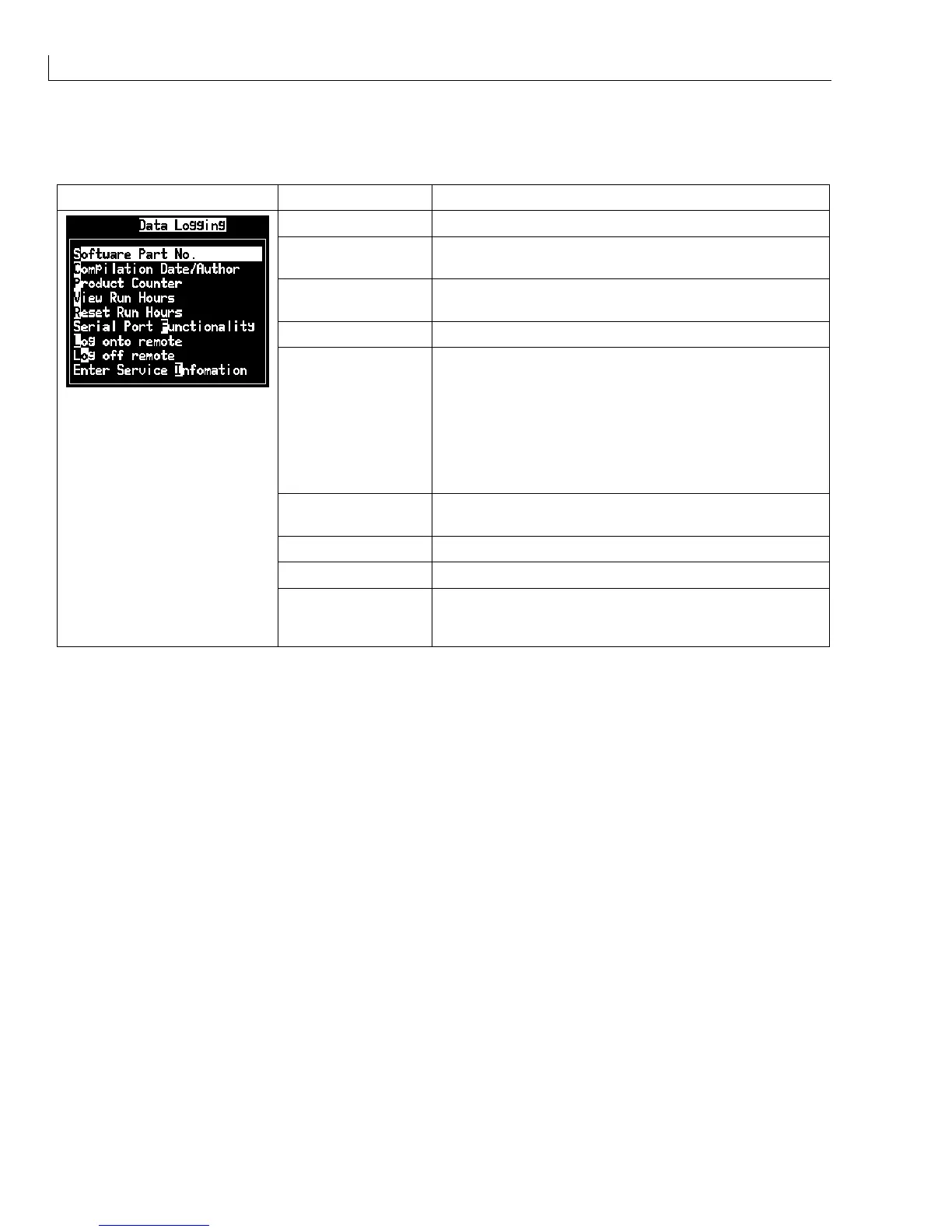
Data Logging Menu
Data Logging Menu Menu Option Function
Software Part No. Displays the software version installed.
Compilation
Date/Author
Displays the date the software was compiled and the name
of the author.
Product Counter
Opens the
Product counter
dialogue with
Reset Counter
and
Display it?
fields. Select
Yes
or
No
for each field.
View Run Hours
Displays the
Pump run hours
and
Machine run hours
.
Reset Run Hours Opens a dialogue with the following options:
Set pump alarm hours
, range 0-65535
Reset pump run hours
, Yes or No
Set machine alarm hours
, range 0-65535
Reset machine run hours
, Yes or No
The running hours should be reset only under exceptional
circumstances by trained service personnel.
Serial Port
Functionality
Opens the
Configure data logging
dialogue with fields for
the parameters required for data logging via a serial port.
Log onto remote Connects to a remote device.
Log off remote Disconnects from a remote device.
Enter Service
Information
Opens the
Enter Service Information
dialogue. The printer
location, modem telephone number, customer name and
address can be entered.



 To Next Page