Asynchronous Transfer Mode – ATM
Page 104 Acterna ANT-5
The Test Cell Format standard is ’97 Format. For example, this format is backwardly
compatible with Acterna ANT-20 Broadband Analyzer/ Generator module. The ’95
Format is backwardly compatible with equipment that uses legacy applications.
6.6 Configuring Channel Explorer
6.6.1 Enabling the Channel Explorer
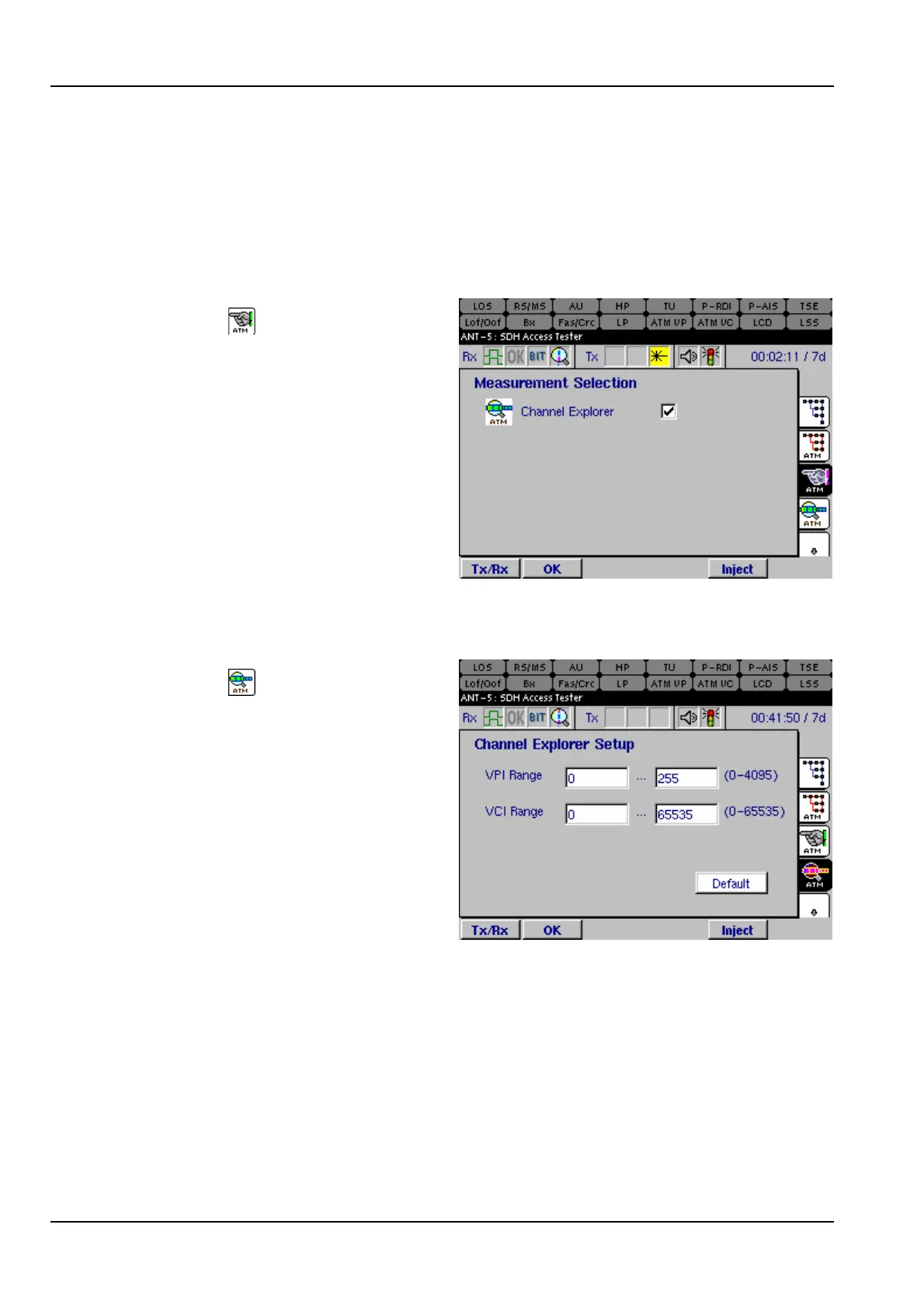
Select the tab to display the
Measurement Selection page. Select
Channel Explorer to enable the ATM
explorer.
6.6.2 Configuring Explorer Channels
Select the tab to display the
Channel Explorer Setup page. Type
the channel ranges for which the
Explorer displays results. In this
example, the Explorer displays the VPI
channels 0–255, and within each VPI
channel, it displays the VCI channels
0–65535.



 To Next Page