Getting started
Page 36 Acterna ANT-5
2.14 International features
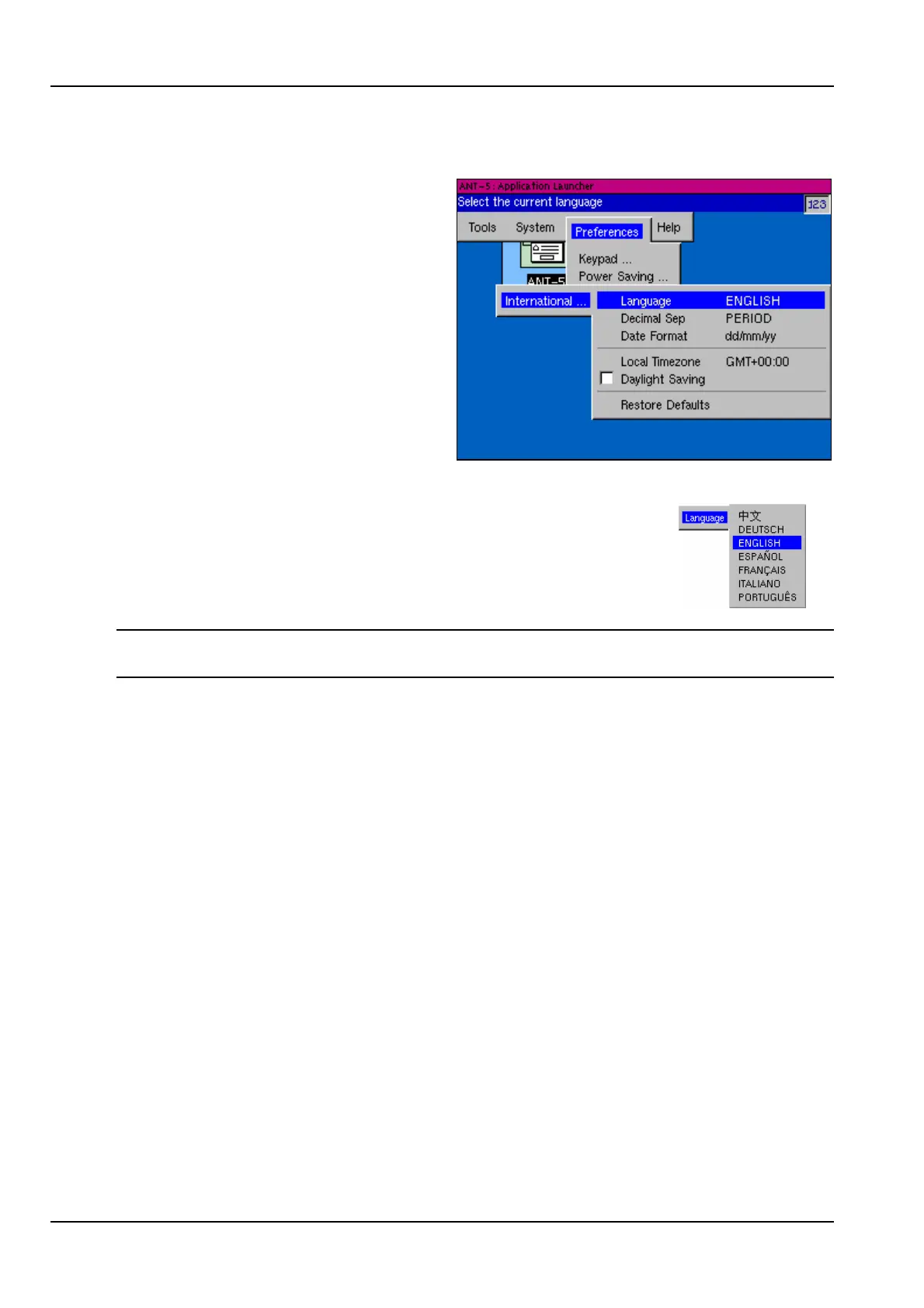
The International section of the
Preferences menu can be used to
select various international features
including the preferred operating
language.
2.14.1 Setting the operating language
Select the appropriate language from those listed in the
Language section and press the Enter key.
Note: The ANT-5 operating system will need to be re-started before this change can
take effect. This requires turning the instrument off and then turning it on again.



 To Next Page