The SDH Access Tester application
Page 46 Acterna ANT-5
Tx icons
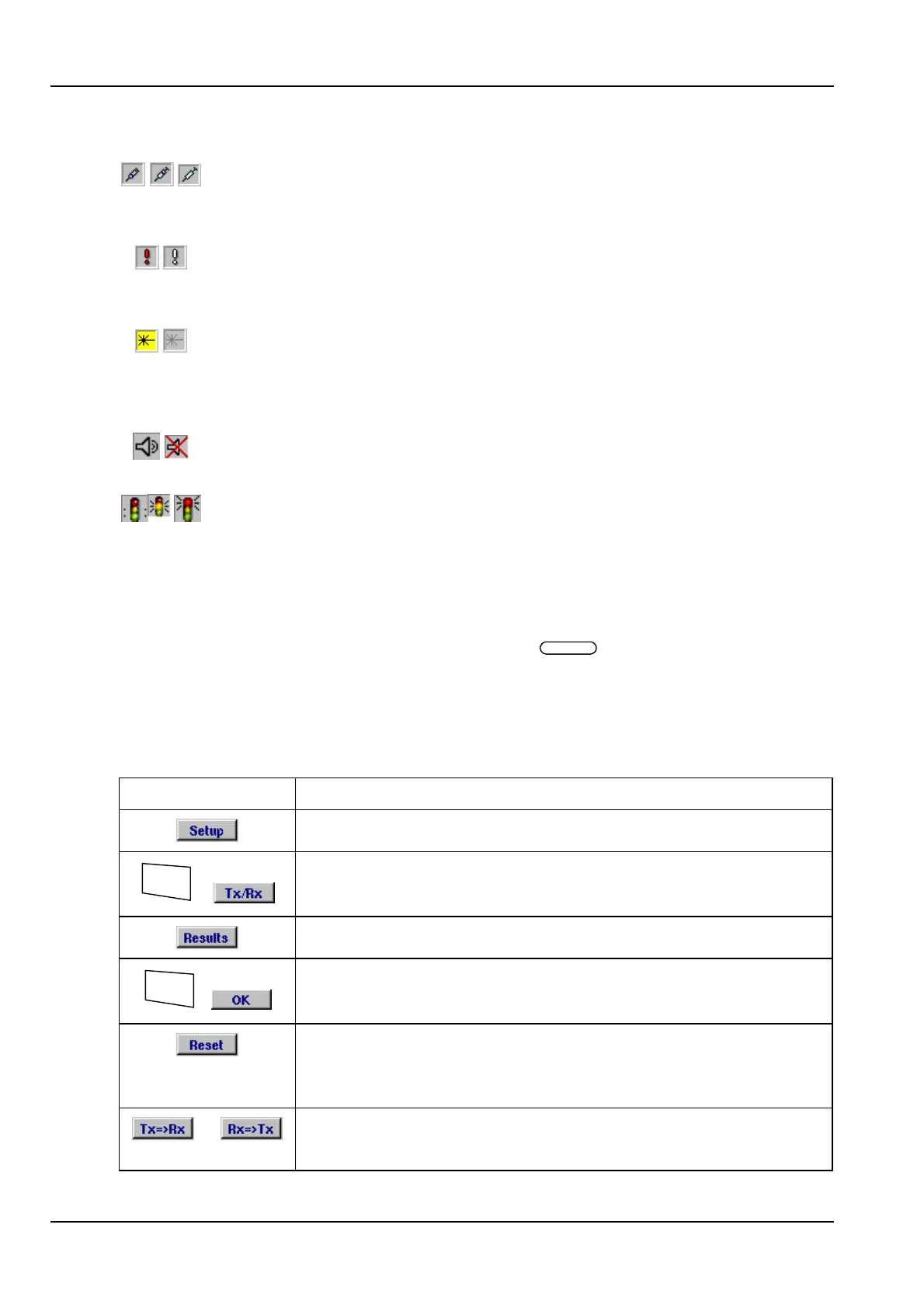
The anomaly injection icon (position e) displays an animated syringe
when anomalies are being injected. The icon is blanked when anomaly
injection is not active.
The defect injection icon (position f) flashes if a defect condition is
currently being injected. The icon is blanked when defect injection is not
active.
The laser warning icon (position g) is displayed with a yellow background
when the ANT-5 laser source (Tx) is activated. The icon is greyed out
when the laser is deactivated and is blanked if an electrical interface is
selected.
These icons show if the beeper is turned on or off, (position h). Pressing
the beeper key on the keyboard controls this function.
These icons (position j) show the current status of the test. The green
light is displayed while a test is running and a red light is displayed when
a test has been stopped. The amber light is displayed when a test is due
to begin from a delayed start. See section 4.6.
4.1.3 Function keys
The six unmarked keys at the top of the keyboard, , are function keys to control
certain features of the ANT-5. The function of each active key is identified by an
animated button on the screen just above the actual key. The state of each button
icon, whether it is shown pushed in or not, is also used to indicate current functional
states such as Setup view or Results view. The button icons are greyed when a
function is not available.
Firm key Function
Switch to Setup view.
Alt
+
Switches to the Signal Structure setup page
Switch to Results view.
Alt
+
Switches to the Results summary page
If a test is running Reset will clear all of the counter values,
elapsed test time and LEDs. If a test is not running Reset will
clear the LEDs without clearing the existing test results.
or
Within the Signal Structure screen, copies the signal structure
of the Tx Path to the Rx Path, and vice versa.



 To Next Page