The SDH Access Tester application
Acterna ANT-5 Page 71
6. Press the Esc key to deactivate the
timeline section.
7. Use the directional keys to highlight
the anomalies list.
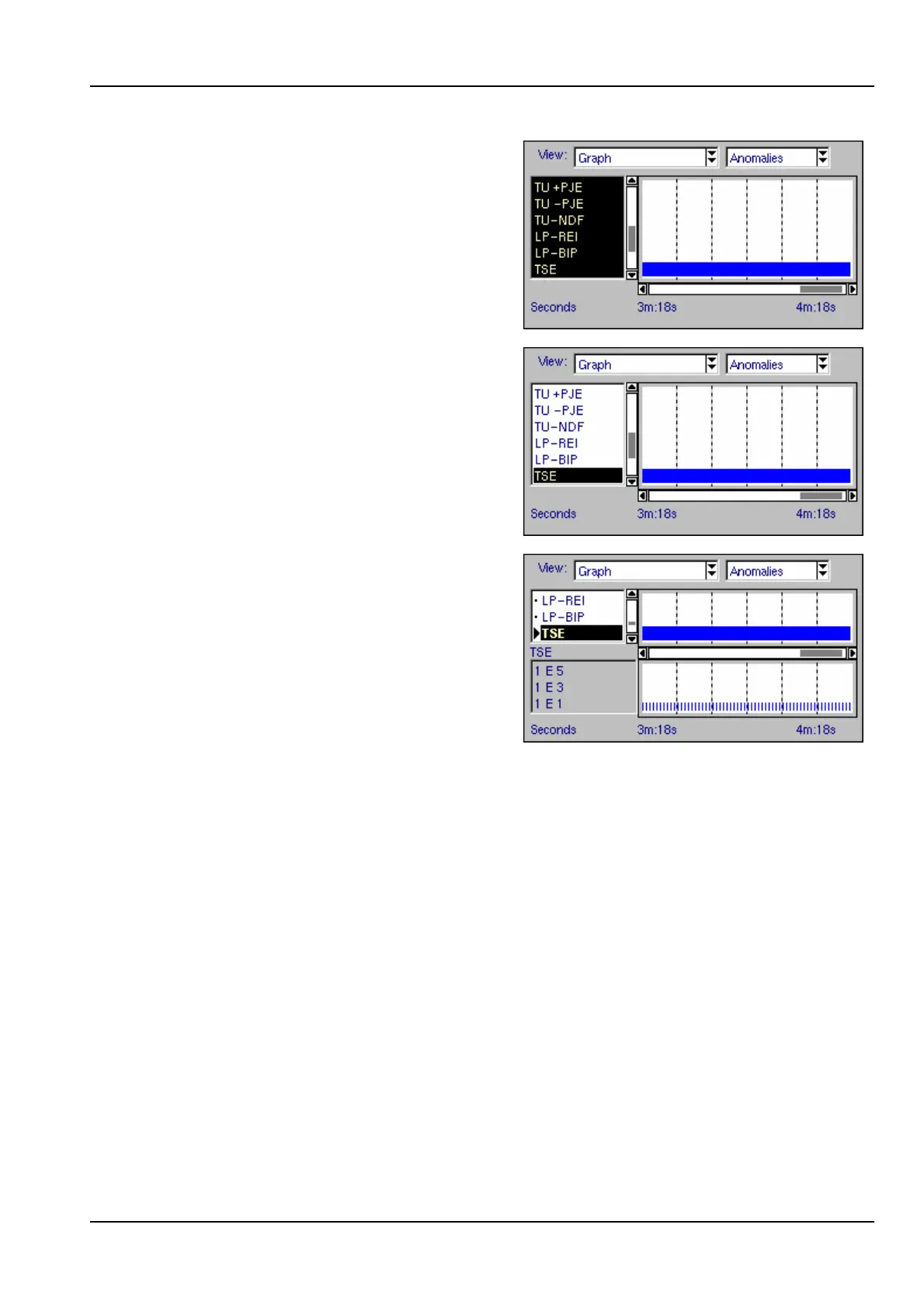
8. Press the Enter key to activate the
anomalies list. In this initial state there
will not be a selected item but one
anomaly will be highlighted. The
vertical scroll bar may be active if
there are further items not displayed.
9. Use the up/down keys to navigate the
list and press the Enter key again to
select items for detailed viewing. An
error rate histogram will be displayed
under the timeline as shown.
10. Press the Esc key to deactivate the
list section. Use the directional keys to
move to another part of the screen.
4.14 Overhead Analysis and Injection
The SDH overhead byte structure can be displayed for either transmit or receive paths
by selecting the tab for Overhead Analysis/Injection.



 To Next Page