The SDH Access Tester application
Page 68 Acterna ANT-5
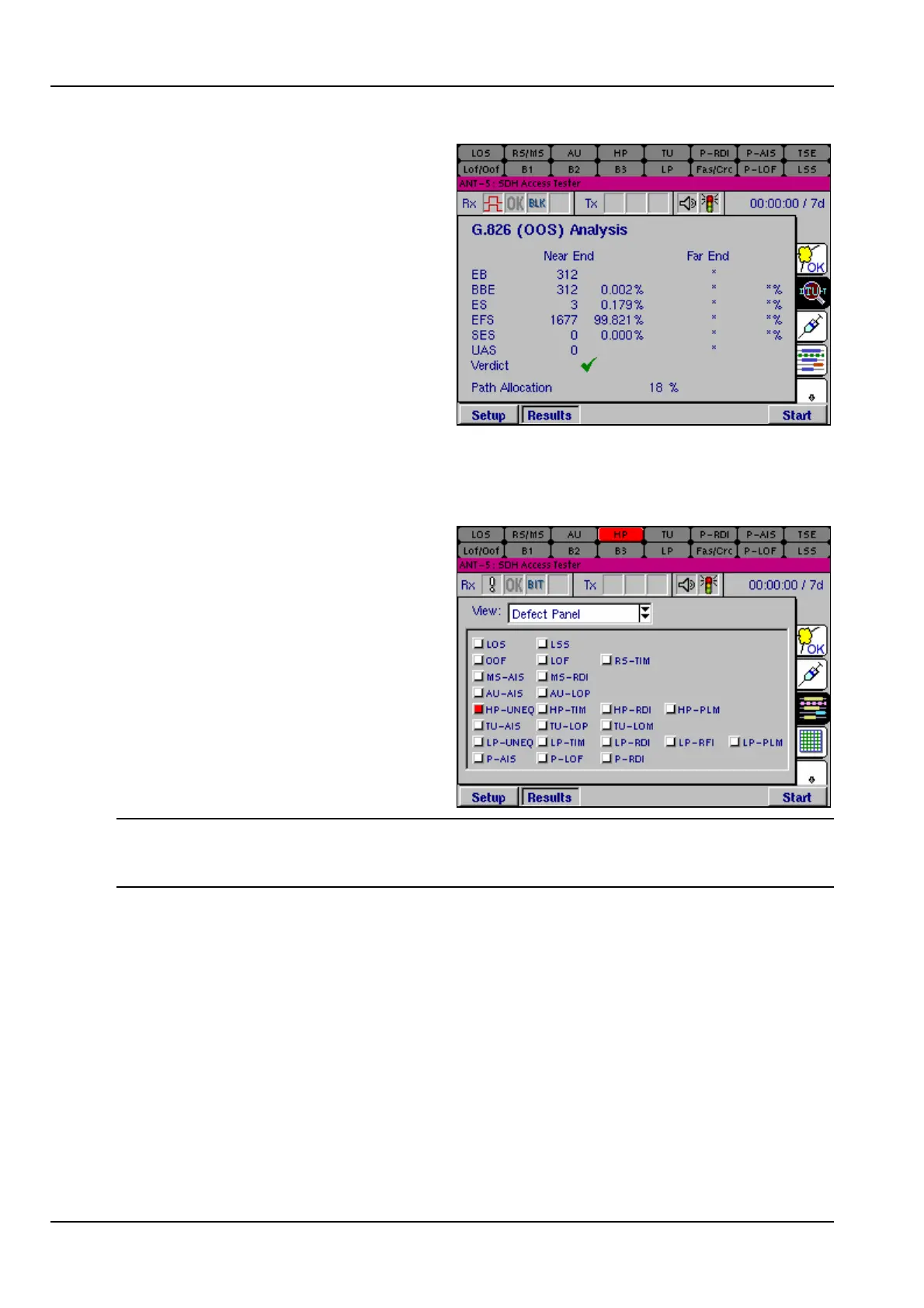
A Verdict of the overall result of the
test will be displayed, with either pass,
fail, or uncertain presented as a green
tick, red cross or yellow question
mark. The uncertain result is part of
the M.2100 analysis and should be
followed by a further 7 day test.
4.13 Anomalies and Defects results
4.13.1 Defect Panel
The second tabbed page displays
three different views of the SDH
anomalies and defects, and also PDH
errors and alarms, occurring during a
test. Each view can be displayed by
selecting them from the drop-down
view menu at the top of the page.
The Defect Panel view lists all SDH
and PDH events in order of group
within the SDH structure and/or PDH
payload, and continually updates and
displays active events in red.
Note: Defect panel LED’s turn yellow during a test to show historic alarms, that is,
defects that have been raised during a test but are not currently active. To reset the
LEDS press Alt and Menu and select System >LEDs >Reset LEDs.



 To Next Page