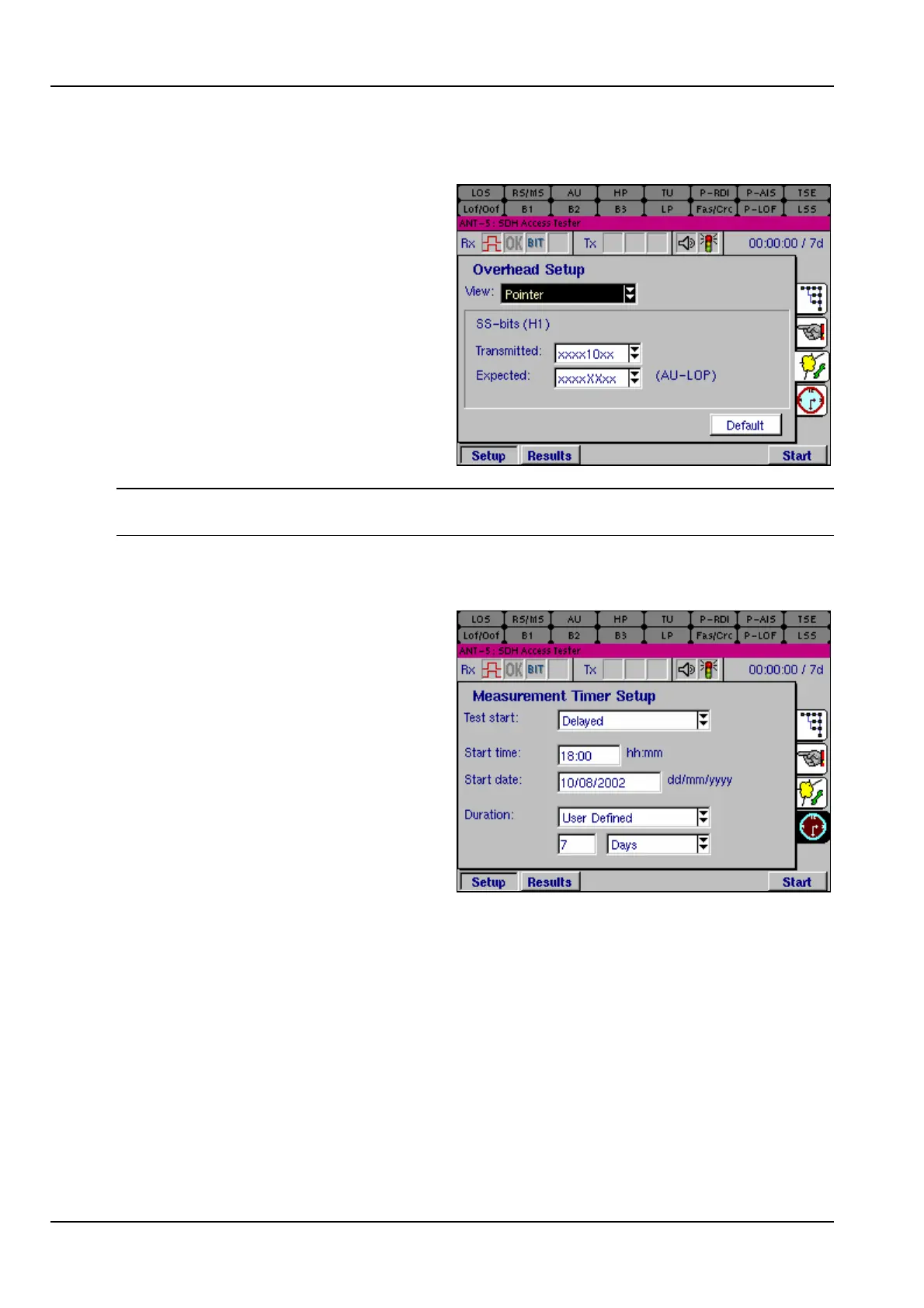
The SDH Access Tester application
Page 60 Acterna ANT-5
4.5.5 AU Pointer Value
The Expected AU Pointer H1 byte is
continually monitored, and checked
against the received value. If the
received AU pointer differs from the
expected value a defect alarm is
generated. The user can adjust the
transmitted value of the SS bits within
the H1 byte. Selecting the value ‘XX’
from with the Expected drop-down
menu disables this monitoring.
10 = SDH signal, 00 = SONET signal.
Note: The transmitted and expected frames become visible if SDH or SONET are
selected as the hierarchy type for Tx and Rx.
4.6 Measurement Timer Setup
The Measurement Timer Setup
page can be used to set up a test to
run with a fixed duration and/or a
delayed start at some time in the
future which is set by the user.
To run a test with a delayed start, set
up all parameters as for a normal test
and run a short test to verify the
settings. Then set the timer to the
required start time and press the Start
key. The instrument will then go into a
standby mode until the programmed
start time, when it will begin to run a
test and count results in the normal way. During the standby period the LEDs and
status icons will be active to indicate the status of the line.
Test start The timer can be set up for Manual start or Delayed start.
Start time / date If Delayed start is selected, further entry fields can be used for
setting the Start time and Start date. These can be used to
enter any time and date in the future.
Duration The test can be set to run for a specified Duration from 1
second up to 99 days. The time selected will be shown on the
status bar.



 To Next Page