Getting started
Page 34 Acterna ANT-5
2.11 Setting the time zone
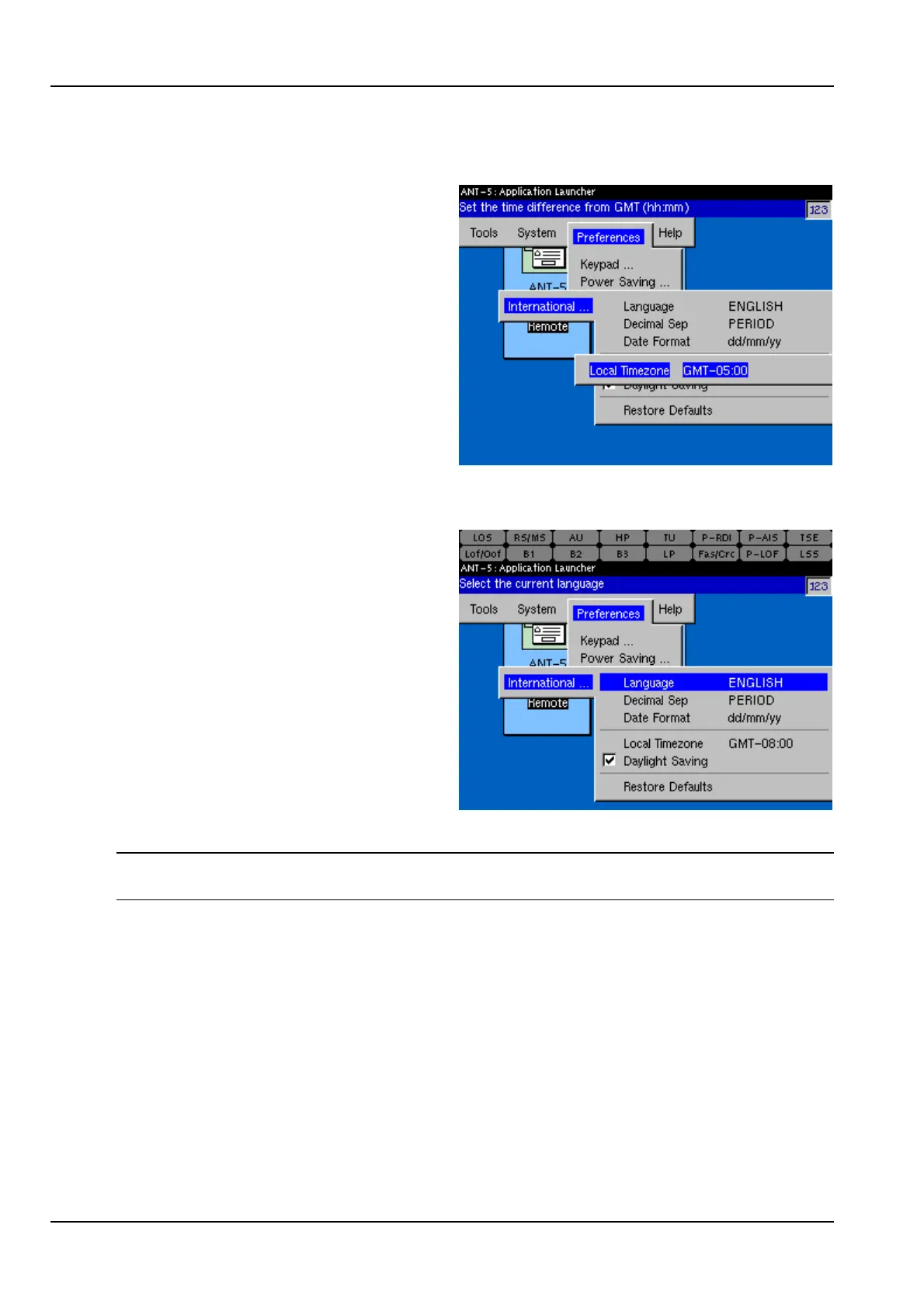
The time zone can be set in the
International section of the
Preferences menu.
Be sure to change the time zone when
you move the instrument across time
zones. Changing the time zone
automatically changes the time and
date.
After changing the time zone, power off
and on the instrument. Verify that the
time and date have changed.
2.12 Setting daylight savings time
The daylight savings time indicator can
be set in the International section of
the Preferences menu.
When you mark the Daylight Saving
checkbox, the instrument automatically
adds one hour to the current time.
When you clear the Daylight Saving
checkbox, the instrument automatically
subtracts one hour from the current
time.
After making a setting for daylight
savings, power off and on the instrument. Verify that the time has changed.
Note: The instrument does not automatically adjust the time for daylight savings. You
must set or clear this checkbox manually.



 To Next Page