The SDH Access Tester application
Page 78 Acterna ANT-5
4.20 Delay
Note: The Delay tab will become available if selected from the Measurement
Selection page. See Section 4.3 for further details.
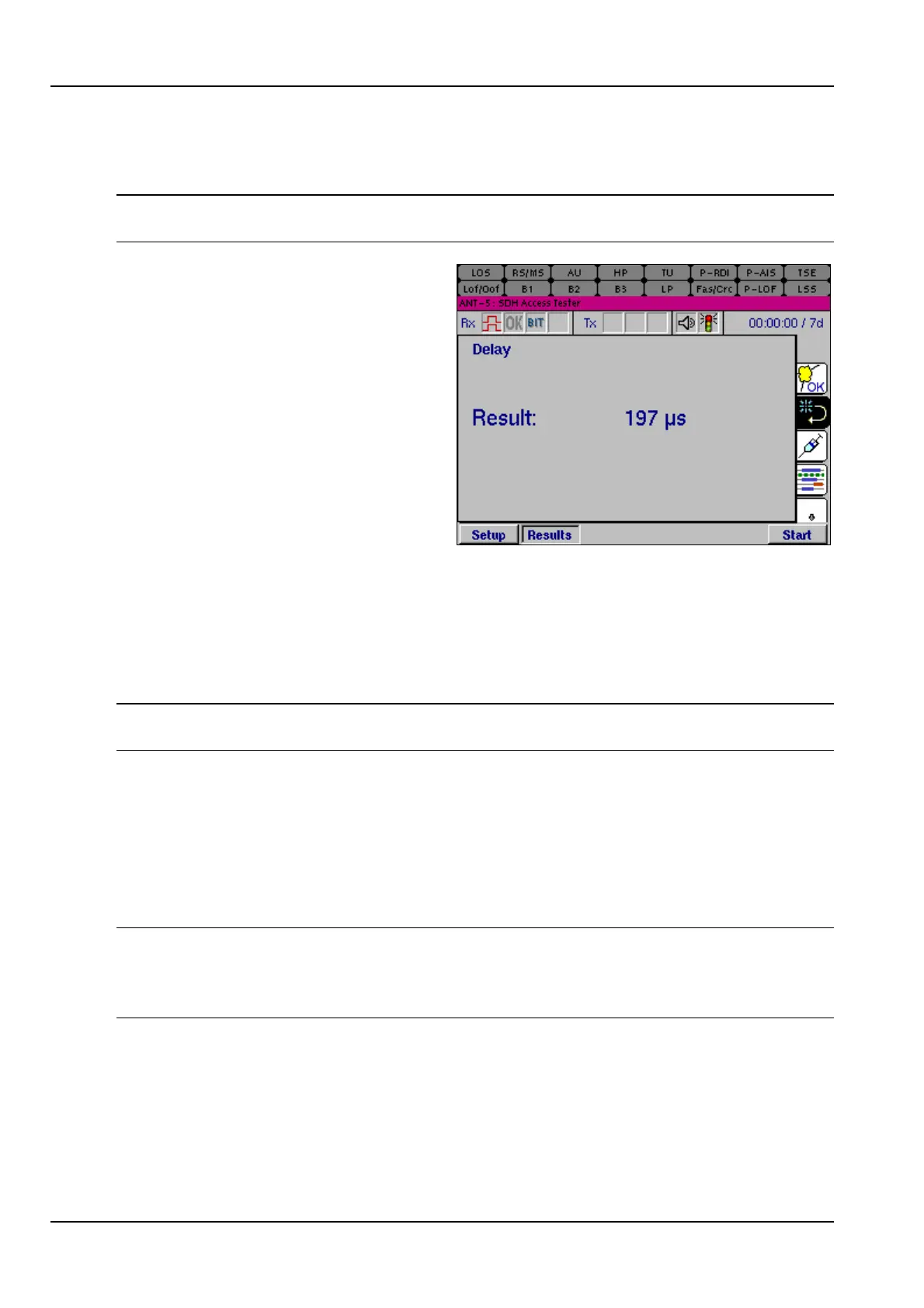
The propagation of delays can
significantly effect the Quality of
Service (QoS). Delays in the network
are characterised by the round trip
delay time. This is the time taken for a
signal to transmit from the transmitter
to the receiver on a loopback and is
achieved by sending a known payload
across the network. Factors effecting
delay include the type of Network
Element deployed and the line length.
Delay measurements will start when
the start button is pressed, and
measurements will keep repeating until the test is stopped.
The Result shows the latest value, there is no history. If a good signal is received, the
units for the result will be in µs if the result is less than 1ms, or ms if it is greater.
Where there is no valid result an asterisk will be displayed, or alternatively the cause
of the problem will be displayed if the result is due to signal problems, e.g. LOS.
Note: When the Delay Measurement is turned on, the PRBS button will contain the
word Delay on the signal structure page which will be greyed out.
4.21 Nx64
The ANT-5 can perform BER testing on a single user selectable 64k timeslot; where
each timeslot has traditionally been used to carry a voice channel; alternatively
multiple timeslots can be tested, supporting data pipe services which can consist of
any permutation of timeslots.
Note: The timeslot page will only be available if 64k is set as the PDH Low Rate in
the PDH Setup panel. Choose 2M as the PDH High Rate to select up to 32 x 64kbit/s
timeslots, or alternatively choose 1.5M as the PDH High Rate to select up to 24 x
64kbit/s timeslots.
Selecting the Timeslot element for Tx or Rx opens the Timeslot Setup panel. (The
element is referred to Ch1 see the graphic in section 4.4).



 To Next Page