Appendix F - Remote Access
Acterna ANT-5 Page 155
13. Refer to section 5.4.1, Software Installation and operation on using the GUI
faceplate.
14.1.4 Setting up a PC using Windows 2000
The following is required and assumed to be working:
• Windows networking for TCP/IP.
• Dial-up networking.
• A correctly installed and configured modem.
• Phone number of the remote ANT-5 (including country/area codes).
1. From the Start menu, select Settings > Network and Dial-up Connections >
Make New Connection.
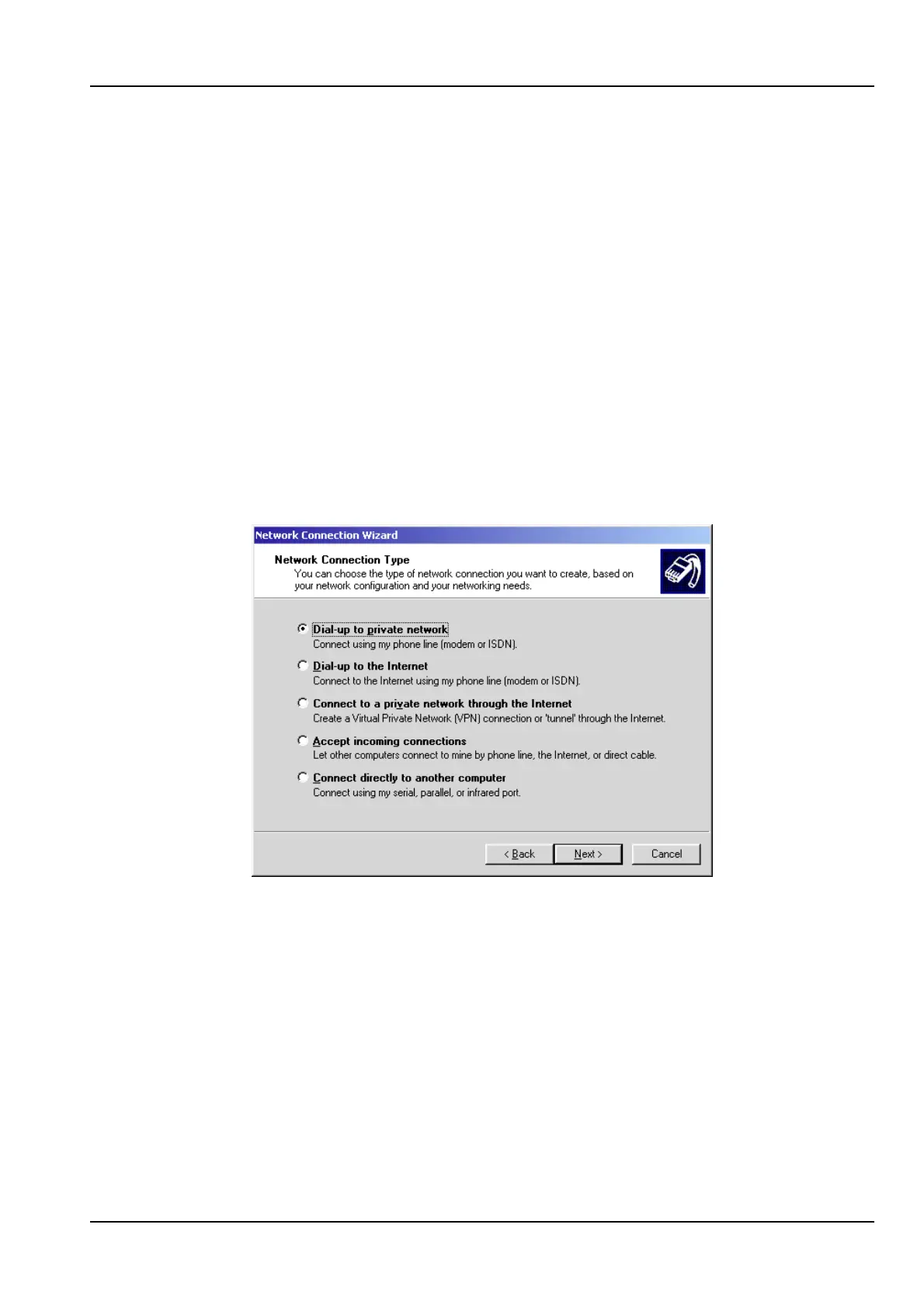
2. In the Network Connection Wizard, click Next.
3. Select Dial-up to private network. Click Next.



 To Next Page