Appendix F - Remote Access
Page 154 Acterna ANT-5
• Type a time zone in GMT+n or GMT-n format, depending on the relative
difference in time zones between your PC and the BN4565/01. For examples of
values for this variable, see page 149.
• Click OK, and exit the Control Panel.
9. A connection to an external power supply is advisable. Reboot the ANT-5, launch
the REMOTE application and leave on.
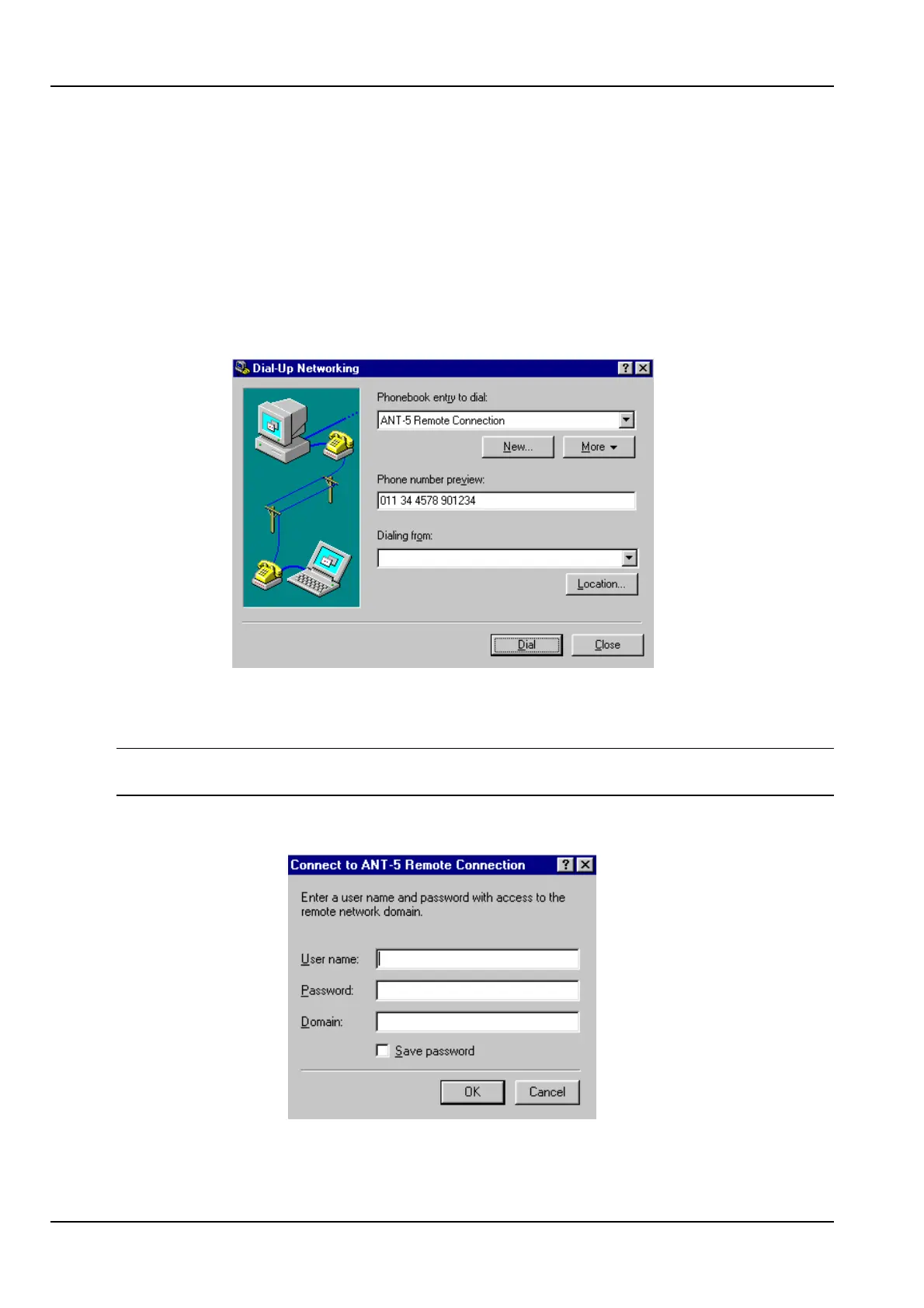
10. Click Dial from the next screen.
11. The modem will then dial out to the remotely located ANT-5 modem and establish
a connection.
Note: A password is not mandatory since the password facility of Windows Dial-up
Networking is not used by ANT-5.
12. Click OK to proceed.



 To Next Page