Getting started
Acterna ANT-5 Page 27
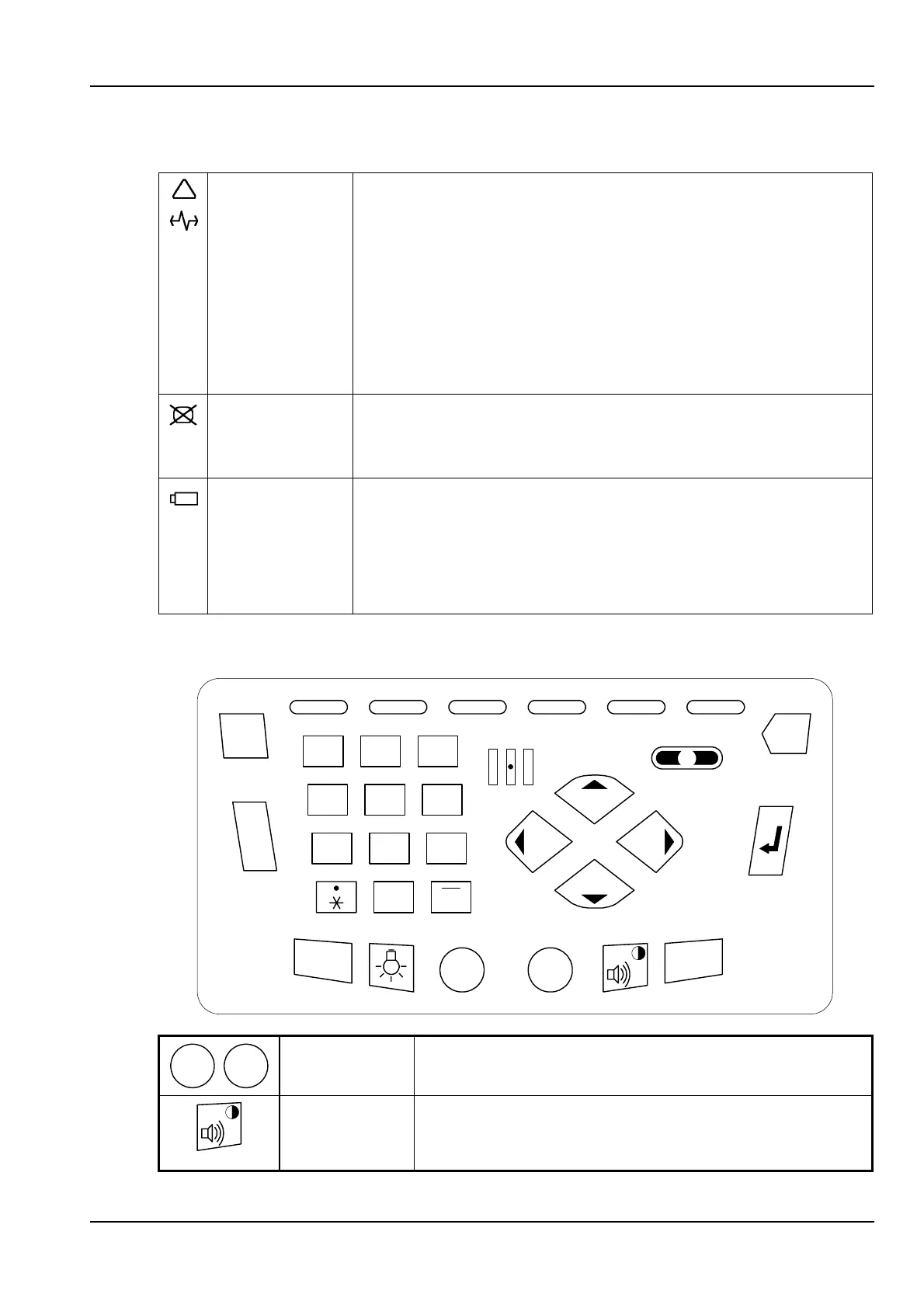
The four LEDs above the screen are used for general status information as follows:
Alarm LED
Signal LED
The non-latching Alarm and Signal LEDs are used by the
tester application to summarise the test status, even if the
screen has been blanked to save power.
The Signal LED will be green if there are no alarms or errors
to display on the on-screen LEDs. In this case the Alarm
LED will not be lit.
The Alarm LED will be red if one or more on-screen LEDs
are shown in red to indicate alarm or error conditions. In this
case the Signal LED will not be lit.
Screen LED Steady green indicates that the screen has been blanked to
save battery power. Press any key to restore the screen.
See Section 2.13, Power saving features.
Battery LED Green indicates that the ANT-5 is connected to an external
power supply. Flashing green indicates fast charge; steady
green indicates trickle charge.
Red indicates that the battery charge is low and an external
power supply should be connected as soon as possible.
2.6 Using the keyboard
i
1 2
ABC
3
DEF
4
GHI
5
JKL
6
MNO
7
PQRS
#
A
B
C
Esc
Alt
On Off
Menu
Del
9
WXYZ
8
TUV
0
SPACE
On
Off
On, Off keys Turn the ANT-5 on and off.
Beeper /
Contrast key
Turn the beeper on or off when the SDH Access
Tester application is running (for audible notification
when defects and anomalies are detected).



 To Next Page