Getting started
Page 28 Acterna ANT-5
Alt
+
Alt+ Beeper /
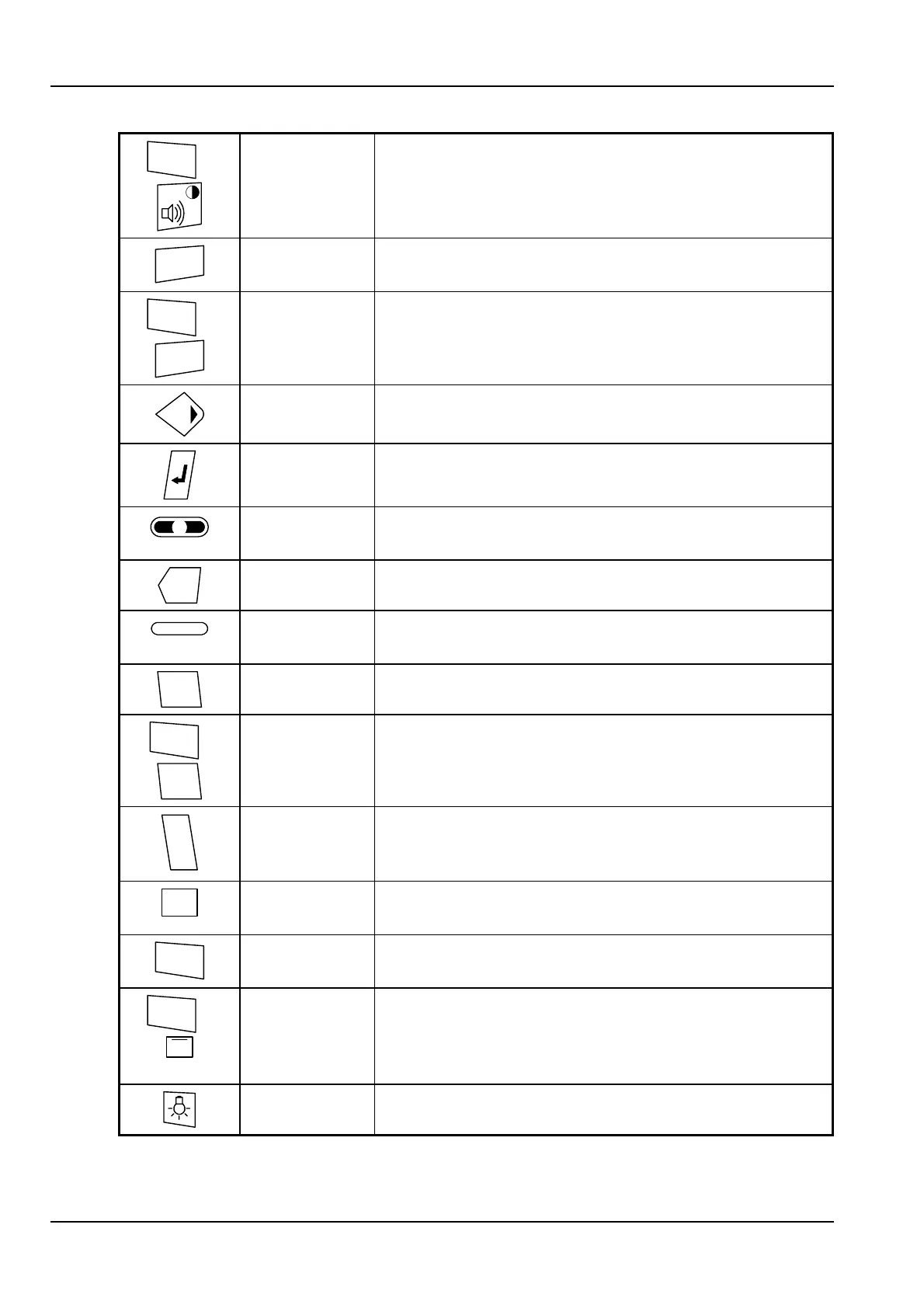
Contrast key
Press with the Alt key held down to display a scale
for adjusting the screen contrast.
Menu
Application
Menu key
Displays the application menu, or turns off the menu
if the menu is already displayed.
Alt
+
Menu
System
Menu key
Displays the system menu, or turns off the menu if
the menu is already displayed.
Directional
keys
The directional keys are used for moving around
screens and setup menus.
Enter key Accept the current selection or operation.
i
Information
key
Display some basic help or system information on the
screen. Clear this by pressing the Enter or Esc keys.
Del
Delete key Delete text (backspace).
Function keys The function keys are used by the tester application.
Active keys are labelled at the bottom of the screen.
Esc
Escape key Cancel the current selection or operation.
Alt
+
Esc
Alt+Escape Use Alt+Esc to switch between applications. See
Section 3.1.1, Switching .
A
B
C
ABC key The ABC key gives access to the alphabetic
characters on the number keys. Press once to toggle
between the modes.
2
ABC
Alphanumeric
keypad
Multipurpose telephone-style keypad. Refer to
Section 2.6.4, Using the alphanumeric keypad.
Alt
Alt key Extends the functions of the standard keys (see
above).
Alt
+
#
Alt+Hash Use Alt+Hash to save the current screen in a file or
send it to a printer on the serial port, depending on
the Screen Dump setting in the Printer section of
the System menu.
Backlight key Toggle the backlight between high and low level.



 To Next Page