The SDH Access Tester application
Acterna ANT-5 Page 43
4. The SDH Access Tester application
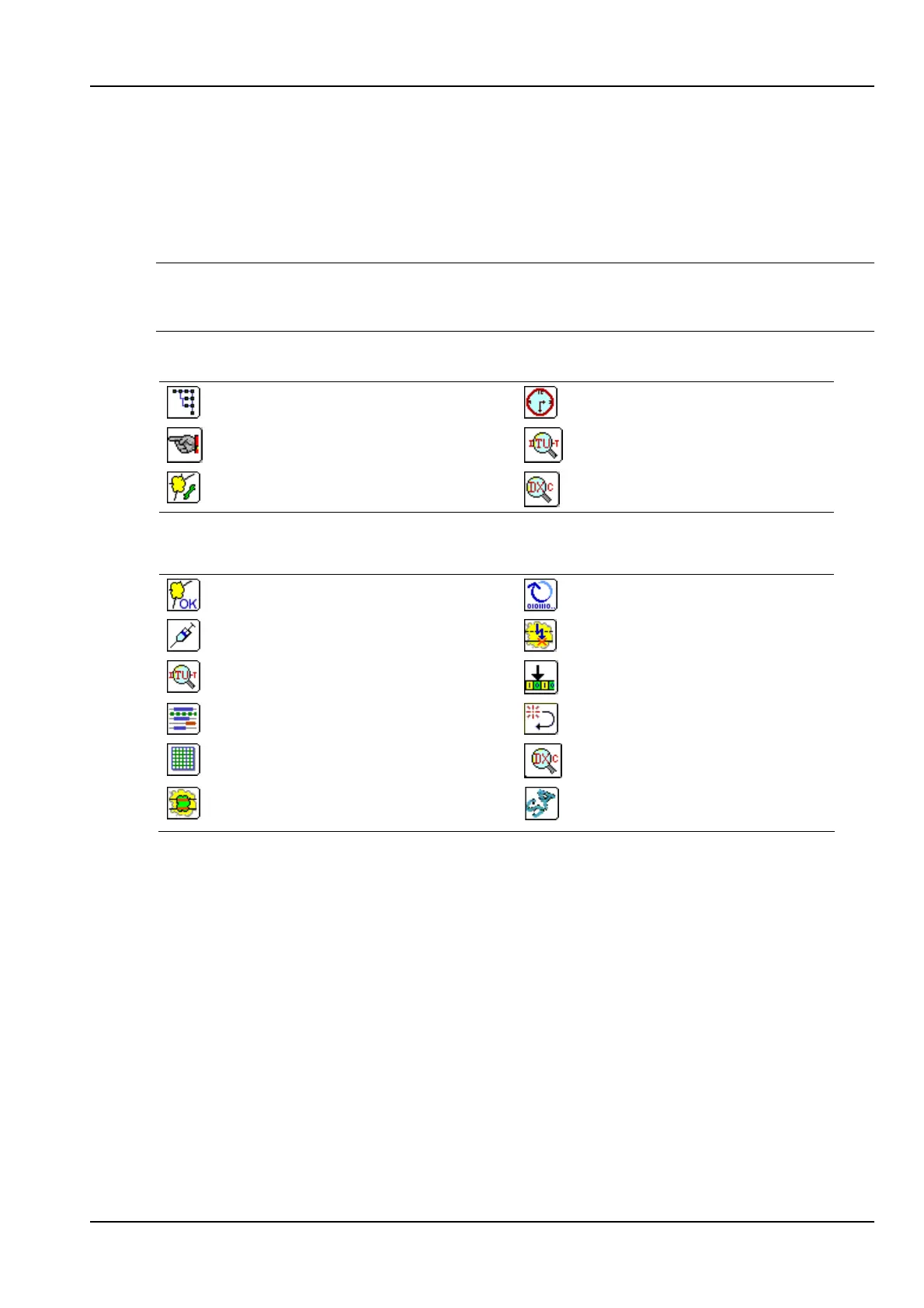
The SDH Access Tester application has two viewing modes called the Setup and
Result views. Each viewing mode has a number of tabbed pages associated with it as
shown in the table below.
Note: The tabbed pages for Performance Analysis, Repetitive BERT, APS, Delay and
Tributary Scan will only become available if the measurement is selected from the
Measurement Selection panel. See section 4.3 for further details.
Tabbed Setup pages
Signal Structure page
Measurement Timer Setup
Measurement Selection
Performance Analysis Setup
Overhead Setup
Tributary Scanning Setup
Tabbed Result pages
Results Summary page
Repetitive BERT page
Injection page
APS page
Performance Analysis results
Pointer Analysis page
Anomalies and Defects page
Round Trip Delay page
Overhead Analysis page
Tributary Scanning results
TCM results page
Sa bit sequence results
(requires PDH Mux option)
Table 1 – Tabbed pages for Setup and Result views
Each page can be accessed by using the directional keys to highlight its page tab.
Setup view allows the user to set up the interface and test parameters. If a test is not
running, the settings can be easily changed by moving around the screen with the
directional keys and selecting items with the Enter key. If a test is currently running
the setup pages can be viewed but not changed.
Results view allows the user to view the test results as a test is running or after it has
been stopped. Results view also provides facilities for injecting anomalies and defects
and selecting different displays of test results.



 To Next Page