Appendix F - Remote Access
Acterna ANT-5 Page 163
2. In the Systems > Comms > Ethernet menu of the ANT-5, edit the IP Address,
Subnet Mask and Gateway to those specified by the IT department and the
Transceiver to the network connection type.
3. A connection to an external power supply is advisable. Reboot the ANT-5, launch
the REMOTE application and leave on.
Note: As an example the connection to the network can be made via an Ethernet card
plugged into the PC Card slot. A static IP address will be required for the particular
MAC address of the PC card. Refer to section 2.8.1 for information on
communications configuration.
Refer to section 5.4.1, Software Installation and operation on using the GUI
faceplate.
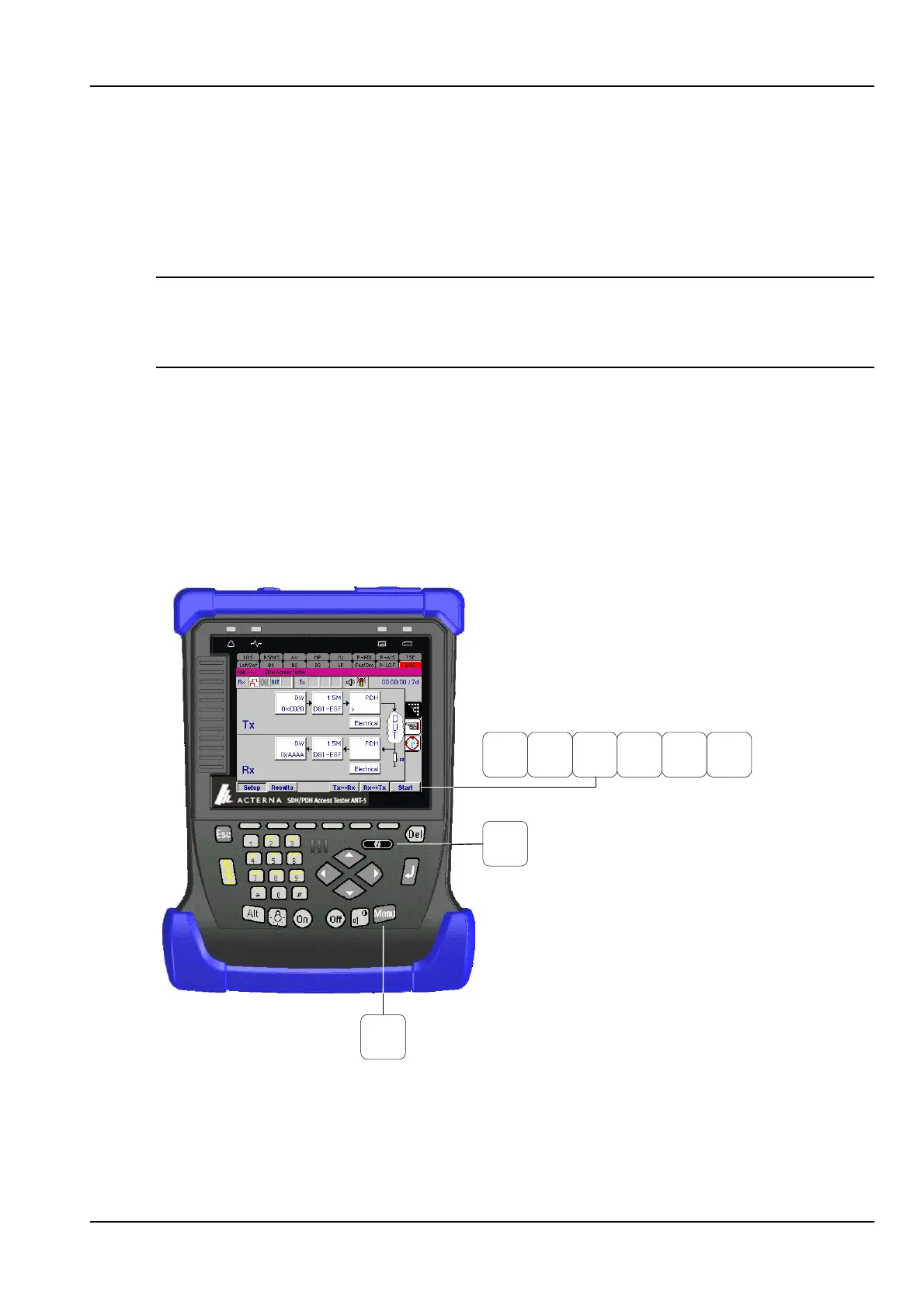
14.3 Keyboard equivalents
While working in remote mode, you can use your PC’s function keys to emulate
pressing various keys on the instrument. The following illustration shows the mapping
between function keys and instrument keys.
F9
F10
F1 F3 F6F4 F5F2
Function keys
Information key
Menu key



 To Next Page