The SDH Access Tester application
Acterna ANT-5 Page 67
The Inject firm key appears automatically in the Injection page. To allow injection
from any other page, users can view the Inject firm key by pressing the Alt button.
4.12 Performance Analysis Results
Note: The Performance Analysis results tab will become available if selected from
the Measurement Selection page. See Section 4.3 for further details.
The Performance Analysis results page enables the user to view the performance of
the device or system under test according to a range of standards. The standard
applied is selected in the Performance Analysis Setup page – See Section 4.7.
Note: The Performance Analysis results of any test are only valid in the context of
the setup which was used at the time that the test was run and the results were
recorded. It is not valid to use the Performance Analysis setup page to select a
different Analysis or Hierarchy type in order to view existing results without running a
new test.
4.12.1 Performance Analysis results display
Performance analysis is available for
a wide range of standards; see
Appendix E – Performance
Analysis Options for a list of the
options with additional details of the
measurement method for each option.
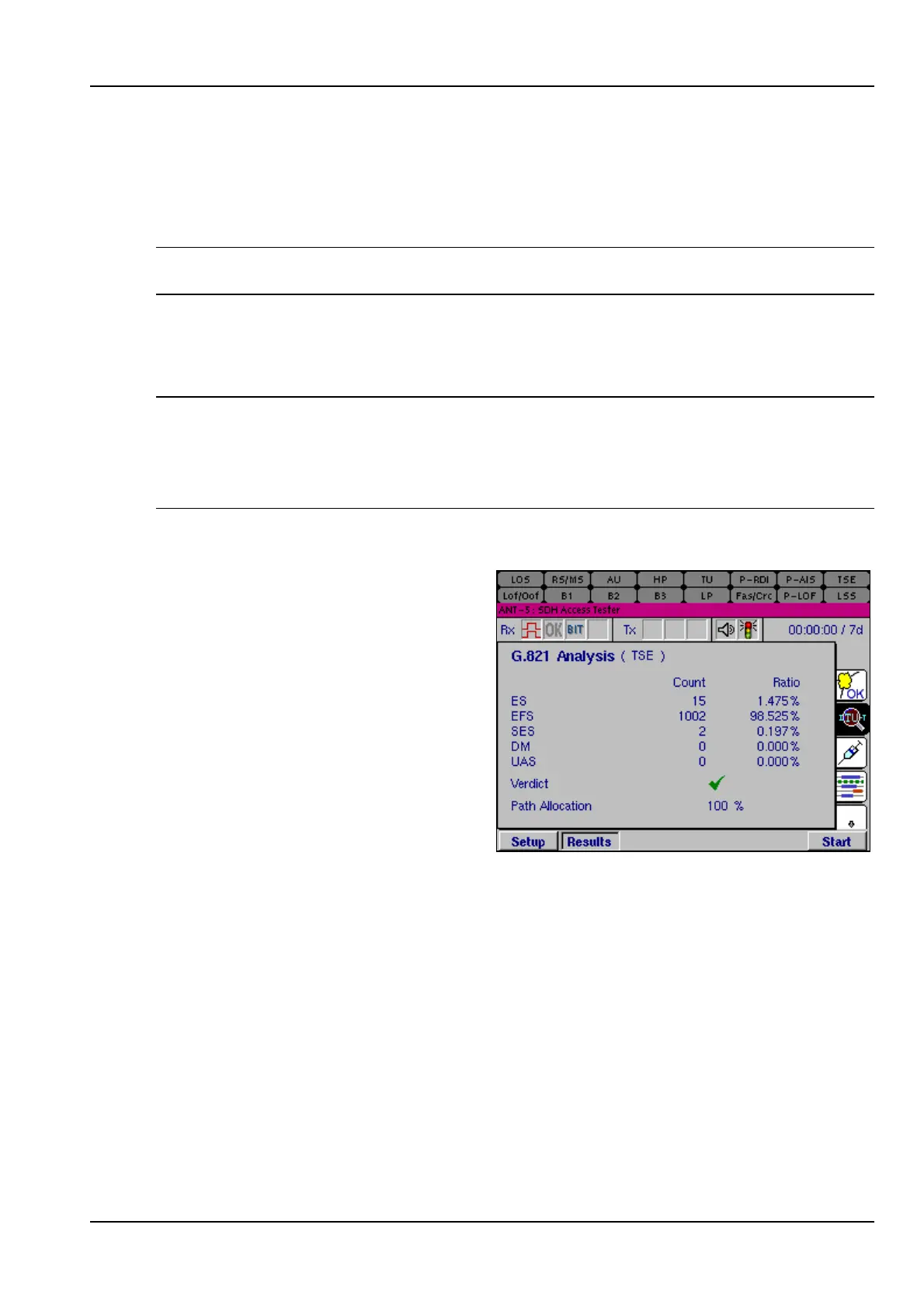
A separate analysis display is
available for each type of analysis that
can be selected, prior to running a
test. This screen displays the Analysis
standard and selected Hierarchy, and
will list all relevant results parameters,
in both absolute number of seconds
and also as a percentage of the total
test duration.



 To Next Page