Appendix F - Remote Access
Acterna ANT-5 Page 143
14. Appendix F - Remote Access
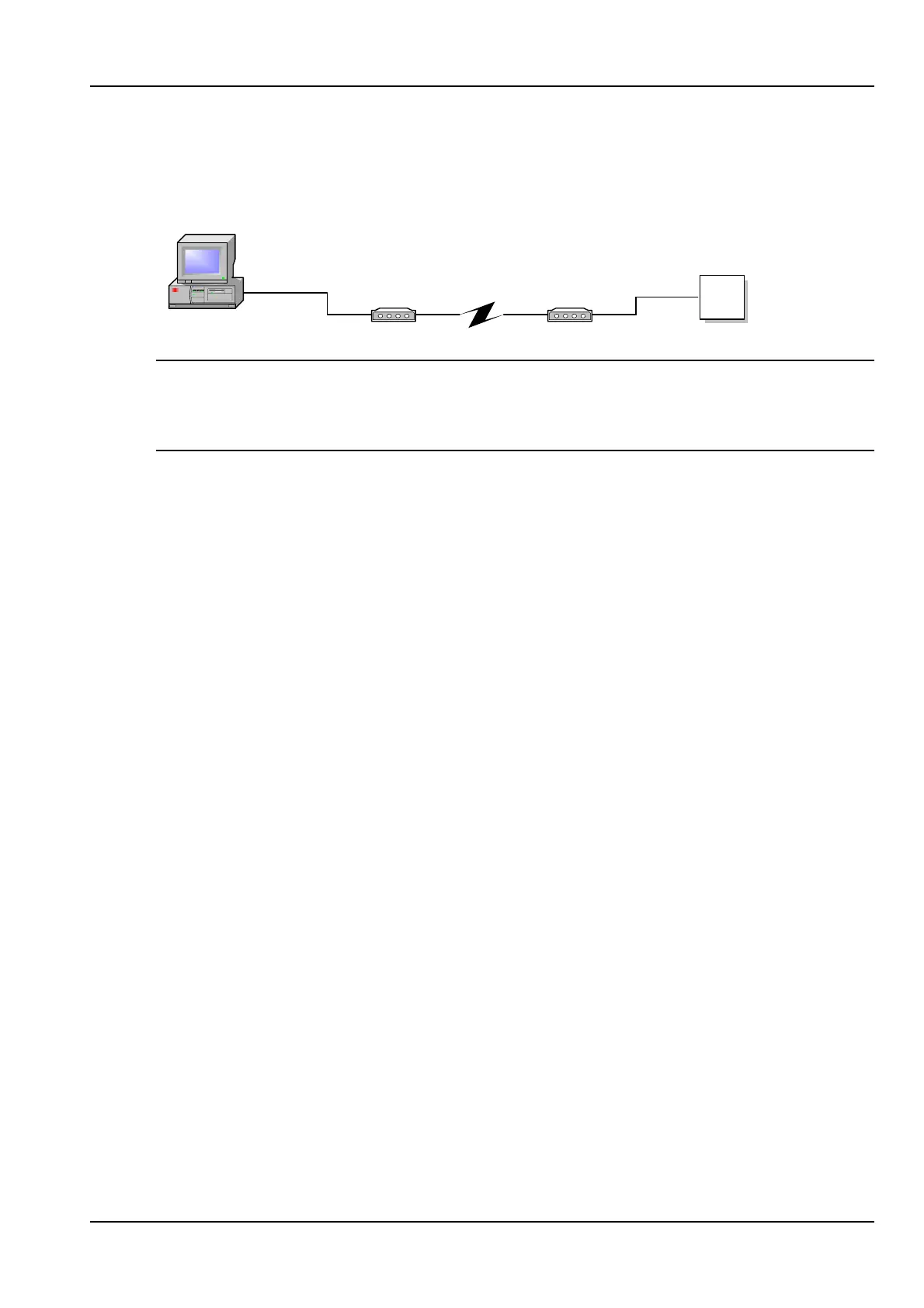
14.1 Remote Operation via a modem
Modem Modem
V24/PPP
ANT-5
V24/PPP
Host Computer
Note: Before setting up the modems make sure you are familiar with its features and
operation. This section is not exhaustive and other scenarios may be appropriate for
your operating system. Please ensure the serial cable is less than 3 metres from the
ANT-5 to the modem.
14.1.1 Setting up the remote ANT-5
The following is required and assumed to be working:
• Complete ANT-5 unit with all necessary cables.
• A modem connected to the Public Switched Telephone Network (PSTN) with a
serial cable to the ANT-5.
• A PC or device for sending commands down a serial cable.
1. Check the Baud Rate on the ANT-5 is 57600, by pressing Alt + Menu and
selecting Comms from the System menu.
2. Connect the modem to the PC/laptop using an appropriate serial cable.



 To Next Page