The SDH Access Tester application
Page 50 Acterna ANT-5
4.4.1 Hierarchy Setup Tx
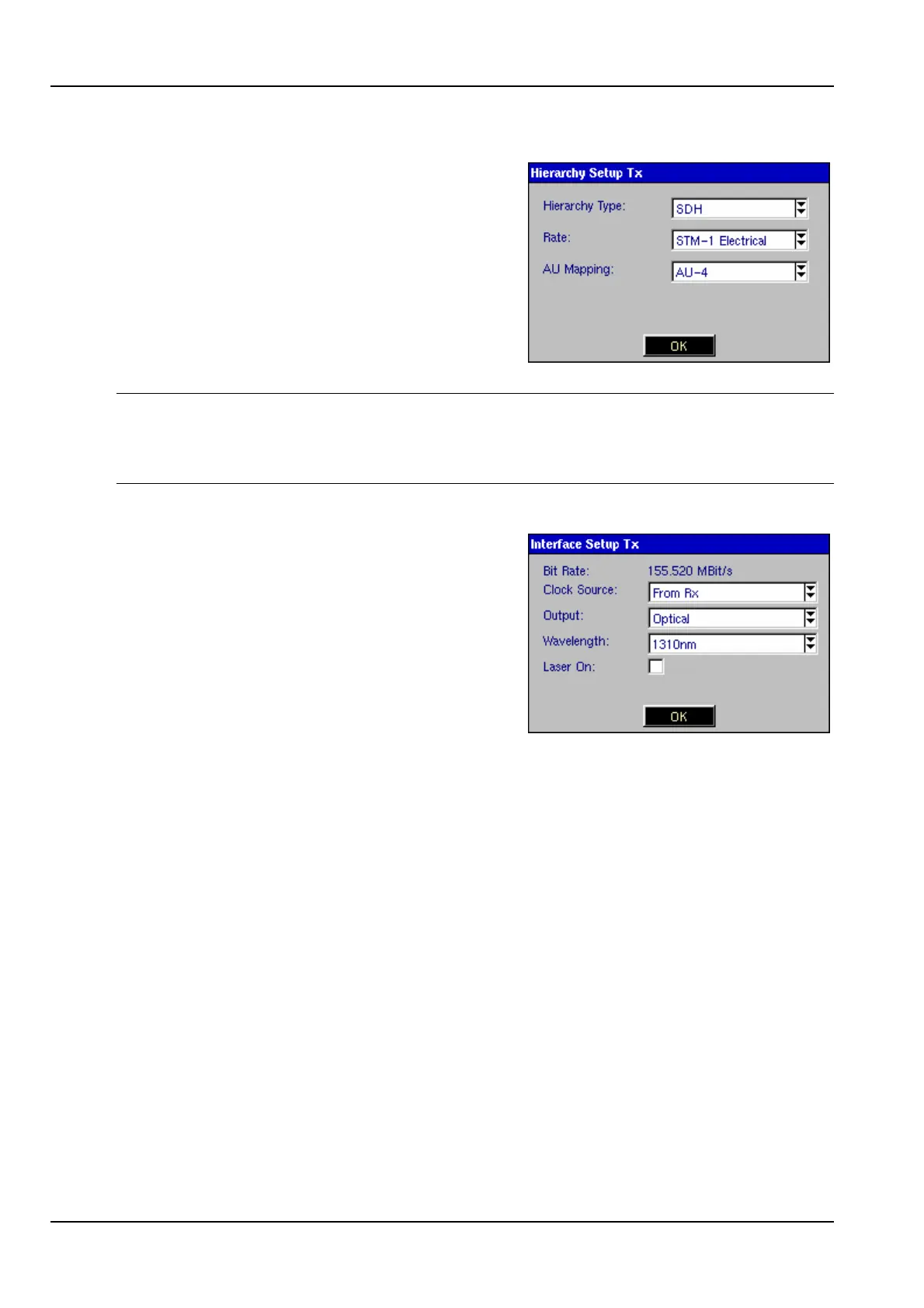
Selecting the Hierarchy element for the
transmit path opens the Hierarchy Setup Tx
panel, allowing either SDH or PDH framing
types to be selected.
If PDH is selected, the PDH line rate is
determined by the Bit Rate selected in the
PDH Setup screen.
Note 1: The optical Rate for STM-1, STM-4 and STM-16 are also selectable if the
options have been purchased and enabled.
Note 2: AU-3 Mapping will also become selectable if the option has been purchased
and enabled.
4.4.2 Interface Setup Tx
Selecting the Interface element for the transmit
path opens the Interface Setup Tx panel,
allowing electrical and optical options to be
selected.
Clock Source The transmitter Clock Source can be set to Internal, From Rx,
Ext. Data 2048kbit/s* or Ext. Clock 2MHz*. (* SDH only).
For the Internal setting, the clock for the transmitter is derived
from the internal 2048 kbit/s clock. For the From Rx setting, the
clock for the transmitter is derived from the Rx connector.
The Ext. Data 2048kbit/s and Ext. Clock 2048kHz settings are
only available if an SDH structure has been selected. For these
settings, the clock for the transmitter is synchronised to the
signal on the Ext. Clk connector.
Clock Offset The frequency offset of the received signal is the difference
between the received frequency and the expected frequency. All
network equipment (NE) can tolerate a certain amount of offset.
However, if the limits are exceeded a NE will fail to synchronise
to the received signal which will result in network errors.
Skewing the frequency is a standard test during installation to
ensure that an installed unit can tolerate the frequency offsets
occurring within the network.



 To Next Page