The SDH Access Tester application
Acterna ANT-5 Page 55
Line Code The Line Code setting automatically defaults to the setting
appropriate to the interface type:
Interface Line Code
SDH Optical NRZ
SDH Electrical CMI
E4 CMI
E1 & E3 HDB3
DS3 B3ZS
DS1 B8ZS
Sensitivity If the Electrical interface is selected, the sensitivity can be set
for ITU-T, PMP (Protected Monitor Point) or HIGH connections.
The PMP setting includes appropriate linear gain to compensate
for the attenuation at the protected monitor point. The electrical
interface will be terminated in either 75Ω (BNC) or 120Ω (RJ48).
See 9.4.3, for further information.
Pulse Shape HIGH or DSX can be selected as the pulse shape and is used
when testing PDH tributaries with a bit rate of 45M
Note: A HIGH pulse shape should not be confused with high
impedance.
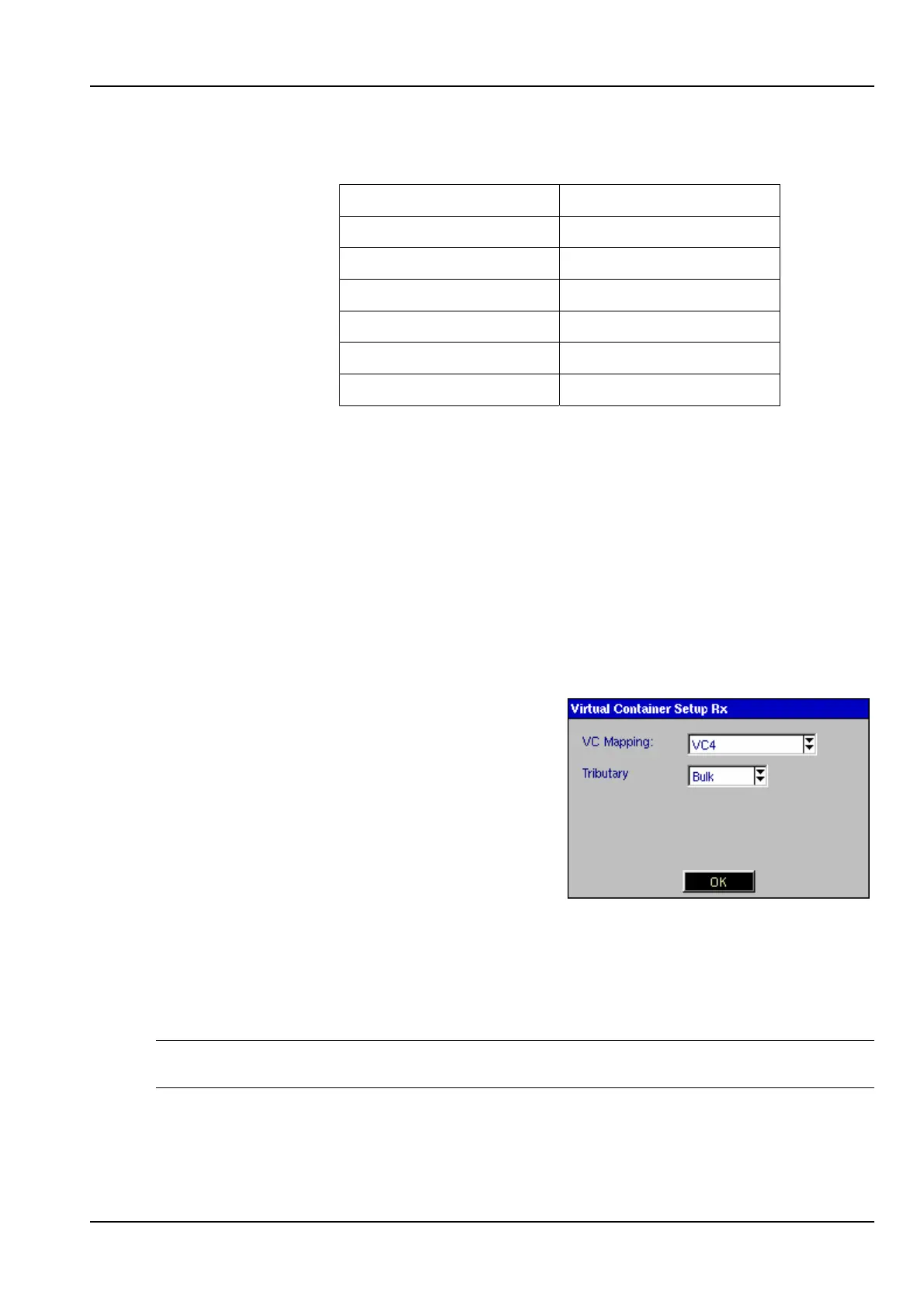
4.4.9 Virtual Container Setup Rx
Selecting the Virtual Container element for the
receive path opens the Virtual Container
Setup Rx panel, allowing SDH mapping
options to be selected.
This element will not be available if a PDH
interface has been selected.
Bulk should be selected as the Tributary if
bulk testing of the virtual container is required.
The test pattern will then be injected across the whole of the Virtual Container.
If testing within a PDH hierarchy is required, the PDH tributary should be selected.
The test pattern will then be injected into the selected SDH virtual container with the
selected PDH parameters.
Note: VC11/TU11 and VC11/TU12 will also become selectable if the option has been
purchased and enabled.



 To Next Page