The SDH Access Tester application
Acterna ANT-5 Page 53
numbers will automatically change to match the new VC. The table in Section 12.3,
SDH Tributary Numbering, gives the relationship between the VC numbers and TUG
numbers for the Tributary and Timeslot (ITU-T) numbering methods.
4.4.5 PDH Setup Tx
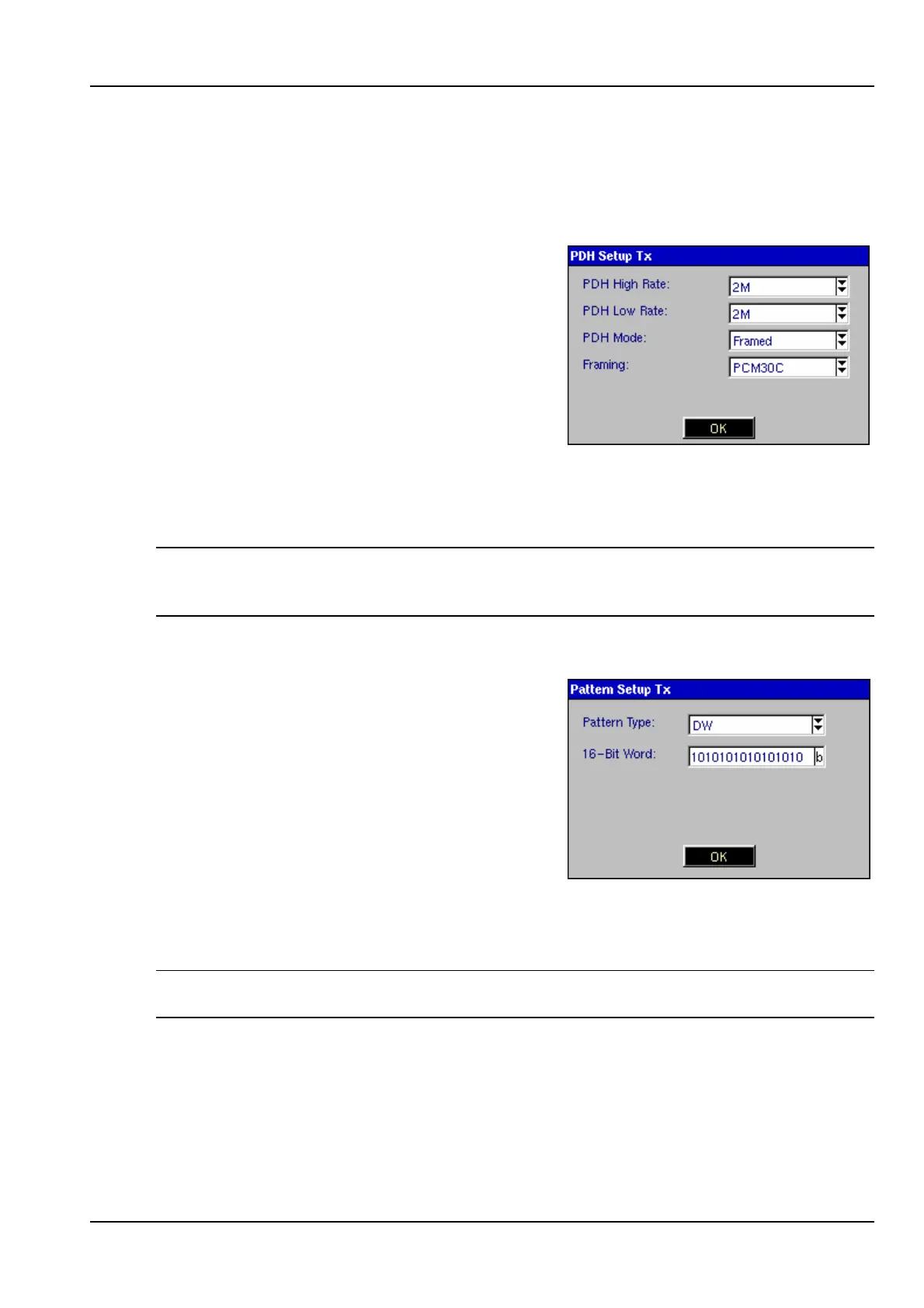
Selecting the PDH element for the transmitter
side opens the PDH Setup Tx panel, allowing
selection of the PDH parameters for the test
signal.
The test signal is either injected into the SDH
Virtual Container if an SDH line interface has
been selected, or is passed directly to the
PDH line interface if a PDH line interface has
been selected.
If Bulk has been selected as the Tributary in the SDH Virtual Container then the PDH
Setup Tx panel will not be available.
Note: If an SDH line interface has been selected, only bit rates and framing types
appropriate for the SDH configuration will be displayed as options within this panel.
PDH Low Rate is only applicable if Nx64 testing is required, See Section 4.21.
4.4.6 Pattern Setup Tx
Selecting the Patterns element for the transmit
path opens the Pattern Setup Tx panel,
allowing selection of the test pattern which will
be inserted into the SDH Tx channel or PDH
interface.
One pattern from a range of pattern types can
be selected, including the digital word pattern,
DW. If this is selected the content of the word
can be set up in the 16-Bit Word box which
appears below the Pattern Type selector. Inverted patterns are also available and are
indicated by an ‘I’ at the beginning of the pattern name, for example IPRBS23 is the
inverted form of the 2
23
-1 pattern, PRBS23.
Note: The pattern element will be greyed out if the round trip delay measurement has
been activated. See 4.20 for further information.



 To Next Page