The SDH Access Tester application
Page 52 Acterna ANT-5
Interface Line Code
DS1 B8ZS
4.4.3 Virtual Container Setup Tx
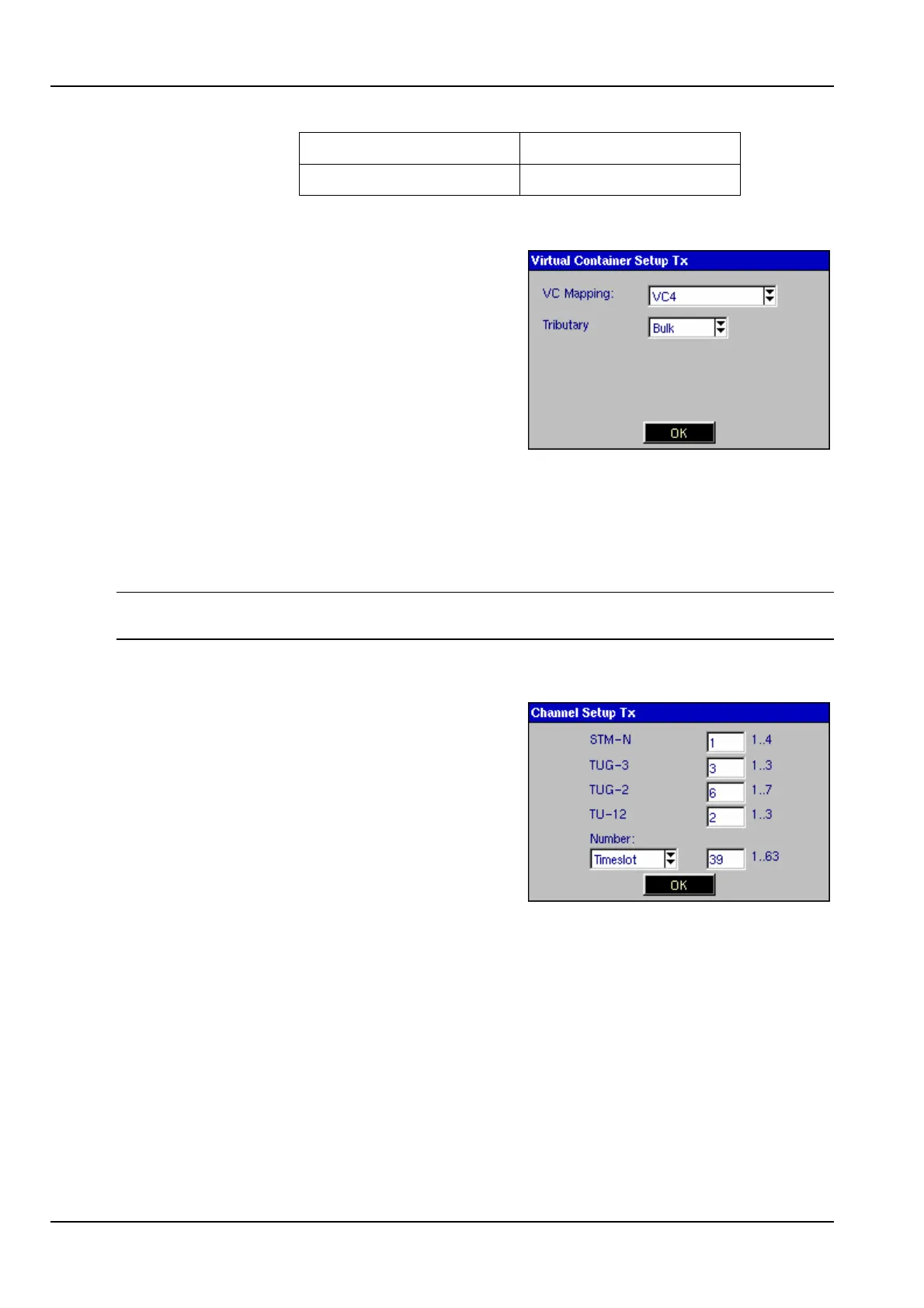
Selecting the Virtual Container element for the
transmit path opens the Virtual Container
Setup Tx panel, allowing SDH mapping
options to be selected.
This element will not be available if a PDH
interface has been selected.
Bulk should be selected as the Tributary if
bulk testing of the virtual container is required.
The test pattern will then be injected across the whole of the Virtual Container.
If testing within a PDH hierarchy is required, the PDH tributary should be selected.
The test pattern will then be injected into the selected SDH virtual container with the
selected PDH parameters.
Note: VC11/TU11 and VC11/TU12 will also become selectable if the option has been
purchased and enabled.
4.4.4 Channel Setup Tx
Selecting the Channel element for the
transmitter side opens the Channel Setup Tx
panel, allowing selection of the SDH tributary
channel which is to be tested.
This element will not be available if a PDH
interface has been selected.
The Tx channel is selected by entering the
discrete TUG and TU numbers for the channel
in the appropriate window. The availability of different TUG-3, TUG-2 and TU-12
groups for selection is dependent upon the SDH Virtual Container.
For example, if a VC-3 has been selected for a test, then only the TUG-3 parameter
can be adjusted, enabling selection of which TUG-3 within the VC-4 will carry the
VC-3 payload. Alternatively, if a VC-12 has been selected for a test, then the TUG-3,
TUG-2 and TU-12 can all be adjusted, enabling selection of which TU-12 will carry the
VC-12 payload.
As an alternative to selecting the discrete TUG and TU numbers, the corresponding
number of the Virtual Container can be selected. This is of benefit when setting up
VC-12s or other complicated mappings. On entering a VC number, the TUG and TU



 To Next Page