The Acterna ANT-5 operating system
Acterna ANT-5 Page 37
3. The Acterna ANT-5 operating system
3.1 Application launcher
The ANT-5 can have one or more software applications loaded, each of which will
have independent control over the configuration of the measurement hardware and its
own results collection, storage and presentation. The available applications are shown
as icons on the application launcher screen with the name of each application shown
below the icons.
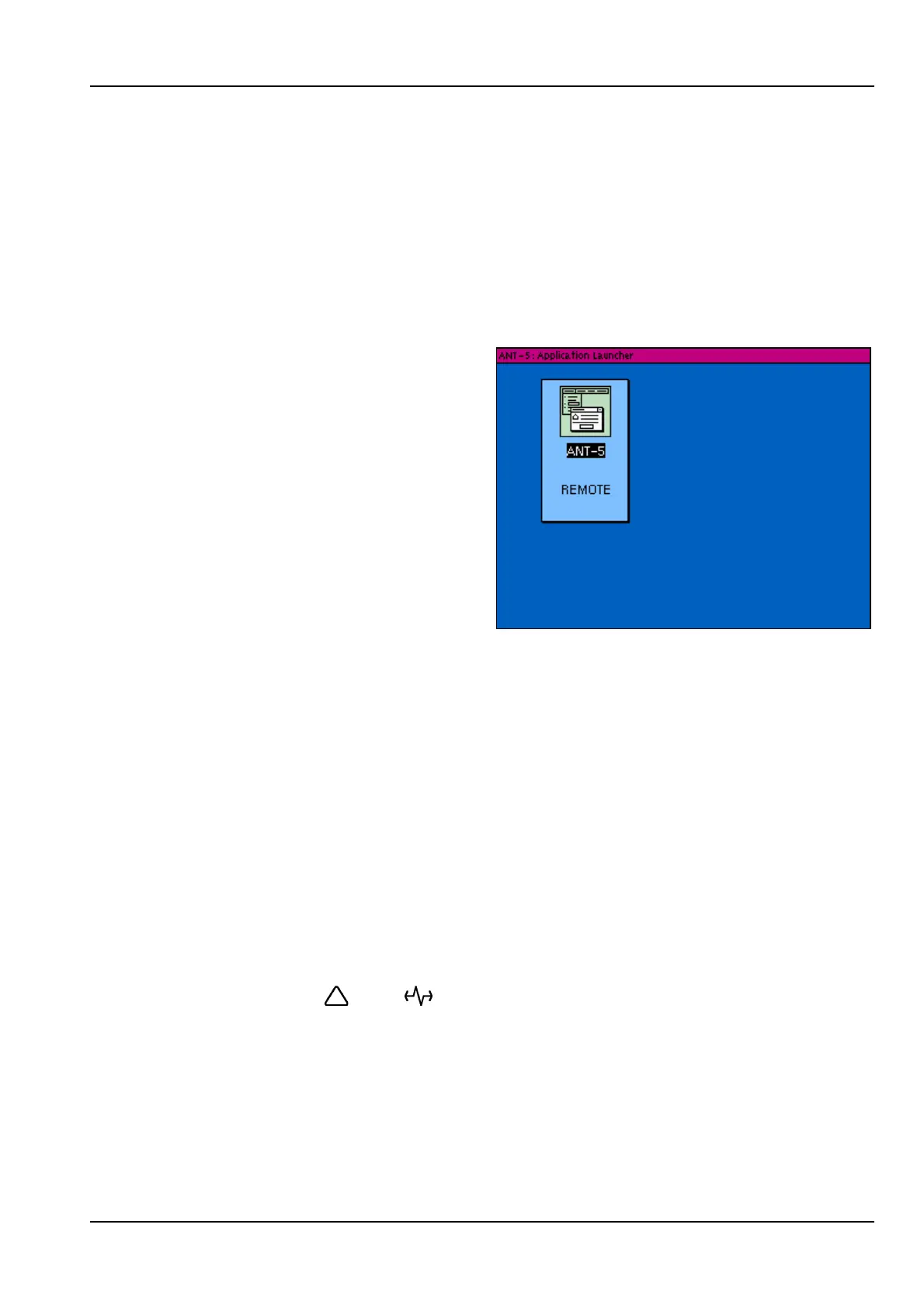
A typical application launcher screen
is shown here with the ANT-5 SDH
Access Tester application
represented by the ANT-5 icon.
To launch an application, use the
direction keys to highlight the name of
the application and then press Enter.
The application will be launched with
its last used configuration and the
application launcher screen will be
replaced by an application-specific
screen which will make use of the
whole screen area.
On terminating an application, the application launcher screen will be displayed again.
3.1.1 Switching to an ANT-5 system application
The file manager and application launcher are system applications which can be
displayed at any time, without closing the SDH Access Tester application, by pressing
Alt+Esc (press Esc whilst holding the Alt key down). This can be useful for changing
the ANT-5 setup parameters without interrupting a test.
Pressing Alt+Esc repeatedly will switch between the ANT-5 system and the tester
application in turn.
If a system application is using the screen whilst the tester application is running, the
tester application will continue to run in the background and will accumulate test
results as normal. In this state the test application will maintain its control of the Alarm
and Signal LEDs ( and ) and may also be able to maintain the on-screen
simulated LEDs (this will depend on the particular system application being displayed).
3.2 Using the file system and the File Manager
The ANT-5 provides an MS-DOS compatible file system with a hierarchical directory
structure which uses either a PC Card or a CompactFlash card as its storage medium.



 To Next Page