Asynchronous Transfer Mode – ATM
Acterna ANT-5 Page 105
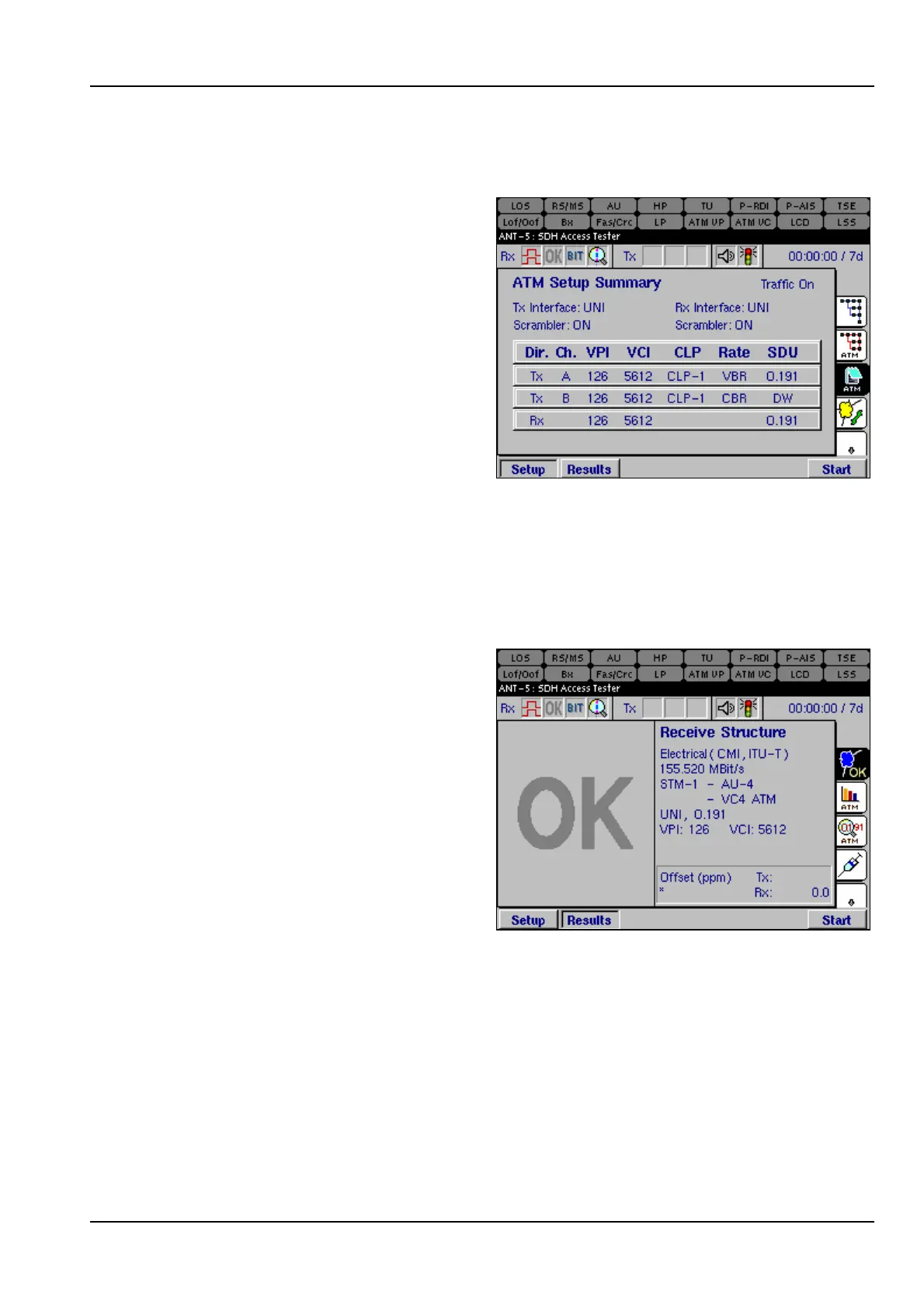
6.7 ATM Setup Summary
The ATM Setup Summary page
displays the parameters that have
been selected for testing.
6.8 ATM Results
The results screens are selected by pressing the Results function key.
6.8.1 Results Summary
The left half of the screen displays the
large OK, as long as there are no
defects or anomalies recorded. If any
defects or anomalies occur during a
test, the large OK is replaced by a list
of continually updated defects and
anomalies that have been detected by
the instrument during the test.



 To Next Page