The SDH Access Tester application
Acterna ANT-5 Page 81
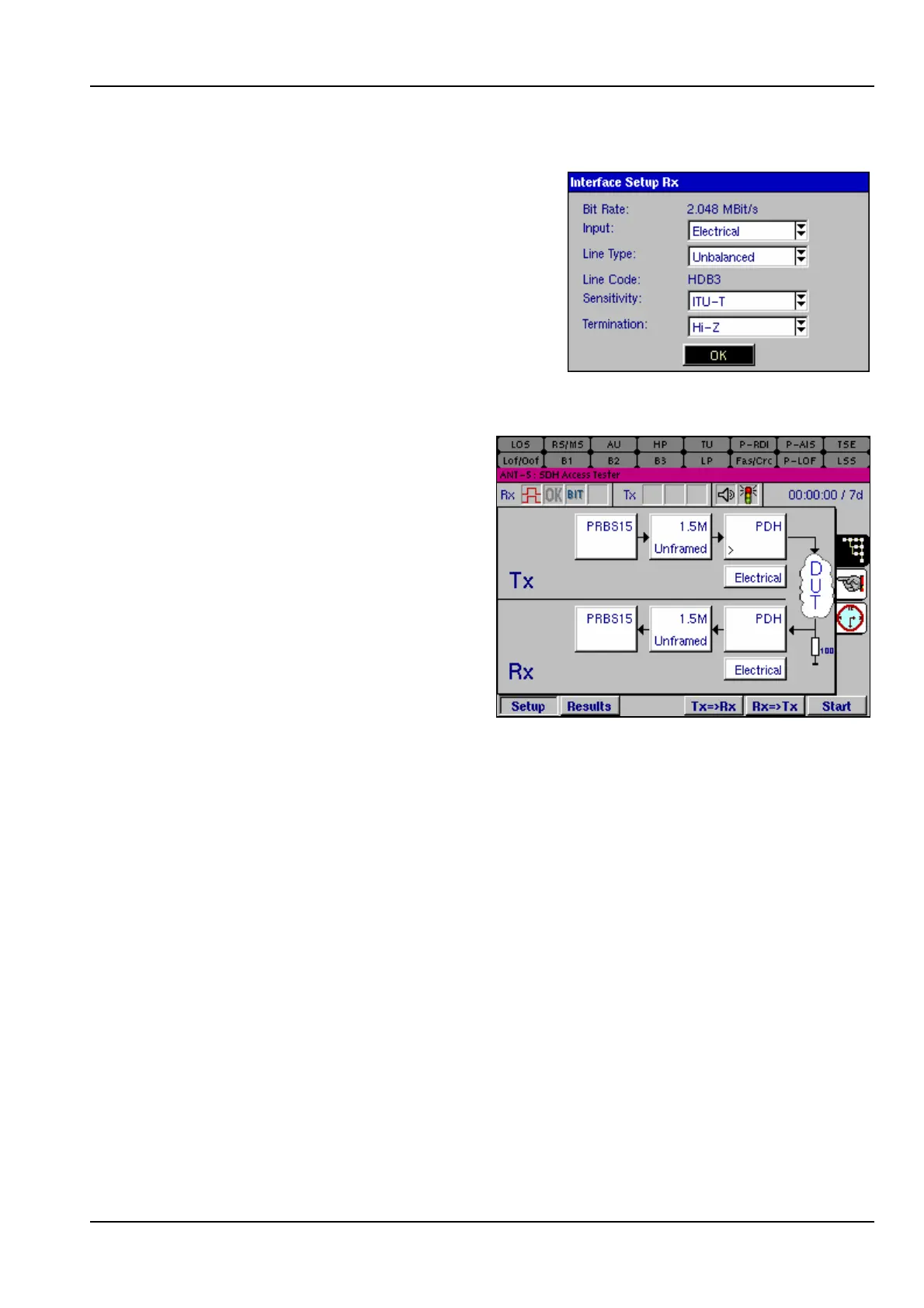
4.22.4 E1 Hi-Z input
A high input impedance setting for the E1 port
enables E1 signals to be monitored without a
PMP.
4.22.5 Testing PDH T1 Interfaces
For BN4565/03 units an appropriate
cable can test T1 ANSI based
tributaries, as illustrated in this
graphic.
4.23 Saving and exporting results and setups.
Pressing the Menu key and selecting File provides a drop-down menu which can be
used to Open, Save and Export configuration data and results and to Print results to
the serial port. Selecting Options from the Tools menu shows the Current options
installed. This area is also used to Install and Uninstall features as required. The
Help Menu provides access to application information features.
File > Open >
Configuration
Select this option to load an instrument configuration into the
ANT-5, which has previously been saved either to a card or to the
ANT-5 RAM. The file window will list all valid configuration files on
either the card if it is inserted, or in the ANT-5 RAM, along with
their date and time of creation and a brief description.



 To Next Page