The SDH Access Tester application
Page 86 Acterna ANT-5
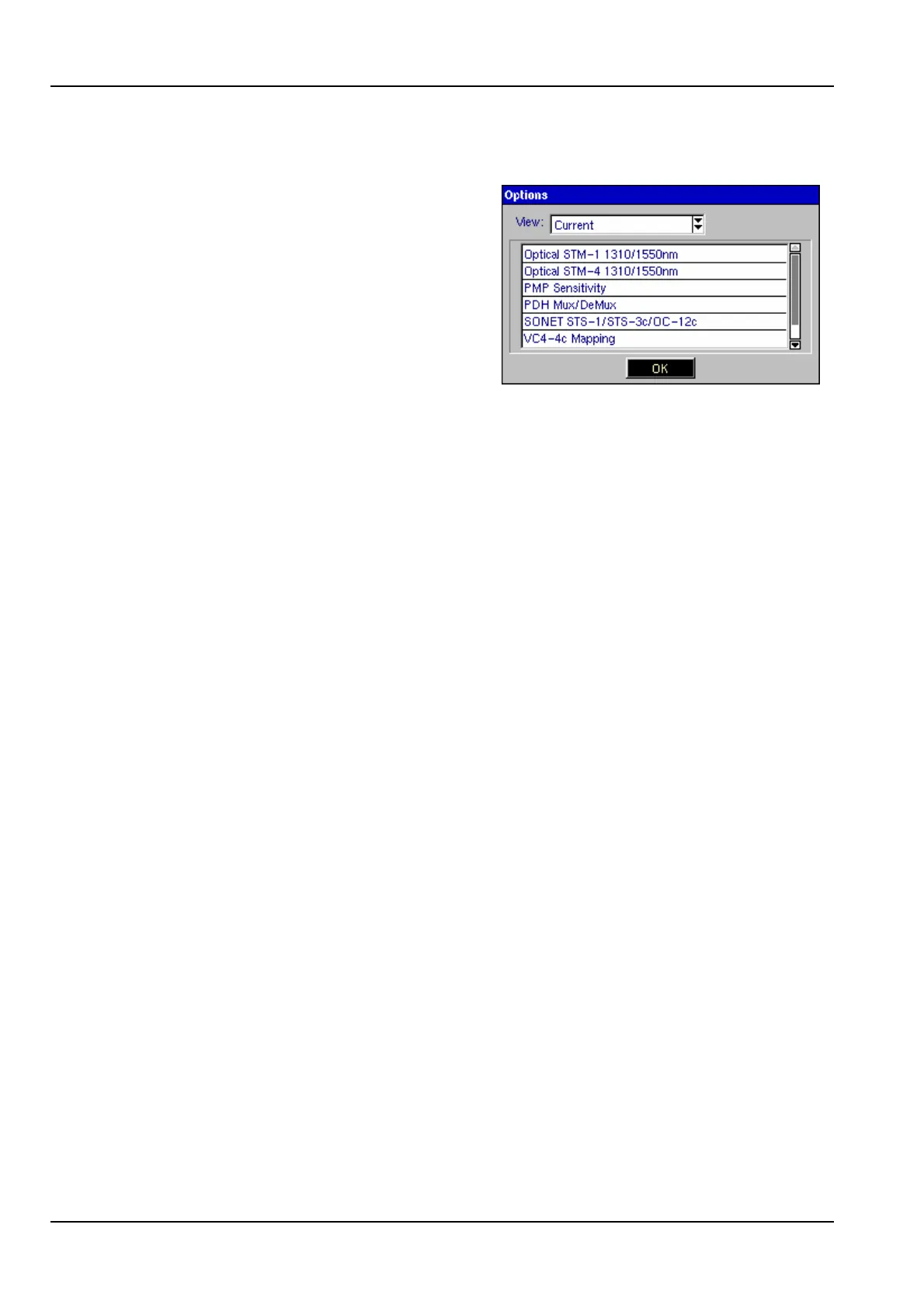
4.26 Installed options
Options currently installed can be displayed
by pressing the Menu key from within the
ANT-5 application, and selecting Options
from the Tools menu. This screen is also
used to install and uninstall options, See
Section 5.1 Installing options for further
details.



 To Next Page