The SDH Access Tester application
Page 72 Acterna ANT-5
4.14.1 Summary View
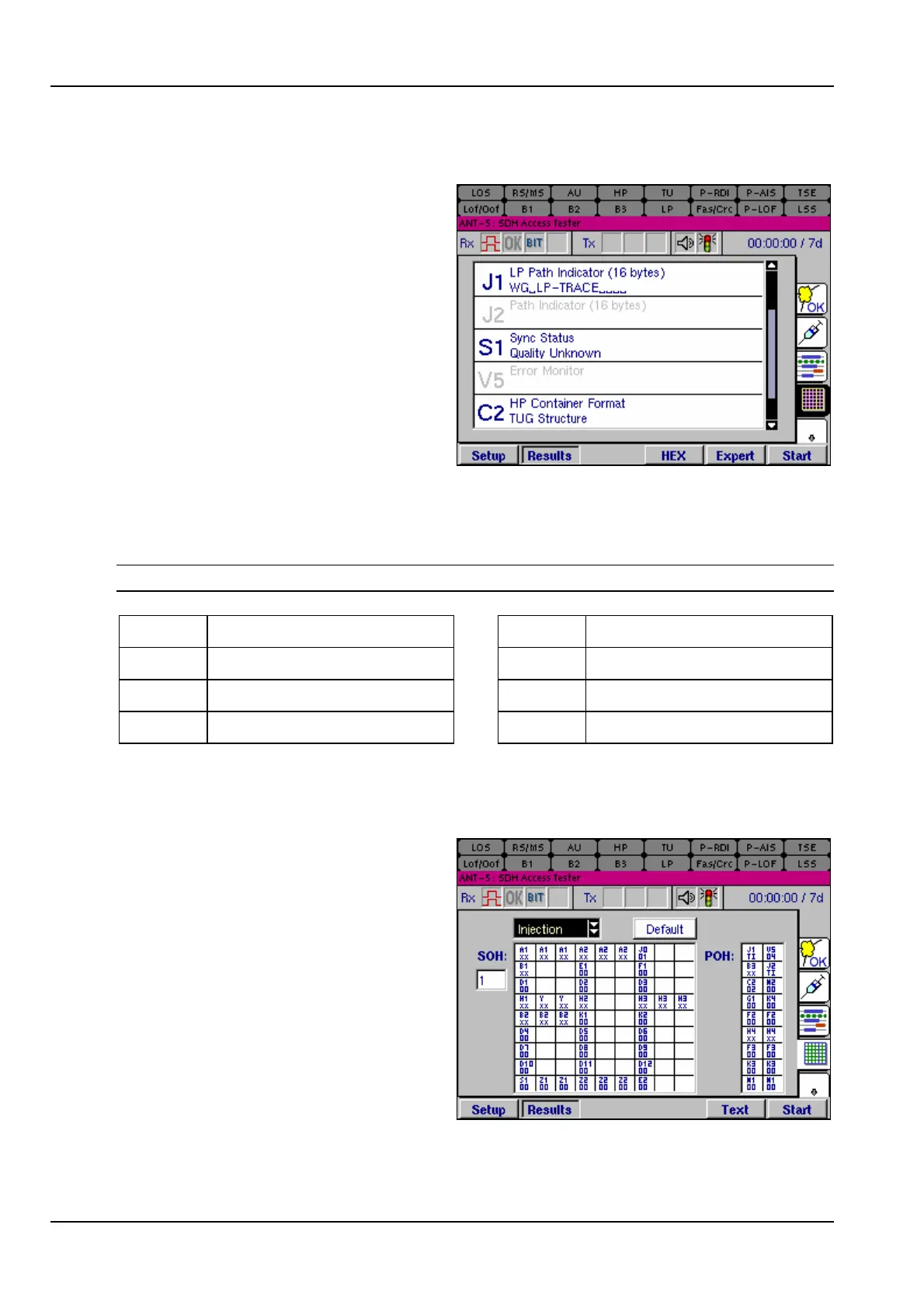
In the Summary View, the overhead
bytes can be displayed and scrolled
using the method described below:
1. Toggle the function key Text /
Expert to select the summary
view.
2. Use the directional keys to
highlight the summary section.
3. Press the Enter key to activate the
timeline section; in this state the
scroll bar will be highlighted as
shown.
4. Use the directional keys to scroll
vertically through the frame.
5. Press HEX to display hexadecimal strings.
6. Press the Esc key to deactivate the list section. Use the directional keys to move
to another part of the screen.
Note: Bytes not used in the current test will be greyed out.
J0 Trace 0 S1 Sync Status
J1 (HP) Trace 1 V5 Error Monitor
J1 (LP) Trace 1 C2 (HP) Container Format
J2 Trace 2 C2 (LP) Container Format
Table 3 – Overhead bytes which can be displayed in Summary View
4.14.2 Expert View
In Expert View, a pair of tables
representing the complete contents of
the overhead structure are displayed.
The tables can be viewed in either
Analysis mode or Injection mode.
If the Rate is set to STM-4, a
numerical entry box will be available
to select the channel.
In Analysis mode, the received
section and path overhead bytes
(SOH & POH) are displayed, and are
continually updated every second. In
Injection mode, the transmitted SOH & POH bytes are displayed.



 To Next Page