Troubleshooting
Acterna ANT-5 Page 111
7. Troubleshooting
7.1 Self-test failure
7.1.1 BN 4565/01 Series
When the ANT-5 is switched on, it automatically runs a self-test procedure and lights
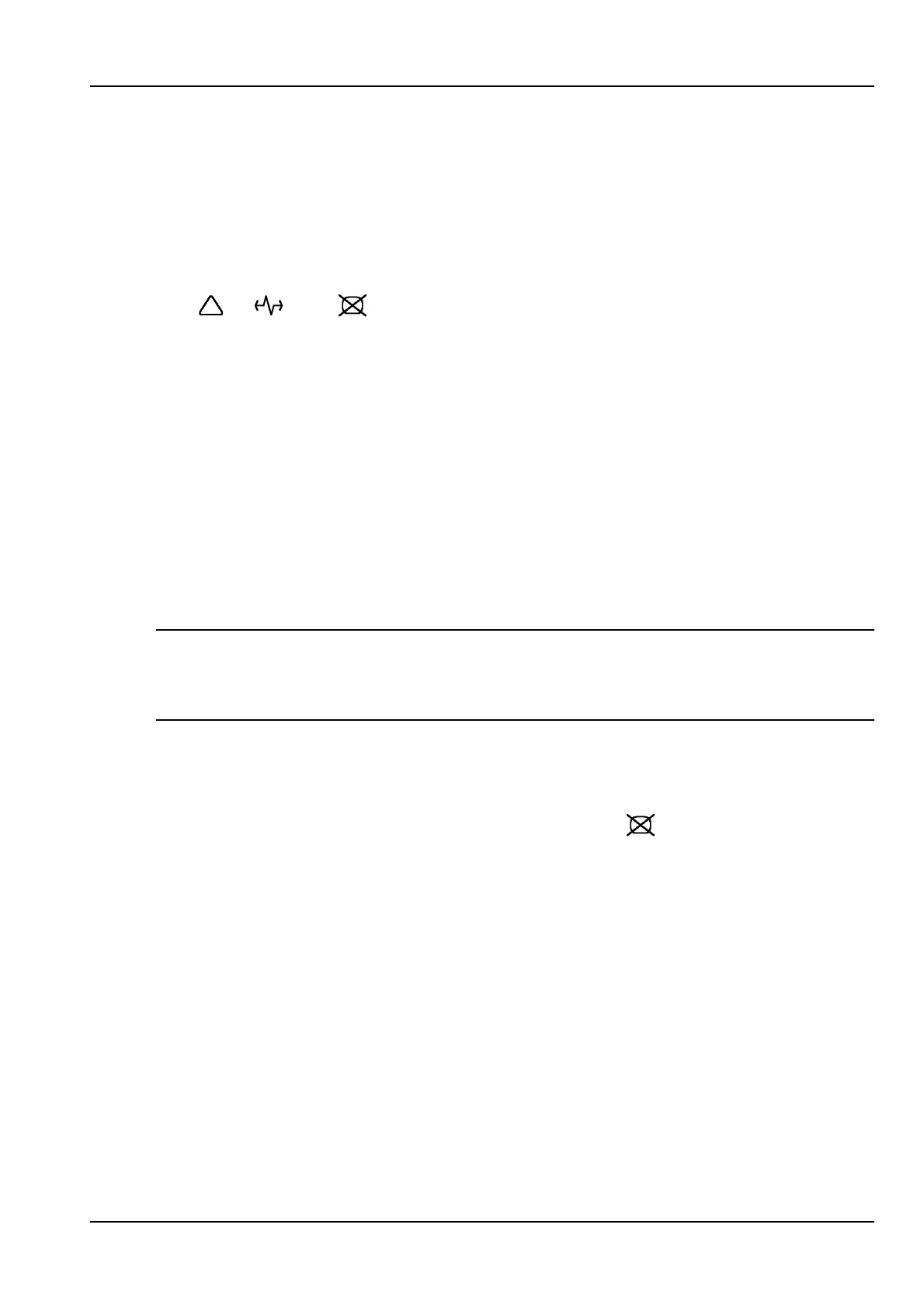
the , and LEDs above the screen in a sequence of colours which
indicates the progress through the self-test. If the tests fail at any point, there will be a
series of beeps and the static pattern on the LEDs will remain visible to assist in fault
diagnosis. The Off key will then be the only working key available. If a self-test failure
occurs, it is unlikely that the user will be able to correct the fault or continue to use the
ANT-5 successfully. If the progress bar stalls at any point please refer to Section 8,
Customer support, and contact the nearest Acterna Sales Office or Technical
Assistance Centre.
7.1.2 BN 4565/02 onwards
When the ANT-5 is switched on, it automatically runs a self-test sequence which runs
from left to right across the screen and indicates the progress through the test. If the
progress bar stalls at any point please refer to Section 8, Customer support, and
contact the nearest Acterna Sales Office or Technical Assistance Centre.
Note: When the battery charge is very low, it may be possible for the ANT-5 to switch
on but fail to complete its self-test procedure before automatically switching off due to
the low battery. This is not a self-test failure and can be corrected by charging the
battery.
7.2 No screen image
If the screen shows no image and no backlight, it may have turned itself off in order to
save battery power. If this is the case the screen LED (
) should be on to indicate
that the screen has been blanked. The full screen display can be restored by pressing
any key. See Section 2.13, Power saving features.
If the screen shows no image with the backlight on, it is possible that the LCD contrast
needs adjustment. See Section 2.6.1, Adjusting the screen contrast.
7.3 No beep when the storage card is inserted
If the ANT-5 does not beep when a storage card is inserted, then the following should
be checked:
• The card is firmly inserted and correctly seated in the slot.



 To Next Page