Appendix F - Remote Access
Acterna ANT-5 Page 145
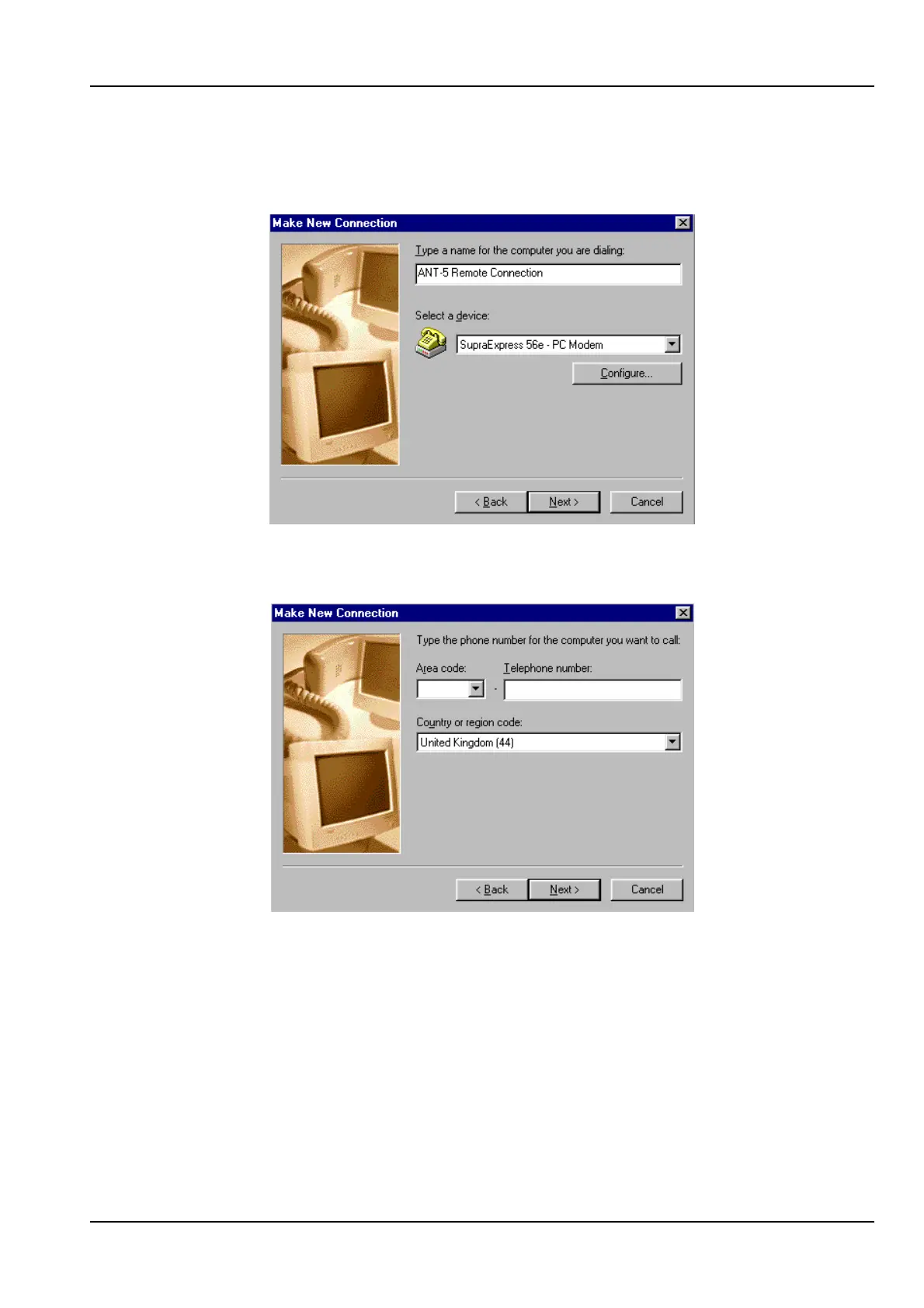
1. In Dial-Up Networking under My Computer double click on Make New
Connection. Type in a connection name and select the modem to be used and
select Next.
2. Type in the phone number of the remote ANT-5, select Next and select Finish in
the next frame.
3. From the newly created connection (e.g. ANT-5 Remote Connection) right click
and select Properties.



 To Next Page